


GlitchGamer
Members
-
Joined
-
Last visited
Everything posted by GlitchGamer
-
 @Deputy Rourke <Item> <parent>vehshare_truck</parent> <child>!NAME OF VEHICLE FILE!</child> </Item> That will work for the interior. <Item> <parent>vehshare_truck</parent> <child>ladder32</child> </Item>
- 53 comments
- 7 reviews
-
I believe its vehicle_truck_interior or vehicle_truck . When I get home, I will let you know for sure. @Deputy Rourke
- 53 comments
- 7 reviews
-
-
It works, I just forget how to fix that open iv thing. It's been a while since I've missed. The livery works in game
- 53 comments
- 7 reviews
-
Carcol is not the same as carvariations. It controls stock GTA v lighting. And you do not need either, but it is recommended as ELS will be dimmer.
- 53 comments
- 7 reviews
-
-

- 1
-
-
My models WIP.
-
 Roto-Ray
-
 Roto-Ray
-
 Roto-Ray
-
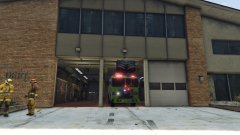 Roto-Ray
-
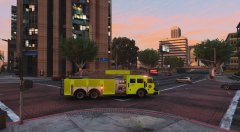 MTL Bottle Nose (Quint)
-
 MTL Bottle Nose (Quint)
-
 MTL Bottle Nose (Quint)
-
 MTL Bottle Nose (Quint) and Tanker
-
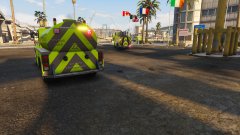 MTL Bottle Nose (Quint) and Tanker
-
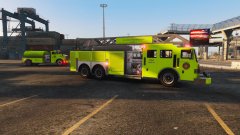 MTL Bottle Nose (Quint) and Tanker
-
 MTL Bottle Nose (Quint)
-
 MTL Bottle Nose (Quint)
-
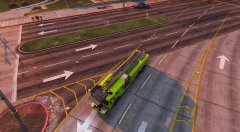 MTL Bottle Nose (Quint)
-
 MTL Ladder Truck-Bottle Nose Edition
-
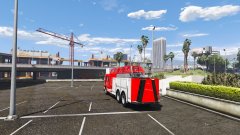 MTL Ladder Truck-Bottle Nose Edition
-
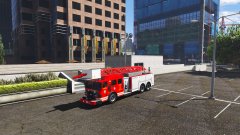 MTL Ladder Truck-Bottle Nose Edition
-
 MTL Ladder Truck-Bottle Nose Edition
-
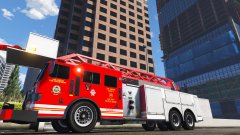 MTL Ladder Truck-Bottle Nose Edition
-
 MTL Ladder Truck-Bottle Nose Edition
-
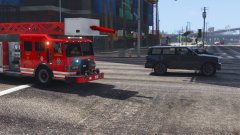 MTL Ladder Truck-Bottle Nose Edition
-
-
From the album: Nick's WIP
Roto-Ray -
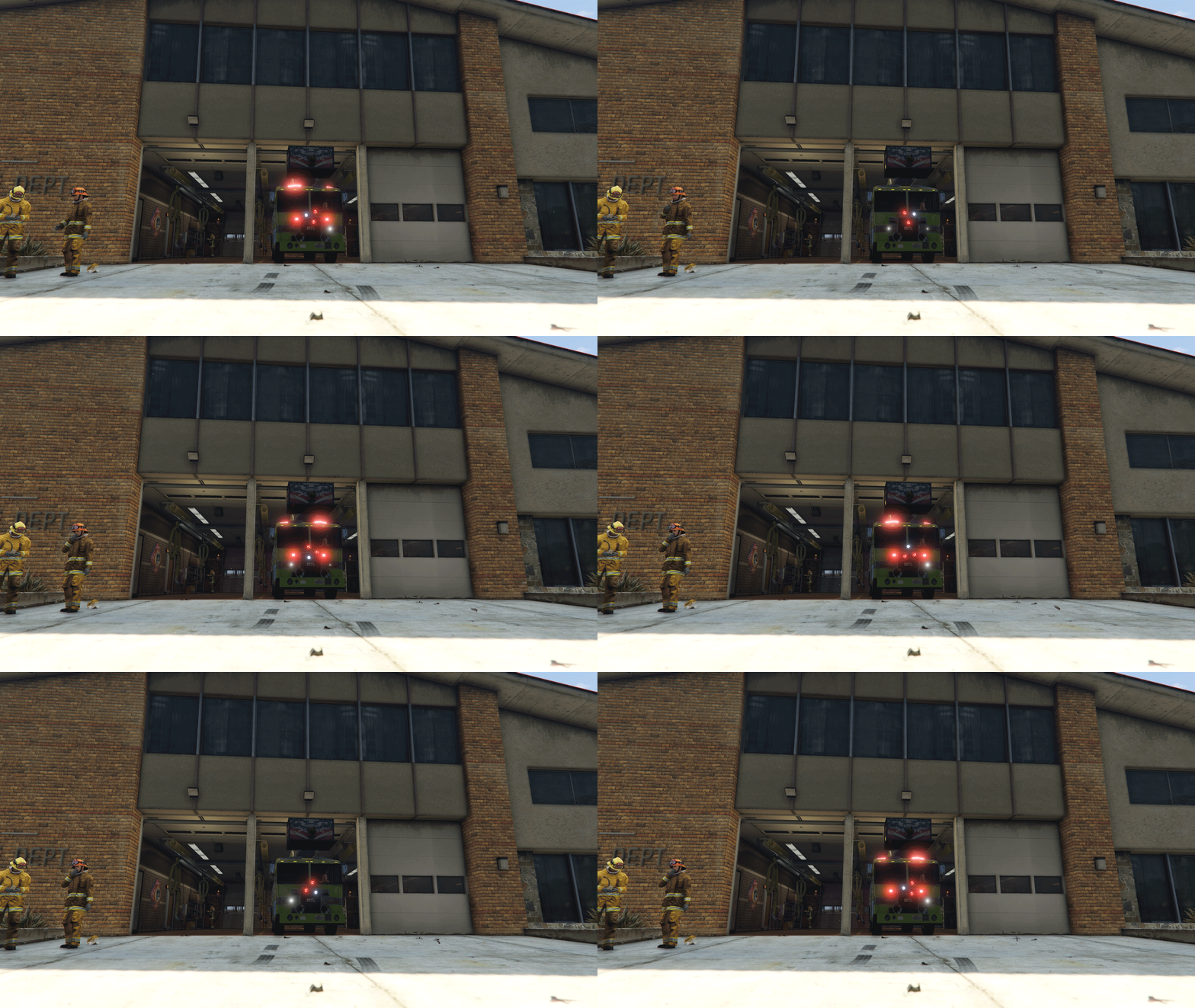
How does the radar work? Can axis rotation be for any axis? Like if I wanted something to rotate the Y for one model, but X for another could i?This stuff is awesome and can't wait to see more development!Future for this model Different ladder variations Touch up on textures and model Support for other ladder control mods Will be adding lighting such as flood lights Is locked at the moment, but will be unlocked once I finish the model completely
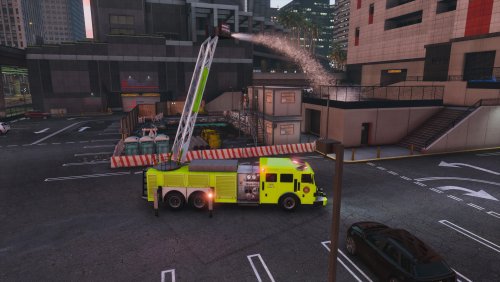
MTL Botlle Nose Ladder 15EX Truck By Glitch Gamer Los Santos Fire Department debuts their new ladder truck! The MTL Bottle-Nose Ladder 15EX comes equipped with the capability of fighting fires in some of the larger buildings. This truck is one variation of truck LSFD has ordered and will be recieving more! Check out LSFD's Showcase video. -This Ladder truck was made all by Glitch Gamer. -Install files in the latest directory. -Uses Firetruck lighting and ELS lighting, so if you do add it on be sure to set the ID for firetruck. -Is locked at the moment, but will be unlocked once I finish the model completely. -Will be adding lighting such as flood lights. -Script is by Alexguirre, so truck is just a model and ladder will not move without his script. -Do not ask me for his script, he will release it when he is ready. -Optional Carcol file which adds ambient lighting to the lights that are from the default lighting. -Will make version compatible with other ladder control mods in future updates. -If you add on the vehicle, in the vehicle.meta you need to specify the interior to be that of the firetruck. NOTE: LADDER AND LEGS DO NOT WORK BY ITSELF AND I HAVE NOT INCLUDED THE SCRIPTS TO DO SO. @alexguirre IS WORKING ON THE SCRIPT AND HE WILL RELEASE WHEN IT IS READY
- 53 comments
- 7 reviews
-
-
- 16
-
Video. Model release coming soon!Should be soon. Cause of openIV and everything, I have been pushed back. Should be putting final touches on my first versions of the vehicles.A few set backs. But should be in the next couple of days. I've been quite busy and haven't gotten around to it.This and my ladder truck should be released soon. Either tonight or tomorrow.This and my ladder truck should be released soon. Either tonight or tomorrow.Probably next week or so. Just have some tweaks I need to do. I believe most are 2 axles. Some can be more. And I appreciate it.This is a quick, thrown together video to show the ladder truck visually. Give me suggestions and feedback. A showcase video will come soon, showcasing the ladder.


Account
Navigation
Search
Configure browser push notifications
Chrome (Android)
- Tap the lock icon next to the address bar.
- Tap Permissions → Notifications.
- Adjust your preference.
Chrome (Desktop)
- Click the padlock icon in the address bar.
- Select Site settings.
- Find Notifications and adjust your preference.
Safari (iOS 16.4+)
- Ensure the site is installed via Add to Home Screen.
- Open Settings App → Notifications.
- Find your app name and adjust your preference.
Safari (macOS)
- Go to Safari → Preferences.
- Click the Websites tab.
- Select Notifications in the sidebar.
- Find this website and adjust your preference.
Edge (Android)
- Tap the lock icon next to the address bar.
- Tap Permissions.
- Find Notifications and adjust your preference.
Edge (Desktop)
- Click the padlock icon in the address bar.
- Click Permissions for this site.
- Find Notifications and adjust your preference.
Firefox (Android)
- Go to Settings → Site permissions.
- Tap Notifications.
- Find this site in the list and adjust your preference.
Firefox (Desktop)
- Open Firefox Settings.
- Search for Notifications.
- Find this site in the list and adjust your preference.