


GlitchGamer
-
Joined
-
Last visited
Everything posted by GlitchGamer
-
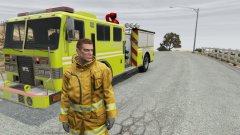
From the album: Nick's WIP
yellow Engine LSFD -
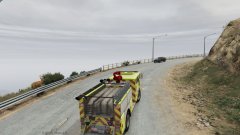
From the album: Nick's WIP
yellow Engine LSFD -
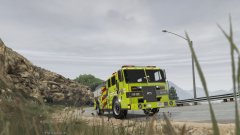
From the album: Nick's WIP
yellow Engine LSFD -
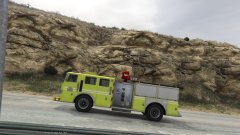
From the album: Nick's WIP
yellow Engine LSFD -
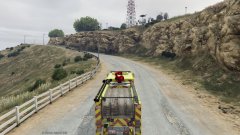
From the album: Nick's WIP
yellow Engine LSFD -
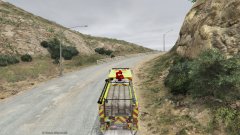
From the album: Nick's WIP
yellow Engine LSFD -
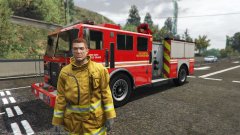 I have not seen a model that lt caine/yard1 has made. I UV mapped this.
 -
From the album: Nick's WIP
Oooooo, UV mapped Fire truck? I think YES -
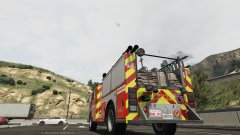
From the album: Nick's WIP
Oooooo, UV mapped Fire truck? I think YES -
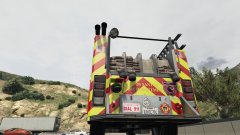
From the album: Nick's WIP
Oooooo, UV mapped Fire truck? I think YES -
.jpg.99d7c03580eca7af7e1b64ba4f36f4d5.jpg)
From the album: Nick's WIP
Oooooo, UV mapped Fire truck? I think YES -
.jpg.444c7c6fd250dfa66d8ed4ed237bc5be.jpg)
From the album: Nick's WIP
Oooooo, UV mapped Fire truck? I think YES -
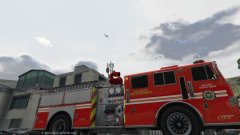
From the album: Nick's WIP
Oooooo, UV mapped Fire truck? I think YES -
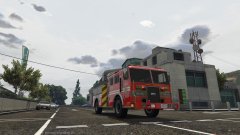
From the album: Nick's WIP
Oooooo, UV mapped Fire truck? I think YES -
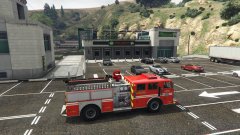
From the album: Nick's WIP
Oooooo, UV mapped Fire truck? I think YES -
.jpg.e11b34db84cdb0f0bd734f137bb26411.jpg)
From the album: Nick's WIP
Oooooo, UV mapped Fire truck? I think YES -
You probably want a little more than the Minimum. Though if it's all you can afford, it's fine. Just sometimes a lot of.modding can add extra stress on the game. But if you spend 500 on a PC and it's at least the min requirements, you'll be fine probably
-
If you can run GTA V then you can run lspdfr. Build a PC that is a least the minimun/recommened settings. I personally would recommend the AMD FX8350 cpu or FX6000 series, the gtx 960 (heard many good things about it) andthe rest, personal preference. Since you are low budget, you may have to compromise in some areas. But you gotta start somewhere right?
-
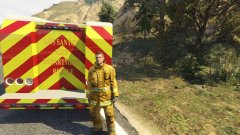 if i can, I will.
 -
From the album: Nick's WIP
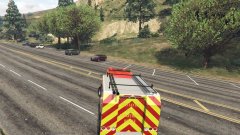
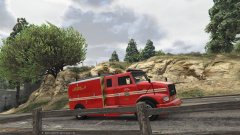
Fire Rescue WIP UTILITY W/ 2 working light bars on back -
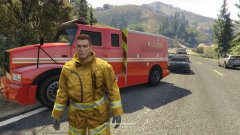
From the album: Nick's WIP
Fire Rescue WIP UTILITY W/ 2 working light bars on back -
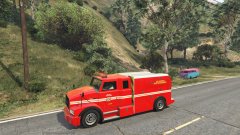
From the album: Nick's WIP
Fire Rescue WIP UTILITY W/ 2 working light bars on back -
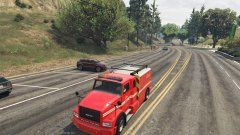
From the album: Nick's WIP
Fire Rescue WIP UTILITY W/ 2 working light bars on back -
From the album: Nick's WIP
-
From the album: Nick's WIP


.jpg.99d7c03580eca7af7e1b64ba4f36f4d5.jpg)
.jpg.444c7c6fd250dfa66d8ed4ed237bc5be.jpg)
.jpg.e11b34db84cdb0f0bd734f137bb26411.jpg)
