


GlitchGamer
Members
-
Joined
-
Last visited
Everything posted by GlitchGamer
-
-
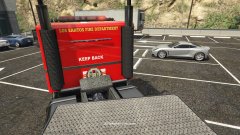 yaaaaas ]haha thanks!
 -
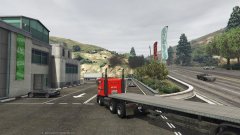 OOOOOOooooo Did not think about that one, but It may happen ;)
 -
From the album: Nick's WIP
Hmm what is this? ;) a new project? -
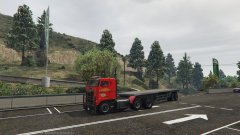
From the album: Nick's WIP
Hmm what is this? ;) a new project? -
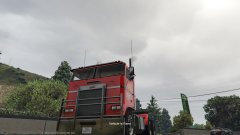
From the album: Nick's WIP
Hmm what is this? ;) a new project? -
From the album: Nick's WIP
Hmm what is this? ;) a new project? -
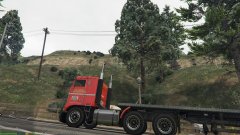
From the album: Nick's WIP
Hmm what is this? ;) a new project? -
-
-
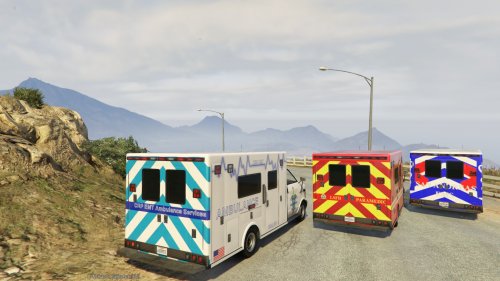 (gta5-mods.com)/ ns0112 (lcpdfr.com) Model is the ambulance, remapped and textured. CREDITS - Base GTAV vehicle model made by Rockstar Games - Vehicle body remapped by ns0112 MODIFICATION/REDISTRIBUTION - You may modify and redistribute this modification as long as all credits are given to me. If you do, please ask. -Make skins/textures for it, but credit me for the model. -only upload the .ytd files unless given explicit permission to do otherwise. Open OpenIV go to mods/x64e/levels/gta5/vehicles.rpf and import the files in. To change textures, simply open up the .ytd files and replace medic_sign_1.
- 32 comments
- 5 reviews
-
-

- 7
-
-
I believe you would have to make the collision object seperate of the chassis. IDK how to do so.
-
I just useede the original .ytd. If you UV mapped, youd have to add your template to that file
-
you need a ytd file.
-
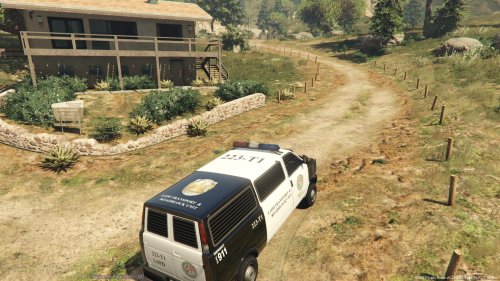 I'm about to add an add-on version of this vehicle that has a rotary light bar in the front and a led in the back! I updated it ;)
- 5 comments
- 1 review
-
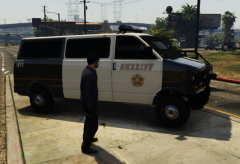 Love it
 -
-
CHECK MY PROFILE FOR UPDATES first off Thanks to 0taku for helping me figure this out! Also thanks Lundy for also helping me! I was really hoping someone would UV map it. No one did. So I did. I hope you all love it! Give me feedback. This is my first model. Known Bugs: -glass does not break -only one livery (I am still learning ZMODELER3) Template is included. If you wish to replace the texture, replace policet. FUTURE PLANS: I plan to change the light bar on this and add more components. By nicks0112 (gta5-mods.com)/ ns0112 (lcpdfr.com) CREDITS - Base GTAV vehicle model made by Rockstar Games - Vehicle body remapped by ns0112 MODIFICATION/REDISTRIBUTION - You may modify and redistribute this modification as long as all credits are given to me. -Make skins/textures for it, but credit me for the model. INSTALLATION Open OpenIV go to mods/x64e/levels/gta5/vehicles.rpf and import the files in. To change textures, simply open up the .ytd files and replace policet. CHECK ADVANCED INSTALLATION IF YOU ARE ADDING THIS VEHICLE Thanks to @0taku for helping me figure this out! Also thanks @Lundy for helping me!
- 5 comments
- 1 review
-
-
- 3
-
-
Ok, i will try that. IT WORKED, THANK YOU <3
-
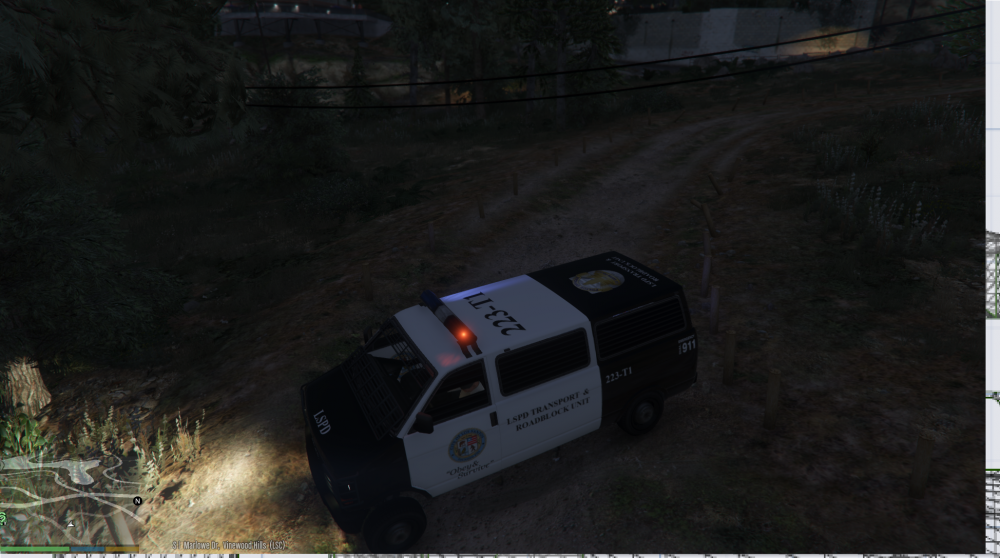
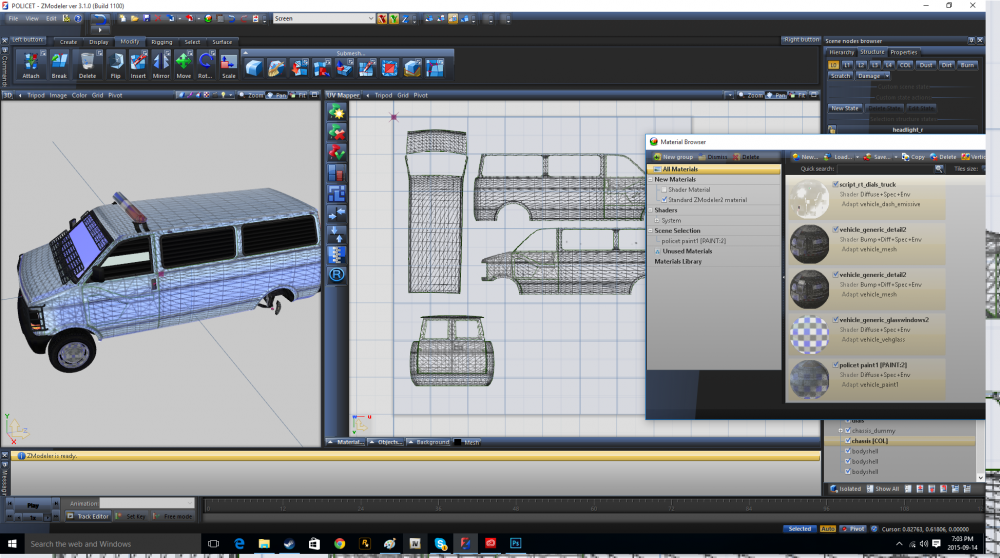
is this what you are talking about?
-
Yes, It works fine then, but I do not want to change it every time.
-
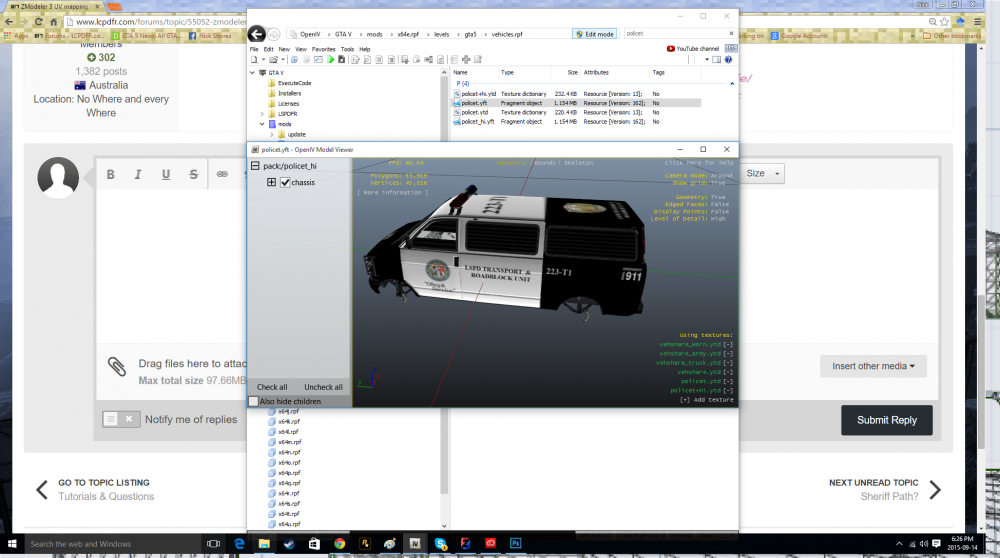
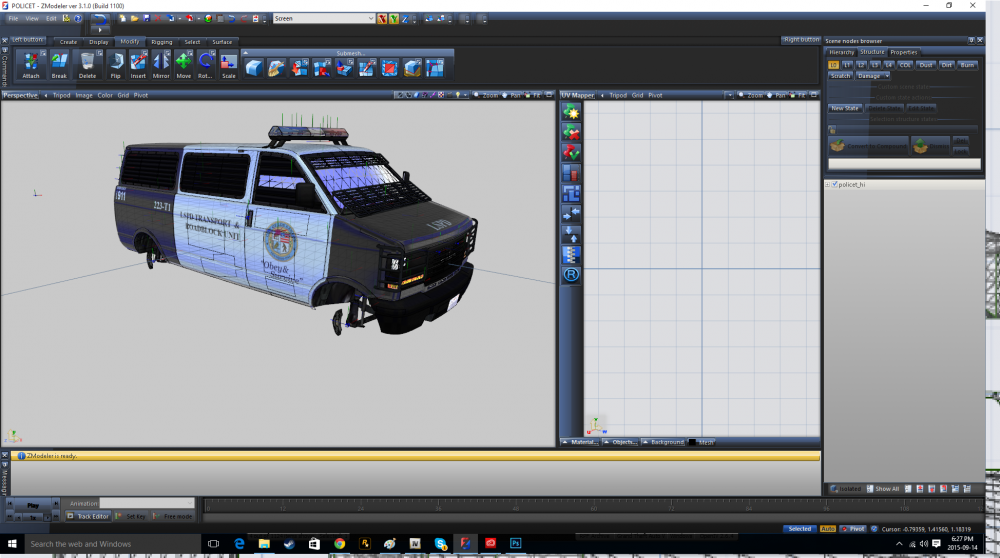
It becomes transparent in game
-
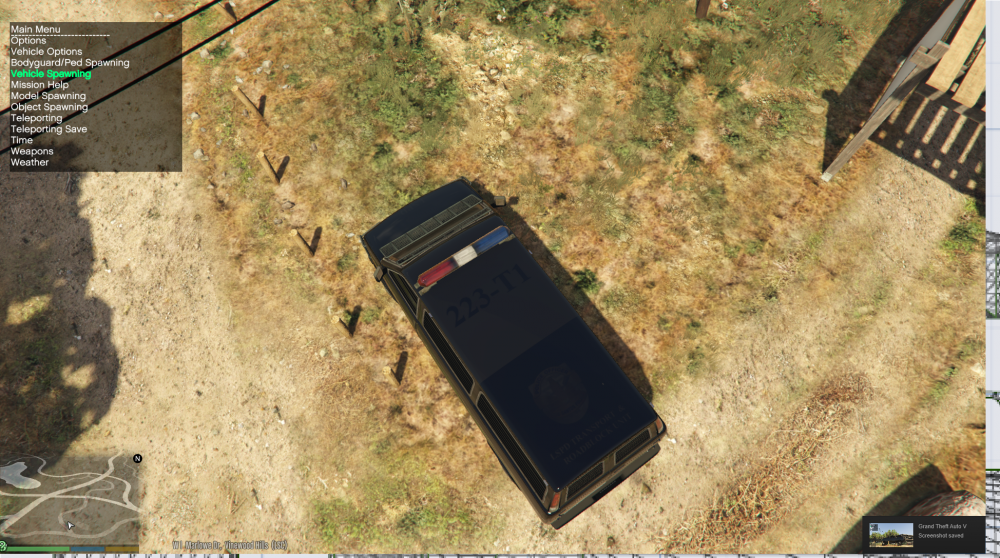
I UV mapped a car and made a texture for it, but it comes as not fully solid and it is see through. I have to change the secondary color to get it to become the correct one. Any ideas on how to fix this?
-
The 2008 only has 1 texture. I cannot remember off the top of my head what it is called. But only one skin will work. You will have to replace the file
-
1. You would probably make (from most to least) as the State Idaho, then Pocatello and University Officer. 2. We will always need cops, I believe I heard there is a growth in law enforcement (in general) 3. I have no clue If you are going to get your degree @ Idaho State, you could do internships at some of the Departments. City, County, and State all do different duties, with overlapping here and there. Just make sure you 'stand out.'



