


GlitchGamer
Members
-
Joined
-
Last visited
Everything posted by GlitchGamer
-
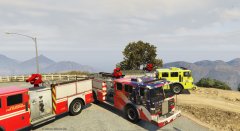
From the album: Nick's WIP
-
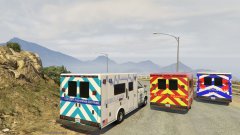
From the album: Nick's WIP
-
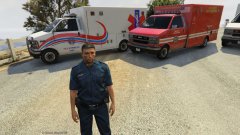
From the album: Nick's WIP
-
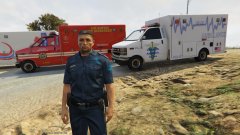
From the album: Nick's WIP
-
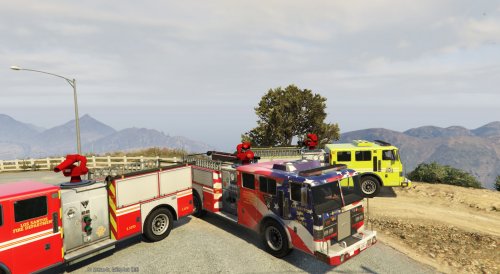 I just figured out how to add multiple liveries for UV mapped vehicles. UPLOADED ;)
- 23 comments
- 3 reviews
-
Never mind.... Figured it out lawlz I was using an old save
-
figured the copying channel thing. But now shows up with no texture in game and openiv
-
. what do you mean by copying ? I've been learning zmodeler as I go, so I don't know it too well
-
Ok. So setting it to UV mapping #2 should cause it to work? I'll let you know if I have any more questions when I get home and try it. Thank you. I really appreciate it
-
Ok. When it is set to #2 it goes to how it looks like in open iv and game, but I will try that and let you know if it works.
-
so this is my problem. In order to have multiple liveries you need to set your UV mapping to vehiclepaint3. It looks normal in zmodeler but messed up in game.
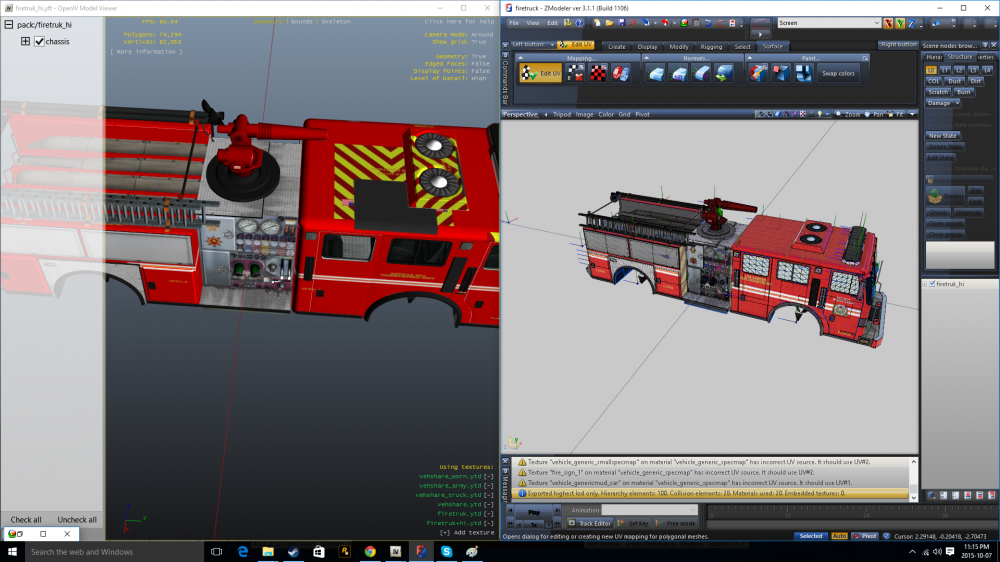 I know. I would like all my models multiple liveries. Have not figured out yet. Cannot find it anywhere on hhow to make the model support it. Editing the vehicle.meta file hasn't worked for me. I promise I'm working on this.
- 23 comments
- 3 reviews
-
-

- 1
-
I was thinking of it. I will make a version with that changed to red. Only thing is, when I UV map it, It causes it to loose the metal looking texture. I will work on it ok?- 23 comments
- 3 reviews
-
-
- 1
-
This is a UV mapped Firetruck. It is the stock one. Enjoy! You can credit me, but it is not something I require. I will always credit an author just to keep integrity. However, do what you wish. Enjoy this make beautiful skins. Just do not claim the UV mapping as your own. As it was a pain to do for this model. CREDItS: Firetruck UV mapped by me, and textures by me and modified of Rockstar's current textures. installation: mods/update/x64/dlcpacks/patchday3/dlc/x64/levels/gta5/vehicles.rpf REPLACE ALL FILES IF YOU HAD PREVIOUS VERSION OF MY MOD. PREVIOUS TEXTURES MADE FOR MY MODEL WILL STILL WORK. YOU MUST THEN GO TO: mods/update/update.rpf/common/data/levels/gta5/vehicles.meta Find the line for firetruck by searching firetruk (yes it is spelled without a c) and go down to the flags portion of the firetruck's vehicle.meta file. Copy and paste the following: FLAG_HAS_LIVERY If you wish to replace skins, replace the skin 'fire_sign_1' inside the .ytd, You can add multiple liveries by simply replacing the '1' so example would be fire_sign_2, fire_sign_3, fire_sign_4, etc. I have already included a total of 3 liveries that are within the .ytd file and there are liveries attacthed to my file. I have included a color version of the template to help you figure out how to texture it. Some of it is not explanatory by just looking at it. Enjoy!- 23 comments
- 3 reviews
-
-
- 8
-
 Mine is the stock GTA V one UV mapped.
From the album: Nick's WIP
making sure my fire truck template can be easily understood by labeling and coloring the truck.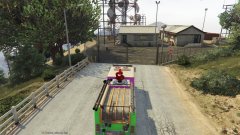
From the album: Nick's WIP
making sure my fire truck template can be easily understood by labeling and coloring the truck.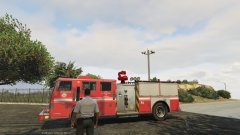
From the album: Nick's WIP
LAFD Engine 86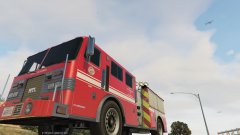
From the album: Nick's WIP
LAFD Engine 86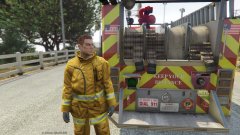
From the album: Nick's WIP
LAFD Engine 86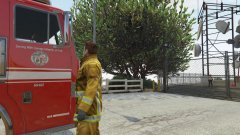
From the album: Nick's WIP
LAFD Engine 86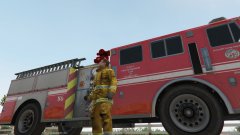
From the album: Nick's WIP
LAFD Engine 86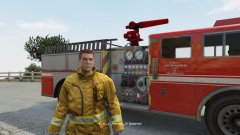
From the album: Nick's WIP
LAFD Engine 86



