


GlitchGamer
Members
-
Joined
-
Last visited
Everything posted by GlitchGamer
-
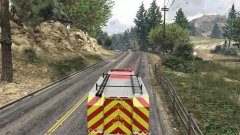
From the album: Nick's WIP
Fire Rescue WIP UTILITY W/ 2 working light bars on back -
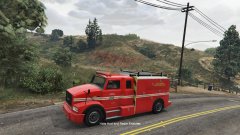
From the album: Nick's WIP
Fire Rescue WIP UTILITY W/ 2 working light bars on back -
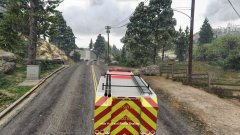
From the album: Nick's WIP
-
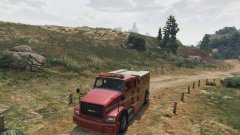
From the album: Nick's WIP
Fire Rescue WIP UTILITY W/ 2 working light bars on back -
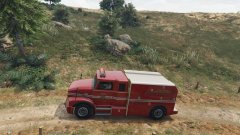
From the album: Nick's WIP
-
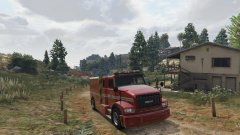
From the album: Nick's WIP
-
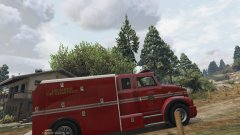
From the album: Nick's WIP
Fire Rescue WIP UTILITY W/ 2 working light bars on back -
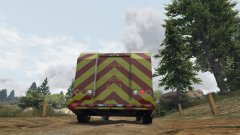
From the album: Nick's WIP
-
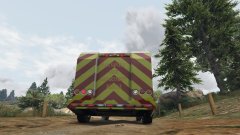
From the album: Nick's WIP
Fire Rescue WIP UTILITY W/ 2 working light bars on back -
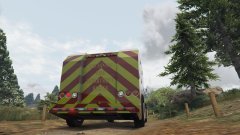
From the album: Nick's WIP
Fire Rescue WIP UTILITY W/ 2 working light bars on back -
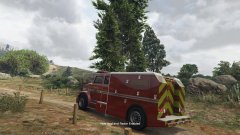
From the album: Nick's WIP
Fire Rescue WIP UTILITY W/ 2 working light bars on back -
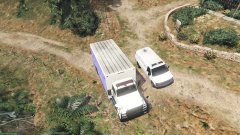
From the album: Nick's WIP
Fire Rescue WIP BENSON Version no texture ATM -
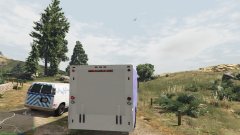
From the album: Nick's WIP
Fire Rescue WIP BENSON Version no texture ATM -
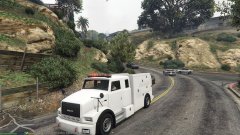
From the album: Nick's WIP
Fire Rescue WIP utility Version no texture ATM -
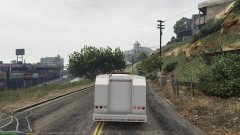
From the album: Nick's WIP
Fire Rescue WIP utility Version no texture ATM -
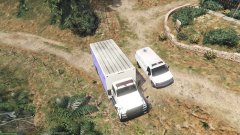 Fire Rescue WIP Benson Version
 -
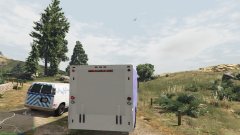 Fire Rescue WIP Benson Version
 -
-
-
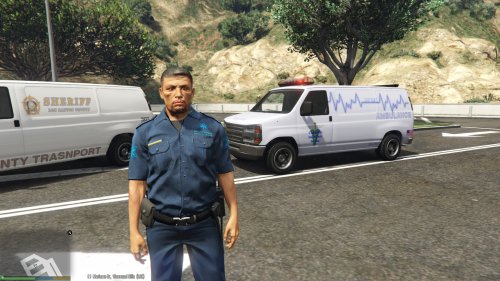 if you use the rumpo as an ambulance, you have to go to the vehicles.meta file (follow the ddirections in readme and here), find.ambulance, and go to the handling line that says where it gets its handling from, and change ambulance to rumpo. I do too!
- 25 comments
- 3 reviews
-
-

- 1
-
-
-
I have all but the left front wheel in place as it seems not to be able to be moved. FIGURING THIS OUT
- 25 comments
- 3 reviews
-
yea easily could however, I haven't figured out how to enable multiple liveries yet
- 25 comments
- 3 reviews
-
-
- 1
-
-
-
welcome. Questions about FinKone's radio, would probably best be answered by him though
- 25 comments
- 3 reviews



