KennyAndrade
Members
-
Joined
-
Last visited
Everything posted by KennyAndrade
-
Very Nice! I must say the seat is a little wonky but overall very nice. Out here they have AR-15's mounted to their bikes xD. 4/5
- 43 comments
- 8 reviews
-
Well I guess I'm the only one who wants to be a pile of poop.... *awkward silence* At least then I'd have friends *Flies buzzing*
-
I'm a little generic...
-
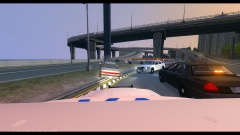
From the album: Random pictures
-
Random
-
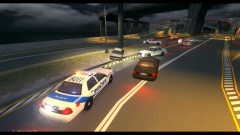
From the album: Random pictures
-
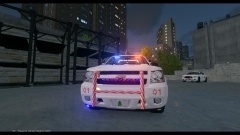 Thanks! Thanks! Competition or not just keep your eyes on the download section, release of a pack coming soon!
 -
From the album: Officer Spike's [WIP]
-
Here I will show off my current works.
-
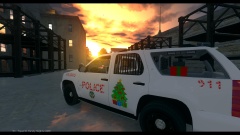
From the album: Officer Spike's [WIP]
-
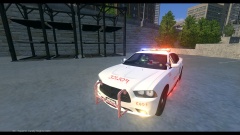
From the album: Officer Spike's [WIP]
-
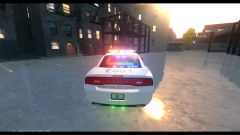
From the album: Officer Spike's [WIP]
-
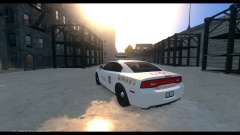
From the album: Officer Spike's [WIP]
-
-
It's his father...?
-
I think everyone here would agree that we all want your voice in GTA.... Anyways... It would be a cool feature.
-
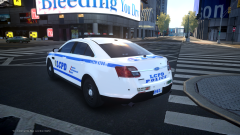 Sexy!
Sexy! -
If you have extra_1 and Extra_4 on the driver side door and extra_1 and extra_4 on the passenger door it's going to open them all in the direction of the door you open. You need to use diff. extras, i.e 1 and 4 for d_side_f and 2,3 for p_side_f
-
Post a picture of the door hierarchy?
-
Yes, you can have it be on the dash randomly spawn the model again and have it on the roof.
-
Attach the module to the door_L0 and then place the extras in the doors hierarchy, make sure that there are no other lights attached to the extras or they will move when the door opens aswell
-
I'm guessing it's you texture quality but from the screenshots it's pretty hard to make out the text on the sides of the cars. Otherwise looks good 3/5
-
I can make you a replica if you'd like. PM me.
-
-
Something got corrupted along the way, whenever this happens to me I just re-import the base model and place all the modifications into it's hierarchy.