


KennyAndrade
Members
-
Joined
-
Last visited
Everything posted by KennyAndrade
-
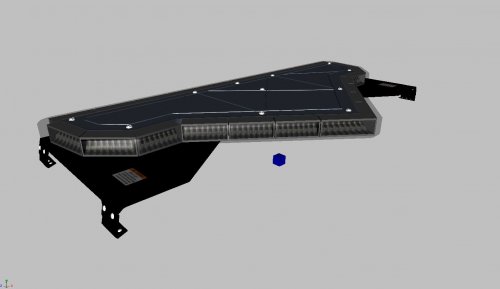 Looks a little more modern and sleek than EVI's. Nice work.
 -
police.ytd
-
You don't rename it... Go to Modify > Attach and then attach them from there.
-
You have to be getting errors when you try and export it. You can't have Extra_1 then another Extra_1 underneath it. You should have Extra_1 then under that your L0's
-
Can you post a screenshot of your hierarchy in Zmod? Also, the extra shouldn't be named extra_1B, all your extra 1's should be attached together
-
Enjoy pranger.yft pranger.ytd
-
How does it look in OpenIV/Zmod
-
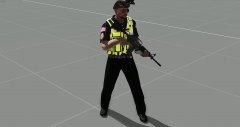 For Arma? Meh. Kinda just a personal project.
 -
.png.9dc7147f91267e509a388131fc71a1d3.png) In the desc.
In the desc. -
-
sheriff+hi.ytd sheriff.yft sheriff.ytd sheriff_hi.yft
-
-
-
-
From the album: Arma 3 Development
-
-
-
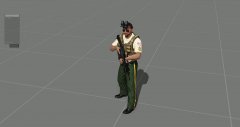
From the album: Arma 3 Development
-
-
-
I don't recommend repeating the Southland song at 0:56
-
Can you post a picture of your vehicle hierarchy before you export?
-
Thanks for the numbers, the Decals are pictures from actual LAPD vehicles so they should be fine.
-
Check your dummies
-
And what might those fonts be? Most things seen here are just images from an LAPD car with the background removed


.png.9dc7147f91267e509a388131fc71a1d3.png)


