xDuvii
Members
-
Joined
-
Last visited
Everything posted by xDuvii
-
-
-
-
-
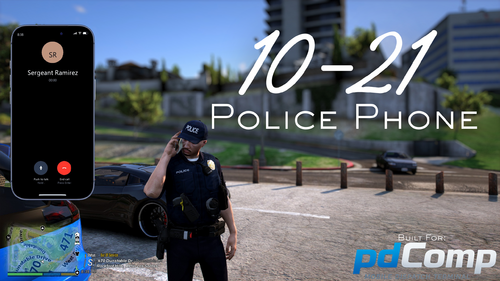 If he does it then nobody will download his mdt Btw This an absolutely CINEMA!!
- 44 comments
- 9 reviews
-
-

- 1
-
-
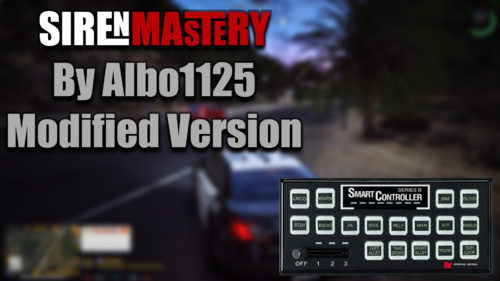 this is a complete different code from the original. the original has nothing to do with this plugin follow the instructions and you'll be able to make it work.
 -
-
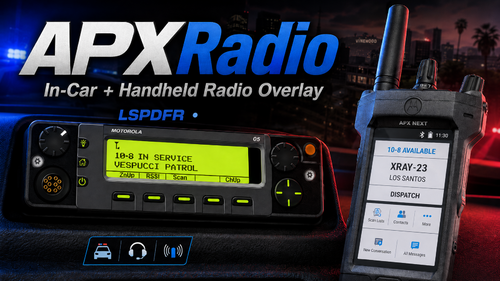 so this is what i meant to say. When you press the keybind to open and close the radio-car/handheld radio the edit mode activates at the same time.
 -
Never said I fixed it I think you didn’t understand what I said
-
so everytime you press c to toggle the radio it opens the edit mode? same as the radio in-car.
-
 Instead of pressing F i have to press 1 like i'm holding F. It's not bad at all as long as i'm driving and the character doesn't jump out of the vehicle in 100 mph, but it's not doing what the description says that holding F will fast draw. EDIT: so apparently when you set the PrimaryKey it will act as a F + FastDraw so basically there's not holding F in the script only Is_Control_Just_Pressed(Normal press) and not Is_Control_Pressed(Held down) for keyboard. The method is in the code but is not being properly apply.
 -
 Awesome update it's feels way better now, how about adding the rockstar recording for people who make content be able to make clips with this?
- 16 comments
- 2 reviews
-
-
- 1
-
-
great script, sadly we're not able to move the bodycam recording overlay freely. I tried using AxonSignal because I have the overlay already set up there but the plugin overlaps between each other once you're going to turn off the camera, which is not a big deal but it's weird because you hear two beepoff sounds playing back and forward. I would recommend to add a compatibility into it or just make a edit mode for the overlay would be perfect. Edit: I just read that we can turn off the audio but the problem still stays by adding a delay between the axonsignal and the plugin. Edit again: NEVERMIND AWESOME PLUGIN!!!. (silly me by not checking the plugin properly) Still will be nice to add a edit mode for the overlay.
- 16 comments
- 2 reviews
-
ok i'm confused where did you see it goes in plugins folder only?
-
yes This is a rewriten code, original version won't work.
-
it's always been plugin/lspdfr
-
-
sent you request, i would like to speak with you about this matter.
-
You have to match the settings in KeyboardConfig.ini like DLS/ELS (e.g DLS.ini - [Cycle_Stages] - Key = Q / [Reverse_Cycle_Stages] - Key = Q - KeyModifier = LControlKey matching in SirenMastery - Config - KeyboardConfig.ini - NextSirenKey = Q / PreviousSirenKey = Q PreviousSirenModifier = LControlKey) That is a issue that is already addressed and coming to the next update in the meantime you can press L to show it up.
-
i don't know how to and i don't think is possible with this plugin
-
 vehicle still doesn't lock when re entering the vehicle. A plugin messed with the VehicleLockStatus it says. nvm when using vehicle godmode gets conflict with the plugin. working properly now.
 -
I’ll check that up the source code is pretty old so it still needs more maintenance.
-
I recommend you to update if you haven't
-
the thing is that plugin is outdated and some people doesn't understand how to update the dependencies. i updated this version to work as expected. plugin updated.
-
it doesn't replace ELS sirenbox. It works as a overlay you don't have to press anything, just hop in the vehicle and will show up, I updated the description you need to add your current police vehicles in order to make it work.(sorry for too much confusion.)