
JM Modifications
Members
-
Joined
-
Last visited
Everything posted by JM Modifications
-
-
-
-
 it's a GTA Limitation. You can't change the speed limits in GTA. It's impossible.
- 560 comments
- 28 reviews
-
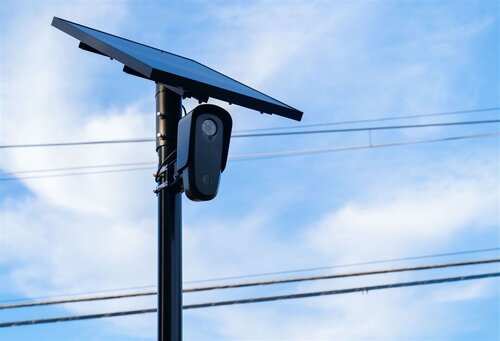 The flock camera callout instantly code 4 every time when i accept it each time.
 -
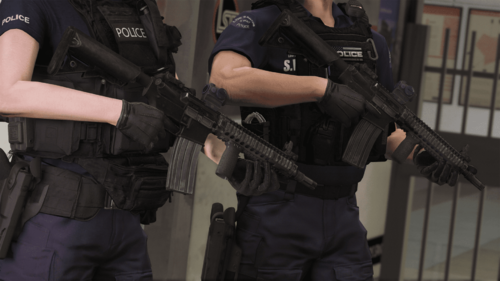 W weapon mod
 -
 In the config.ini in plugins/LSPDFR/pdComp, look for ; Chance that an ID uses a randomly selected non-home-state background. IdCardOutOfStateChancePercent = 18 <--- This is your default chance, change this to 0
- 424 comments
- 48 reviews
-
-

-

- 3
-
-
I assume it's the texture doesn't match the vehicle model. 9 out of 10 times that'll be the case. I would contact the developer of the vehicle and see what they say
-
-
That's not a glitch. Its a texture issue with the vehicle. try using another vehicle pack and see if it does the same thing, if it doesn't then it's a vehicle texture issue. Have you tried reimporting the .ytd file for the vehicle?
-
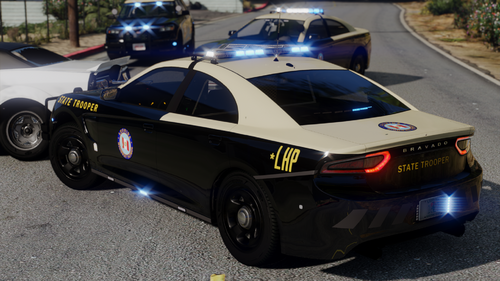 Any update on when the DLS v2 configs will be included?
 -
-
-
-
-
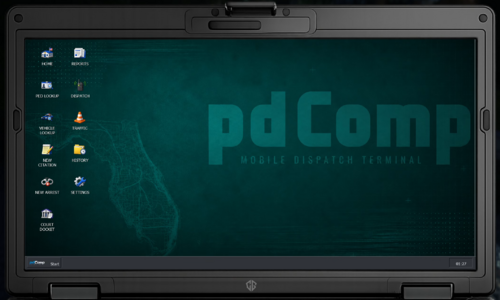 Awesome job on this one. 10/10
 -
-
-
-
-
-
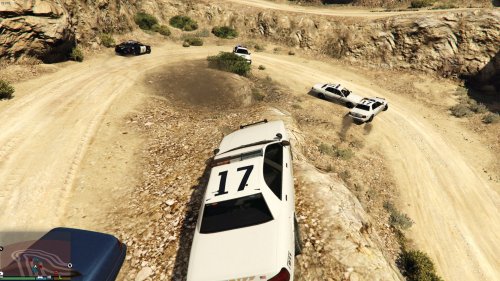 10/10
10/10 -
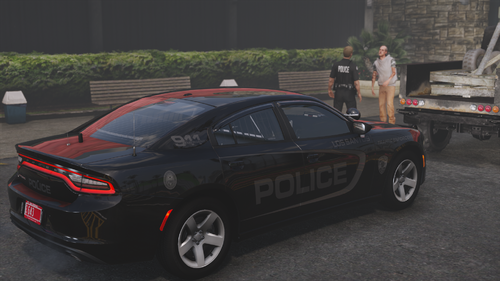 Awesome Pack
 -
-








.thumb.png.4ae541125774b3d59e60a0636013f9c1.png)

.thumb.png.8cef6bf40847c87cdc7f2b84d14bb45d.png)