
JM Modifications
Members
-
Joined
-
Last visited
Everything posted by JM Modifications
-
 Can we position it above the mini map instead of the top right of the screen or is it not a thing at the moment?
- 17 comments
- 1 review
-
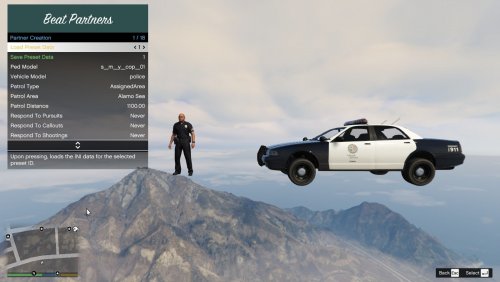 the dev is MIA
 -
-
-
 The latest and Final Version has it. You just need to get rid of the SVHDN version as it's unstable and unsupported no more.
- 557 comments
- 28 reviews
-
-

- 1
-
-
-
 For those who are getting the DLC Pack is missing error, not knowing how to install the DLC pack in their mods folder, here's a quick tutorial on how to do it and it's also attached to the mod page under the Discord banner. https://youtu.be/GnU2paKVvJ0
- 356 comments
- 25 reviews
-
-
 Works perfectly for my RAZER BlackWidow V3 keyboard and RAZER Basilisk V3 mouse. 10/10
- 113 comments
- 13 reviews
-
-
-
10/10. Still works in 2026.
-
-
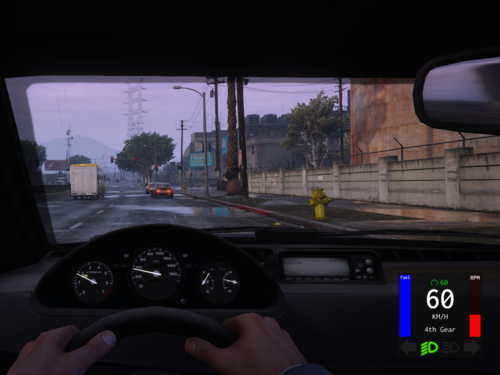 This mod is a must have cause it makes it more realistic and it's very customizable. Works as intended. 10/10.
- 330 comments
- 24 reviews
-
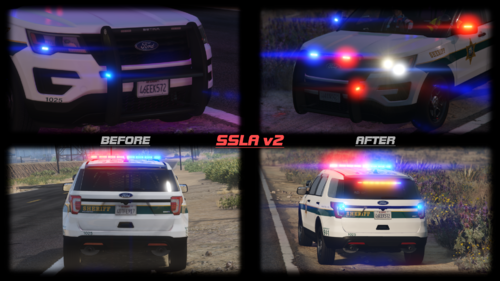 5 people are trying to update this. Might as well wait for this to update.
- 342 comments
- 19 reviews
-
-

-
- 3
-
-
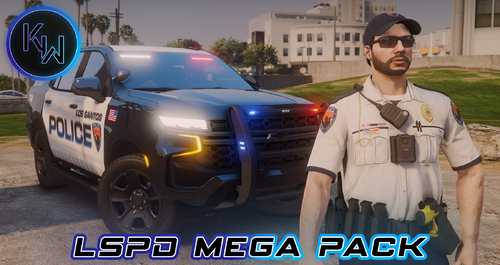 Best EUP.
 -
-
-
-
 ERR_SYS_FILELOAD is a common error in GTA V indicating corrupt or missing game files, often triggered by mod conflicts, incorrect file placements, or damaged game data. Primary Causes & FixesMod-Related Issues: The most frequent cause is a problematic mod. If you recently installed mods: Move the mods and scripts folders from the GTA V directory to your desktop temporarily. Launch the game. If it works, the issue is within your mods. Re-add mods one by one to identify the culprit. Ensure all mod files are correctly placed and content.xml references valid .rpf files. Corrupted Game Files: Verify Game File Integrity: Steam: Right-click GTA V → Properties → Installed Files → Verify Integrity. Epic Games: Library → GTA V → Three dots → Manage → Verify Files. This process repairs missing or damaged core game files. Hidden or Misplaced Files: Check for missing mods folder or incorrect file paths (e.g., dlcpacks, update). If using GTA V Redux, ensure the 64a and 64w files are present and correctly named. System-Level Fixes: Run as Administrator and ensure no conflicting software (e.g., antivirus) blocks game files. Delete metadata file in Documents\Rockstar Games\GTAV if the error persists after mod removal. Last Resort: Clean Reinstall
 -
Fixed it. A new version is being pending for approval. Thanks for the report.
- 356 comments
- 25 reviews
-
Sounds like a SHVDN issue
-
v3751 still works as intended.
-
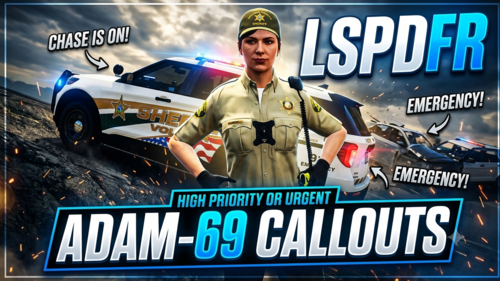 Don't know why, it should not do that. Send me the RagePluginHook.log here for me to look at. Cause I have tested this multiple times, I had no issues.
- 50 comments
- 5 reviews
-
- us
- rph
- lspdfr callout
- open source
-
Tagged with:
-


.thumb.png.e88f1892e13ddb98db35e668d465c34b.png)