
JM Modifications
Members
-
Joined
-
Last visited
Everything posted by JM Modifications
-
 Fixed it. A new version is being pending for approval. Thanks for the report.
- 356 comments
- 25 reviews
-
 Sounds like a SHVDN issue
 -
v3751 still works as intended.
-
 Don't know why, it should not do that. Send me the RagePluginHook.log here for me to look at. Cause I have tested this multiple times, I had no issues.
- 50 comments
- 5 reviews
-
- us
- rph
- lspdfr callout
- open source
-
Tagged with:
-
-
-
-
.thumb.png.4ae541125774b3d59e60a0636013f9c1.png) The difference is that you have the ability to make the taser and gun to be removed from the holster when either one is equipped
The difference is that you have the ability to make the taser and gun to be removed from the holster when either one is equipped- 144 comments
- 12 reviews
-
-
 Best mod ever
 -
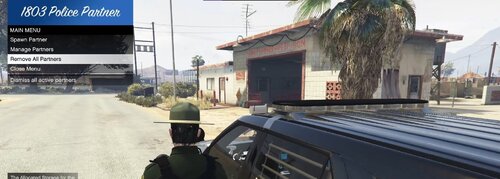 Good but needs improvements. When I press Y to have my partner to respond to a callout, they arrive on scene but immediately leave but never stay on scene. Overall, it's a good mod.
- 12 comments
- 1 review
-
-

- 1
-
-
 Not necessarily true, I use this plugin, this works very well intended. This plugin has no conflicts with callout packs.
 -
Would be nice to change the menu keybind cause I have SimpleTrainer keybinded to my f2.
- 12 comments
- 1 review
-
-
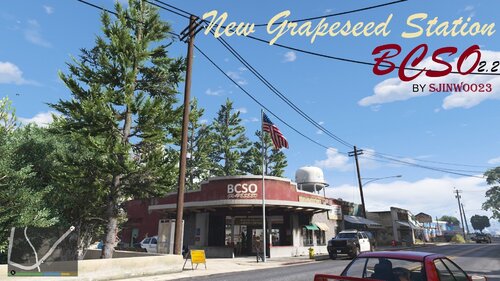 \\ I am having the same issue as Raskorr and I don't have any map mods modifying grapeseed main st on my server.
 -
-
-
 That means you didn't installed it correctly
 -
welcome back @0pheIia .
-
-
I added Console Commands if you have any issues with the end key. Have you tried it out? the command is "EndCurrentJMCalloutsCallout" which has been implemented since v5.0.20.0.
- 356 comments
- 25 reviews
-
1) The taco dispute callout is being looked into. 2) I will look into that soon. 3) Why tho? Each callout doesn't need to end automatically cause that's not realistic but if that's what you want, I will look into it. 4) I will look into that issue as well 5) The prostitution sting is a beta callout, use it at your own risk. It's commented in the ini. You can disable that callout in the ini. 6) I haven't took that callout for a while I will look into that to see why it's not spawning it. 7) The reason why you're getting that "IMGR" issue is because you didn't install the Texture OIV which is included in the download. I have mentioned it in the description near the bottom.
- 356 comments
- 25 reviews
-
 No install instructions?
 -
 Sorry IRL stuff has been happening plus been having the bad cough for the last 8 days. That's on my backlog list of things to do
 -



.thumb.png.4ae541125774b3d59e60a0636013f9c1.png)
.thumb.jpg.5d87250f4558cca01dcb5407f198bdc4.jpg)