
JM Modifications
Members
-
Joined
-
Last visited
Everything posted by JM Modifications
-
 Not true. I have this in my game and does not cause no crashes. So that statement is very inaccurate. Something else is causing your crashes. I can't provide support over comments. You can join my discord and create a ticket or join a LSPDFR support server.
- 363 comments
- 25 reviews
-
Enable All Interiors mod is very unstable. I recommend either InteriorsV or Enterable Interiors. Not true. I have this in my game and does not cause no crashes. So that statement is very inaccurate. Something else is causing your crashes. I can't provide support over comments. You can join my discord and create a ticket or join a LSPDFR support server.
- 363 comments
- 25 reviews
-
Already does. There's 2 different builds. 1 for STP/UB and the other is Policing Redefined. Fully aware the file page says "5.2.7.2" instead of "5.2.8.3". I resubmitted the file to correct the version to match the builds and the .dll.
- 363 comments
- 25 reviews
-
 Have not fully tested it with it. I have to renew my subscription to verify any conflicts. If there is conflicts, I will update it in the next update.
 -
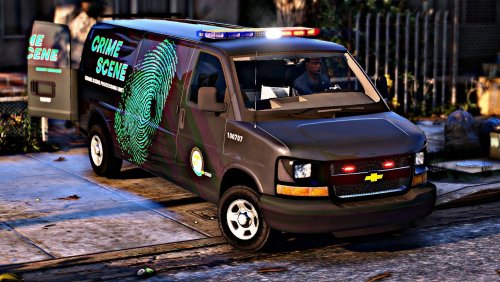 Best coroner van. 10/10.
 -
-
-
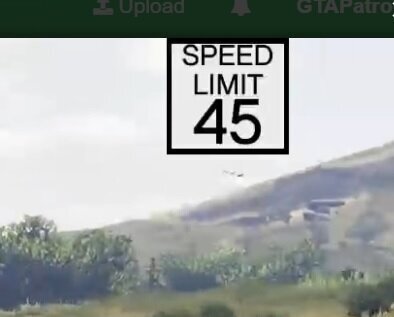 He's talking about how SimpleHUD has a menu to where you can move the speed limit on screen without having to edit a file.
- 25 comments
- 2 reviews
-
-
-
-
 it's a GTA Limitation. You can't change the speed limits in GTA. It's impossible.
- 560 comments
- 28 reviews
-
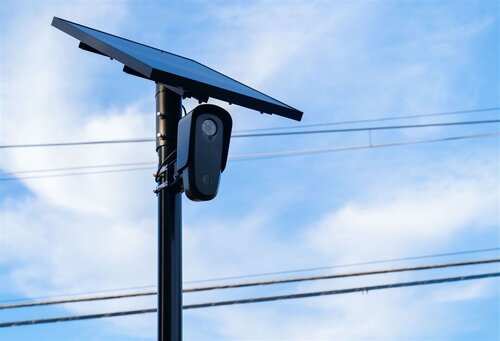 The flock camera callout instantly code 4 every time when i accept it each time.
 -
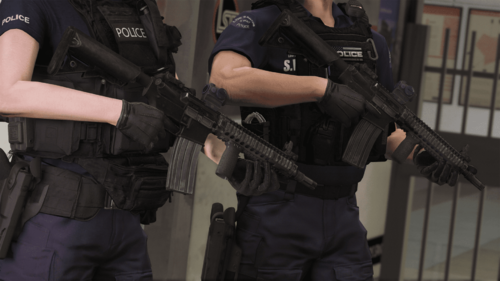 W weapon mod
 -
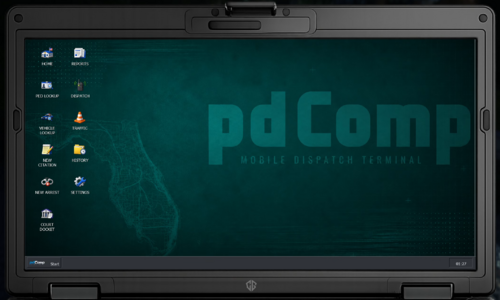
 In the config.ini in plugins/LSPDFR/pdComp, look for ; Chance that an ID uses a randomly selected non-home-state background. IdCardOutOfStateChancePercent = 18 <--- This is your default chance, change this to 0
- 426 comments
- 48 reviews
-
-

-

- 3
-
-
I assume it's the texture doesn't match the vehicle model. 9 out of 10 times that'll be the case. I would contact the developer of the vehicle and see what they say
-
-
That's not a glitch. Its a texture issue with the vehicle. try using another vehicle pack and see if it does the same thing, if it doesn't then it's a vehicle texture issue. Have you tried reimporting the .ytd file for the vehicle?
-
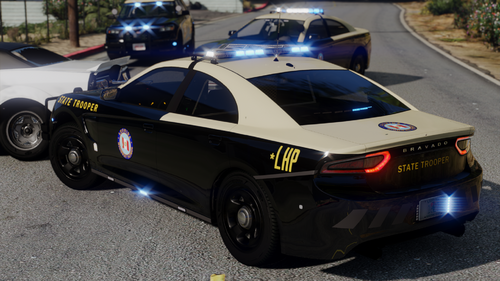 Any update on when the DLS v2 configs will be included?
 -
-
-
-
-
 Awesome job on this one. 10/10
 -