
JakeKindaSus
Members
-
Joined
-
Last visited
Reputation Activity
-
 JakeKindaSus reacted to Yasd in "Please perform VIN Number check"StopThePed has no option for a VIN check on a vehicle, only a serial number checker for weapons.
-
JakeKindaSus reacted to Yasd in "Please perform VIN Number check"Don’t hope too much, the last new feature was years ago…
-
JakeKindaSus reacted to Lieutenant Dan in Cars drive away while PulloverGo to ELS.ini, and set ElsTrafCtrlOn to false.
-
JakeKindaSus reacted to aparna in adding police3 helpGuys you can add extra vehicles to GTA4 very easily...!!!!
Check this mod out which provides all the TBOGT vehicles to GTAIV..!!! I am using this currently..!!
http://www.www.gtain...at=370&id=31873
And more over if you want the police3 and police4 to spawn ingame you can try editing the cargrp.dat file under commondata
This is default line
police, police2, polpatriot, noose, predator, pstockade, nstockade, fbi # POPCYCLE_GROUP_COPS
This is what I changed to
police, police2, polpatriot, noose, predator, pstockade, nstockade, fbi, police3 # POPCYCLE_GROUP_COPS
Now I get the police3 along random police vehicles...!!!
@edit: When I added policeb to the line, the game crashes and I dont know if this happens only to me.
-
First thing I do when installing ELS is disabling the traffic control feature in the els.ini. That does not explain the swerving but it doesn't help as it causes drivers to floor it and crash. My other guess would be the realistic traffic AI mod. In my experience those types of plugins cause more problems than fixes. I have RiskierTrafficStops and Custom Pullover with no serious issues. You could try renaming your mods folder temporarily (which would disable all mods installed in there and make the game revert to the vanilla files) and see what happens with the AI.
I second the removal of SuspectSense, I had a lot of issues with that mod and had to remove it a while back.
-
 JakeKindaSus reacted to Cyan in Marking AI Content on Your FilesGenerative AI is being used more and more in mod creation, and we believe transparency around its use is important. While AI offers exciting new possibilities, we understand that not everyone wants to engage with AI-made content. We hope that clear disclosure helps everyone make an informed choice before downloading a mod, and makes it easy to filter out AI-made content.
Starting today, we’re rolling out a new AI disclosure system. It allows authors to disclose the extent of their AI usage, and to be specific about which parts of a mod were AI-made or AI-assisted.
The following AI disclosure options are available:
Description
Tick this if your description was generated or rewritten/refined using AI.
We would also like to note: if you use AI to help write your description in any way, please make sure you verify all claims about your mod. We’re seeing an increase in AI-written descriptions that mention features the mod doesn’t actually include, so this is now enforced under our File Guidelines.
Images
Tick this if any images on your mod page were generated or edited/refined using AI.
Mod & Mod Content
Minor: AI helped with small refinements to the mod or its content (for example: using a chatbot/agent for assistance, or generating assets used in the mod).
Moderate: AI contributed more than 50% of the mod’s content (code, images, data, etc.).
Significant: AI created most or all of the mod (for example: full generation). Tick this as well if you wouldn’t have been able to make the mod without AI.
Some light use doesn’t need disclosure — for example, basic autocomplete or bouncing ideas off an AI.
Disclosures will appear below the file description. If you've ticked Mod & Mod Content, you will be asked for a 'Reason'. You should enter more information (why and how AI is being used) in here.
If you select Mod & Mod Content at Moderate or Significant, your file will also be tagged with the “ai” tag. This makes it easier for the community to filter AI-involved mods if they want to, and makes AI usage clear at a glance.
This is now required for new submissions, and we ask that creators also start updating their submissions if they have an AI disclosure to make. We'd like to request that all disclosures are made by the end of February.
We are hoping we do not have to enforce this too broadly, and creators will come forward and be honest about their work. There are ways of detecting AI work in images, description and content and our moderation team will kindly remind you to make a disclosure if they receive a report of AI work that looks valid. If our staff feel that the AI disclosure is inaccurate or incomplete, files may be hidden until we believe they are in compliance. Making inaccurate AI disclosures may also lead to negative reputation by our automated approval systems.
This is a first step toward balancing the new possibilities AI brings with individual preferences and a changing modding landscape.
Thanks for helping us keep things clear and transparent for everyone.
And to support that same goal of clarity and choice, we’ll be sharing more soon about global filtering options for mod discovery. Separately, we’ll also have some news to share shortly regarding the new LCPDFR.com website API.
-
JakeKindaSus got a reaction from irishtimezones in ENBFixed it
1)set GTA5.exe to windows7 compatibility mode
2) copy & past d3d11.dll in main dir
3) rename d3d11-copy to d3d12.dll (make sure you have both d3d11 and d3d12 in dir)
4) edit enb local and change the Proxylib to d3d12.dll instead of d3d11
5) Now start your game it should work good without crashes
if you want SSLA(Sirensettinglimitadjust) to work you need to remove the compatibility mode from gta5.exe and no it wont crash as long as you do step 3 tp 4 if you have enb
-
JakeKindaSus got a reaction from EvanGaming2022 in ENBFixed it
1)set GTA5.exe to windows7 compatibility mode
2) copy & past d3d11.dll in main dir
3) rename d3d11-copy to d3d12.dll (make sure you have both d3d11 and d3d12 in dir)
4) edit enb local and change the Proxylib to d3d12.dll instead of d3d11
5) Now start your game it should work good without crashes
if you want SSLA(Sirensettinglimitadjust) to work you need to remove the compatibility mode from gta5.exe and no it wont crash as long as you do step 3 tp 4 if you have enb
-
JakeKindaSus got a reaction from nofreeusernames123 in LSPDFR & RAGE Plugin Hook Enhanced and Upcoming Site Upgradesso hear me out, wouldn't this technically have more performance in enhanced due to the new antialiasing
-
JakeKindaSus reacted to Rosebuddy in Liberty City Preservation ProjectMany may not know but the Liberty City Preservation Project just released their first public version. It's a million times better than the old Liberty City Remix mod. However, LSPDFR working on it is a gamble. It works for me but others it don't.
The devs stated that it's issues with RPH that is causing this. Hopefully that can get fixed soon. Some callouts work most don't. My request is if you have made a callout plugin and you can get lspdfr running on the map please consider adding liberty city calls to your plugins.
Just wanted to get this out there to bring more attention to the LCPP mod and maybe developers can keep this in mind.
-
Hey guys,
I compiled an incomplete list of the zones for the South-East version of the Liberty City V Remix V 20 map mod for GTA V just in case anyone plans on using it some how (either for designing future callouts for the map or making Ultimate Backup/LSPDFR zone configurations for Liberty City). Here are the ones I was able to compile thus far (in alphabetical order with respect to the first letter):
I will try to update them frequently. It takes a long time to get them; I am essentially brute forcing this by driving (I think flying will work too, I will give that shot) through every single part/street of the map and catch their corresponding zone names in the RPH logs.
LSPDFR tries to spawn ambient police units in your vicinity, but if it is an unrecognized zone, it throws a warning message indicating there are no ambient units configured for that particular zone such as this: "[TRACE] No valid backup data found for area for LocalPatrol in LosSantosCity in BREBB using SpawnsAmbiently".
But many times, the GPS coordinates of countless places on the map simply don't have a corresponding zone that is recognizable so you end getting a warning in the log that says, "[WARN] No game zone found for X:6066.384 Y:-2520.521 Z:10.59935". This is out of my hands and I do not know how to fix this. but it's better than nothing I guess.
If anyone wants to contribute to this list, feel free to do so (provided you already installed the South-East version of the Liberty City map mod first).
I don't know if the Centered or East version of the map mod also works, but if it does, that would be great.
-
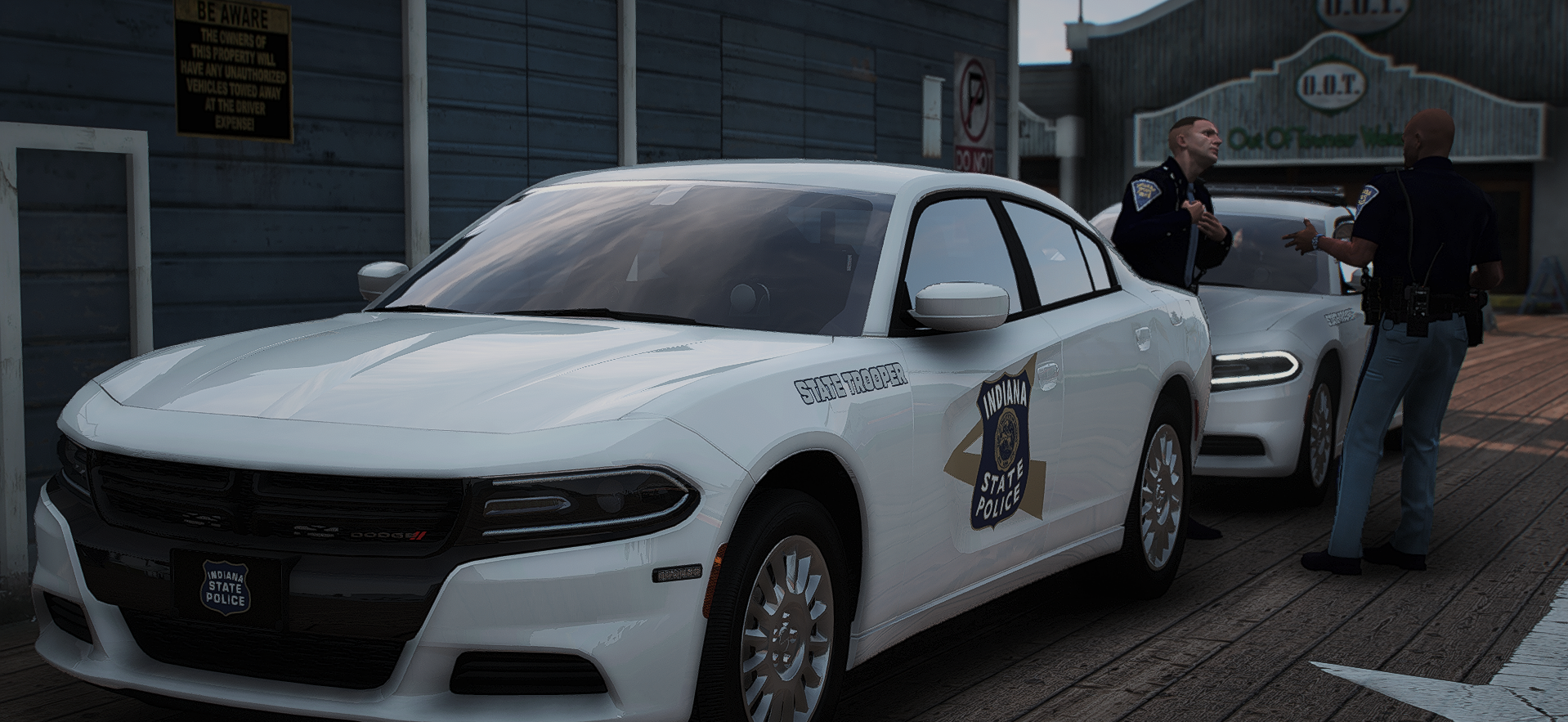
JakeKindaSus reacted to FirefighterProdigy in Upcoming Indiana Police PacksHey, ya'll! If there are any Hoosiers in here, you are sure gonna love this one!!
First off, I'd like to announce both a Columbus, Indiana Police Department pack, AND a Fishers, Indiana Police Department pack. Fishers will be it's own public release, however, I do not have an ETA for when that will be. I'm not sure what I'll be doing with Columbus, however, that'll likely also be a public release. Going forward, I have a few other packs planned, so be sure stay tuned for an announcement on those!
The images seen below are JUST showing off the textures. The vehicle models seen below are not mine; however, I am currently working on the most realistic models I can make! More updates will be posted soon, so make sure to come back and check them out!!
-
JakeKindaSus reacted to LMS in No siren sound on added carsMake sure you are using police audio in the "audioNameHash" tag in your vehicles.meta file, such as POLICE3. A lot of cars do not have this by default.
-
JakeKindaSus reacted to Cyan in LSPDFR and futureIt's likely LSPDFR will enter maintenance mode and receive less updates, just like LCPDFR. Although it really depends on how "alive" the GTA V modding scene remains after GTA VI is released.
It's our intention that there will be a new version of the First Response series for GTA6. As for plans, considering there's not even a release date for GTA6 PC, it's hard for there to be anything solid on our side at the moment.
-
Hello!
For 1.0.8.0 Game version you need: LCPDFR 1.1 Legacy Edition + Compatibility Patch
For 1.0.7.0 Game version you need: LCPDFR 1.1 (Not Legacy) without Compatibility Patch
1.0.8.0 Game version does not support plugins + scripts.
1.0.7.0 Game version does support plugins and scripts.
So I prefer to use 1.0.7.0 - there is more possibilities.
For downgrade you can use Downgrader from:
Or use Rockstar Games 1.0.7.0 patch from:
http://updates.rockstargames.com/patches/gtaiv/title_update_7_EN.zip
If you need help with RG patch contact me via my Discord server:
https://discord.com/invite/AnJmaYkUfr
-
JakeKindaSus got a reaction from Tyder in ENBFixed it
1)set GTA5.exe to windows7 compatibility mode
2) copy & past d3d11.dll in main dir
3) rename d3d11-copy to d3d12.dll (make sure you have both d3d11 and d3d12 in dir)
4) edit enb local and change the Proxylib to d3d12.dll instead of d3d11
5) Now start your game it should work good without crashes
if you want SSLA(Sirensettinglimitadjust) to work you need to remove the compatibility mode from gta5.exe and no it wont crash as long as you do step 3 tp 4 if you have enb
-
So you downloaded a fancy 2015 Tahoe and installed it in the police3 slot, only to find that it rolls more than your eyes when your boss is talking to you. Does your Silverado not drive like a truck should? or maybe your '15 Charger doesn't feel right. There are a lot of options to choose from when deciding which handlingid you want to use for your car. I've compiled a list of what I use for handling lines, and thus far, all have worked just fine. For some of them, such as the Silverado and Expedition, someone else might of found a better handling, and if that's the case, please comment below letting me know what you're using and I'll give it a shot.
Some people like to edit the handling.meta. This is not a requirement, the handlingid is all you need to touch if you just want the basics. Handling.meta is there for those who know a bit about modding and want to refine the handling lines to feel realistic.
For those that might be confused on what the handlingid is, it's one of the top lines in the vehicles.meta.
Here's an example:
<handlingId>police3</handlingId>
All of these will be for police vehicles, I will not be covering modded civilian cars. Also note that this topic really only applies to those who have modded their police fleet.
Crown Vic
police
Dodge Charger
If 09-10 version, police2 If 2013+ version, buffalo2
Ford Taurus, Chevrolet Caprice and Chevrolet Impala
police3 (this is meant for smaller vehicles, such as the Impala) premier (this is an alternative for smaller vehicles, such as the Impala. Use this if you don't like the way police3 feels) fugitive (this is meant for bigger/heavier cars, such as the Taurus) felon (this is an alternative for bigger/heavier cars in case you don't like Fugitive)
Ford Explorer
gresley
Chevrolet Tahoe
baller baller2
Ford Expedition
fbi2
Chevrolet Silverado
sandking
Dodge Durango
baller
Dodge Challenger
gauntlet
Ford Mustang
dominator
Ford Fusion
tailgater (There is most likely a very better choice out there, I'm just not sure which would work)
BMW motorcycle
policeb
Ford F-150
sandking
Ford F-350
sadler sandking - may work for this as well, not confirmed
Chevrolet Corvette
coquette
Chevrolet Avalanche
sandking
Chevrolet Camaro
gauntlet
Nissan GTR
elegy
Land Rover
baller
Hearse
romero
Dodge Polara
glendale -
2 years gone... where is it M8?
-
JakeKindaSus reacted to Charlie686 in Lspdfr CrashingNo one is obligated to help, just got to wait and be patient I'm afraid or seek alternative ways of receiving support.
Anyway, we should stop hijacking this thread!
-
JakeKindaSus reacted to Desmond98 in Want to replace all GTAV Vehicles for real realistic makes of Vehicles if possible?my spreadsheet with optimized models (all models do not overload the system more than the original, because doesnt have more than 100 000 polygons)
-
JakeKindaSus reacted to ToastinYou in Want to replace all GTAV Vehicles for real realistic makes of Vehicles if possible?If you were to replace "ALL" the vehicles then you will notice extreme performance decrease and in some cases, common cases, your game will crash after adding so many extra mb/gb of cars.
-
I am trying to find a good mod for realistic vehicle damage. When I'm in a pursuit if I hit something hard enough or fast enough my car shouldn't be able to just keep driving away.
What mod do y'all use to fix that issue and make lspdfr more realistic.
-
JakeKindaSus reacted to Charlie686 in Lspdfr CrashingMost likely random then.
Well, if you run into any more issues let me know!
-
JakeKindaSus reacted to Will in ScriptHookV AlternativeThis plugin called "AsiSupport" by Pursuit converts ASI mods to work with RPH. It will work even after the game is updated, so it makes a good alternative to ScriptHook while we wait for it to be updated. Once ScriptHook is updated, it is advisable to install and use that instead.
Installation:
Make sure you have the requirements linked below installed. Download link: https://github.com/fr-Pursuit/AsiSupport/releases/ Copy the contents of "Installation" to your root GTA V folder. Load AsiSupport.dll with RPH (either through using the commands ReloadAllPlugins or LoadPlugin "AsiSupport.dll"; or selecting it to load in the RPH settings dialogue.) Your ASI mods should now be loaded. If it crashes while loading them, it's likely you are using an unsupported ASI mod.
Requirements:
.NET Framework 4.6 Visual C++ Redistributable 2017 (x64) RagePluginHook, of course GTA V (why are you even here if you don't have GTA V installed?)
Note: You will need to copy any ini files for asi mods to the AsiPlugins folder. This is especially important for Simple Trainer.
Note: ScriptHookVDotNet is not compatible with this.
(Thanks to @theninja35 for his original topic from last year).
-
JakeKindaSus reacted to Hystery in Vehicle Skins Wont ShowSee this?
On the top right of the website. It's a search bar. If you used it, you could have found the solution to your problem, which is there:
Save a click, save a life, make search bar great again.