



JakeKindaSus
Members
-
Joined
-
Last visited
Everything posted by JakeKindaSus
-
-
I wanted to replace a station and change the markers for location accuracy but unfortunately it didn't have any effect when i changed the coordinates in the station.xml Downtown Police Station
-
-
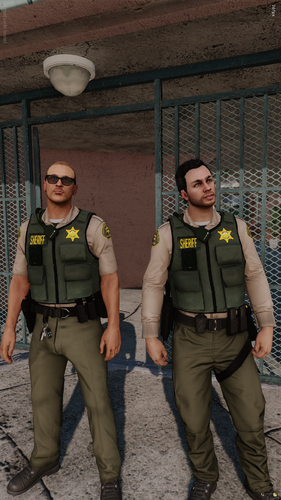 You'll have to change the "A" in ytd name to "B" for lssd. You place it inside of the eup archive in eup_componentpeds>mp_m_freemode_01_mp_m_january2016
 -
 someone will probably make it serversided but they would need to make a script since not everyone would want to use the same weapon animations
 -
-
 i see that there is now a fivem version but its only just a dll, is it suppose to only work client sided?
- 535 comments
- 42 reviews
-
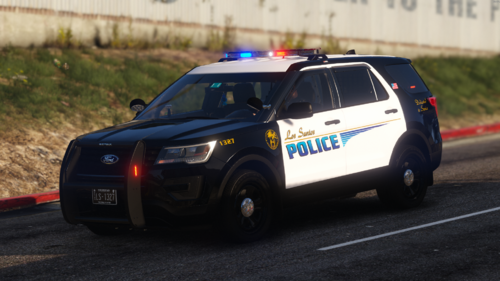 This file is intended to make configuration easier by providing organized vehicle entries that can be quickly copied, pasted, added, or removed without having to search through, or deal with the longevity of copy pasting changing names. Vehicles are orginized by Marked, Slicktop, Unmarked, Traffic, and Port Vehicles.txt
 -
because addon weapon metas need to be edited
-
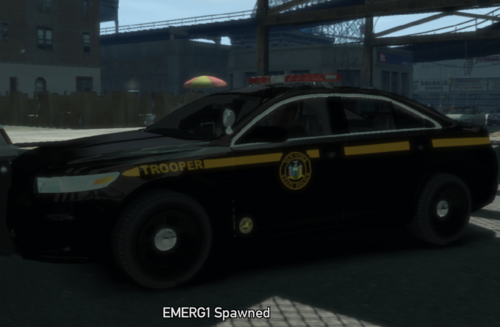 it can be, but usual its due to the vehicle model and not the texture. High Poly models at around 70K+ will have world texture streaming issues, especially for 1.0.7.0, not sure about the other versions. I recommend having this in your command line: -nomemrestrict -norestrictions -availablevidmem 10.0 you can also have -windowed to just incase game crashes when you tab out of fullscreen and then in PC/stream.ini change the values to these: virtual 204800 physical 204800 virtual_optimised 204800 physical_optimised 204800 The next thing i can also recommend is IV Tweaker. If texture loss still happens you can try to lower the resolution of the vehicle texture or replace it with another model that isn't highpolly
 -
maybe, but if something isn't correct in the dat then it wont spawn. i also just realise, make sure you press enter after "cars" for example; should look like this Handling: emerg1, 1777.0 0.33 85 0.0 0.0 -0.25 0.0 5 0.185 1.0 225 0.70 0.70 0.7 35.0 1.45 0.95 14.0 0.11 0.47 2.5 1.7 1.7 0.1 -0.08 0.0 0.49 2.0 1.0 2.2 2.5 0.0 25000 400010 0 0 Note: Vehicle handling should always have the comma for the vehicle name. rest is fine, similar to default vehicles. Vehicles.dat: emerg1, emerg1, car, emerg1, POLICE, VEH@STD, VEH@STD_RI1, 100, 999, 0.2345, 0.2345, 0.2, 2, 1.0 ,1, ext_requi+ext_strong+livery
-
that's because your forgetting the comma for emerg1 and emerg2 in the handling file. You don't need to add it to the txdp, that's just for custom vehshare files. and for the vehicles meta make sure its like this as an example - emerg1, emerg1, car, emerg1, POLICE, VEH@STD, VEH@STD_RI1, 100, 999, 0.2345, 0.2345, 0.2, 2, 1.0, 1, ext_requi+ext_strong+livery - if it replaces a default vehicle without any custom handling or vehicle dat, then you can simple copy both over and rename the default vehicle name to emerg1 as example
-
This package allows users to add and organize custom vehicles without constantly replacing the game's default vehicle slots. Whether you're building an LCPDFR setup, installing a large vehicle pack, or simply want a cleaner way to manage your mods, this resource is designed to make the process easier. Note: You can also have several .img files for vehicles, as long as its referenced in gta.dat properly, for example: statevehicles.img etc Features: * Dedicated archive for addon vehicles. * Easier installation and management of vehicle packs. * Reduces the need to overwrite default vehicle slots. * Compatible with GTA IV 1.0.7.0. This package does not include vehicle models, or custom vehicle handling entries. Users must provide their own vehicle mods and ensure they have permission to use any third-party content. Installation instructions and example configurations are included.
-
-
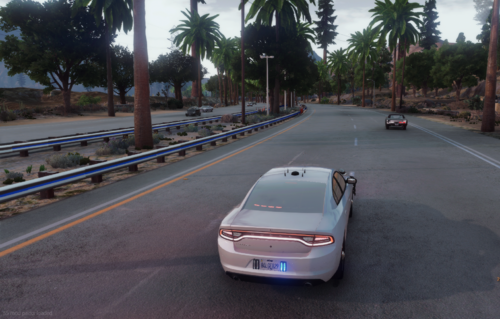 not sure if its because the server was also running advance ai and other ai scripts for traffic, but when a vehicle is stationary blocking 1 lane the ai is able to go around. However, when using a emergency vehicle with its lights turned on, vehicles just pile up instead of properly going around
 -
does this fix Ai not moving over as well? because when installed cars still pile up and refuse to go around the vehicle unless lights are completely off
-
-
 Definitely one of the best weapon animation mods out there. Especially as a successor to Hanako’s NPC-style cover animations, this one really takes the cake.
- 87 comments
- 19 reviews
-
 A feature suggestion for Grammar Policer would be custom radio emotes in the .ini file. Example: RadioEmoteStyle=default default would use the normal Grammar Policer/LSPDFR radio animation, while something like: RadioEmoteStyle=wtradio could use a different chest radio or handheld radio animation. This would give more customization and realism depending on the character or EUP setup. But im not sure how that would work on the modding side except for using the customanim dlc folder, but to actualy spawn the radio prop.. i know there's the Updated Radio Animations but that replaces the default one, but who knows
- 1,365 comments
- 86 reviews
-
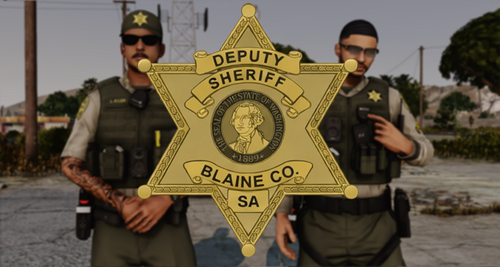 The fix would basically be going into EUP. I recommend using this link - Male Freemode Components. Select the BCSO outfit using the EUP menu and figure out the location of each component. For example, if the upper body is 1, you would go into the Pastebin and find “Top 1,” which would be jbib_000. Then find the texture for it, which uses the same name but may end in a, b, _c, etc in eup dlcpack componetpeds.rpf
 -
 so clearly if you had bother to even read, thats an error for ELS
 -
.thumb.png.e3bf002b373d17b026eaf89a45a32aa8.png) if you are going to upload something at least have the link for the custom animations because all of these are not the vanilla ones they are custom
if you are going to upload something at least have the link for the custom animations because all of these are not the vanilla ones they are custom- 6 comments
- 1 review
-
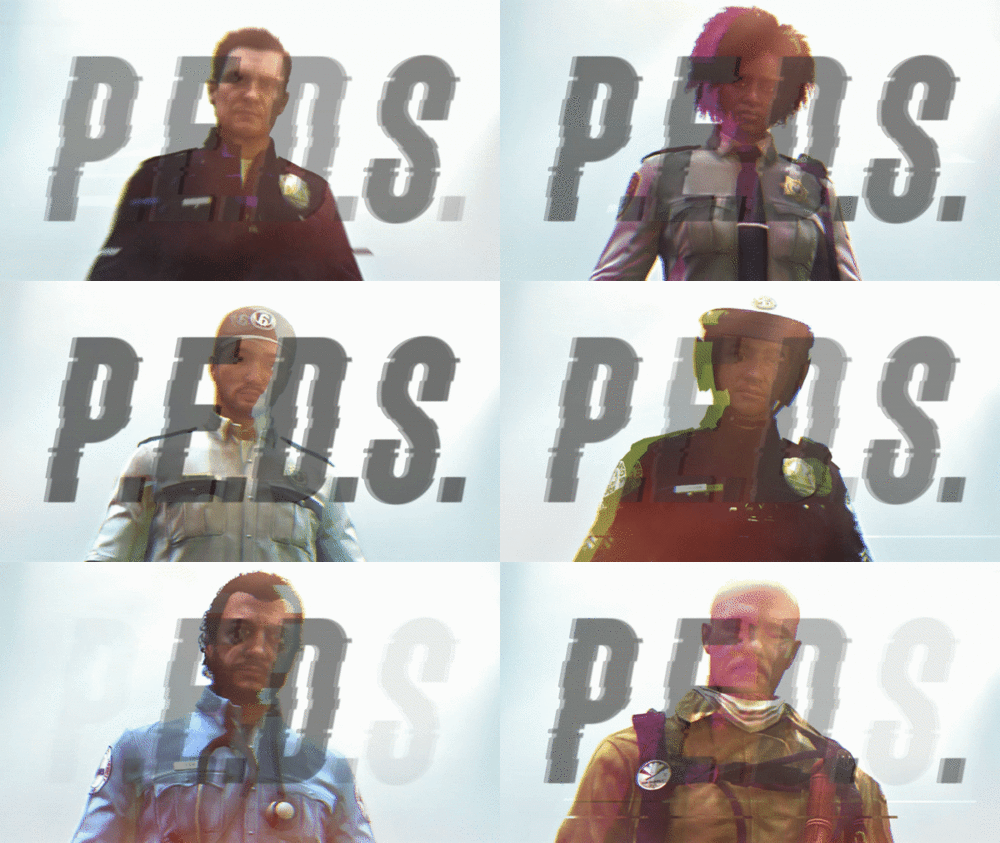 That's because this is eup PEDS it doesn't and shouldn't affect the MP Peds for actual EUP you need to install this - EUP Configurations
 -
 just making sure, this is still the same one for ultimate backup just under a different name right Nevermind i see the Ultimate backup stuff, just a different download Turns out this wasnt the Config file i was looking for
- 367 comments
- 17 reviews
-
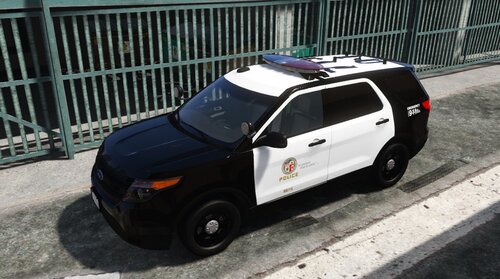 If you guys are still looking for a fix simply go into the vehicles.meta file of the dlcpack and then in the <lodDistances content="float_array"> simply change all the values to 500.000000 or copy paste <lodDistances content="float_array"> 500.000000 500.000000 500.000000 500.000000 500.000000 500.000000 </lodDistances>
- 18 comments
- 4 reviews



.thumb.png.e3bf002b373d17b026eaf89a45a32aa8.png)
