TrentMU
Insiders
-
Joined
Everything posted by TrentMU
-
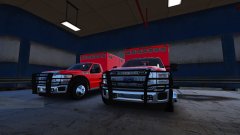 Guess I gotta test another model. *sigh* ;)
 -
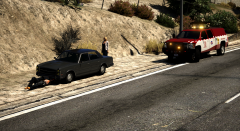
From the album: My GTA V Fleet
I haven't posted in awhile so here is my new Road Patrol unit I did up. Mock verison of the StateFarm Safety but Mors Mutal style for GTA. -
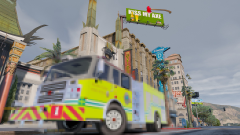 Man, Guess I gotta test a new model....darn hahaha
 -
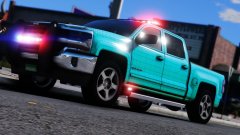 can I haz test pls
 -
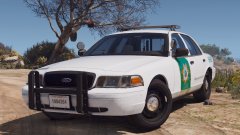 ngl, This is one of my favorite Sheriff designs for some reason. So clean, so plain but just plain sexy
 -
He does say what it is at the beginning of the video lol Los Santos County Sheriff [ELS] Pack 4.0 it's on gta5mods
-
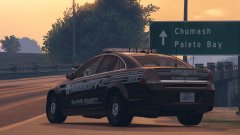 Hurray for more generic setups !
 -
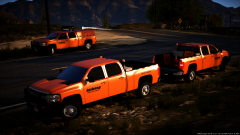
From the album: My GTA V Fleet
updatesssssssssssssssssssssssssssssssssssssssssssssssssssssssssssssssssssssssssssssssssssssssssssssssssssss re-doing the trusts. Gumball lights is way brighter than the mini justices -
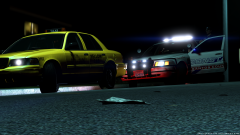
From the album: My GTA V Fleet
Older picture I did a while back ago of the early stages of me Valor CVPI. -
 I saw the color scheme and went "Why does he have my FD skins" then I realized it wasn't mine but had the same style paint job. Looks great man !
 -
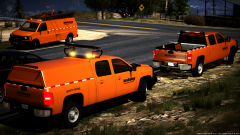 THANK GOD SOMEONE GOT IT
 -
From the album: My GTA V Fleet
iwantyouinmyroom tisbewipiknowstuffneedfixsoiwantyouinmyroomboomboomboomsuperbattledroids -
-
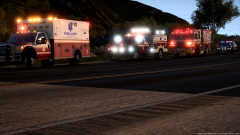
From the album: My GTA V Fleet
woooooooooooos -
ELS vehicles are easier to do because you don't have to worry about carcols and making certain lights do certain things. Plus, ELS is way better than non-els unless you are on FiveM and you like having non-els vehicles so your lights are synced.
-
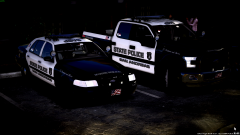 Nope, Still working on them
 -
I used a R* filter I wasn't trying to hide anything lol
-
From the album: My GTA V Fleet
walkingfastgonnabeatyourass dadadadadadaaaaaa -
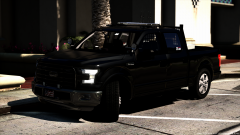
From the album: My GTA V Fleet
I still workin on it skin and textures fixes tonight billy -
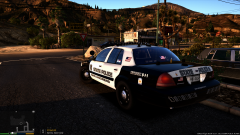
From the album: My GTA V Fleet
honk honk yes I know -
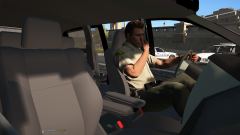 Can't wait to take the kids to soccer in this.
 -
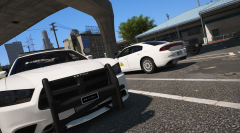 usuckme I mean, Good screenshot !
 -
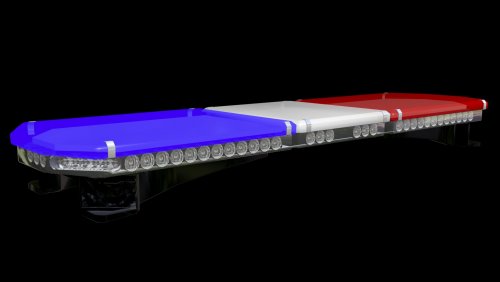 Been wanting a 21 TR for a while now, Thanks !
 -
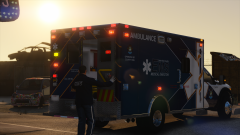 That is such an amazing f*cking skin.
 -
I will third this, It is pretty neat you did take the time to do this.