


Kalleboston
Members
-
Joined
-
Last visited
Everything posted by Kalleboston
-
-
-
@Carter S. I think you must have a gameconfig specifically made for the latest game version (1180?) You might wanna check that out. Modding dlc was made a while back, and that gamecfg doesn’t work with today’s version of gta.
-
 @Anthony156 you can open .oiv files with winrar and extract the vehicles you want.
- 779 comments
- 187 reviews
-
 I don’t think anyone’s gonna do that since it against the rules. Just download a gameconfig that works with your game version and you’ll be fine. :)
- 501 comments
- 104 reviews
-
It’s a great tool! I use it too. You didn’t by any chance forget to change gameconfig did you?
-
Hi, there is one in this pack.
-
-
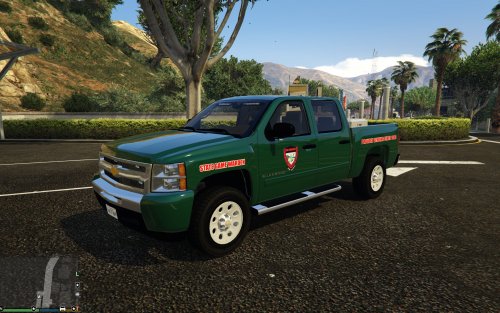 @duncnasty yes, I think you have installed another Silverado than black jesus’. Because that’s a slick top and the screenshots shows one which isn’t. The templates may differ from vehicle to vehicle.
- 6 comments
- 2 reviews
-
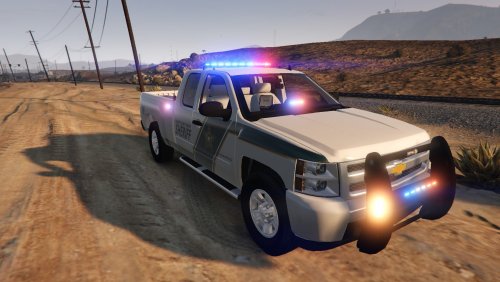 Check your vehicle meta entry for your car. Look for the line that contains “audionamehash”. If it’s empty you need to fill in for example sheriff2 or something that sounds nice.
- 32 comments
- 9 reviews
-
Instead of a mod you could download a gameconfig which lets you chose traffic density. Search for gameconfig and you will find what you need.
-
 Yea, you are not alone. Let’s hope it gets sorted in the next update like @FoxTrot999 said.
- 1,915 comments
- 242 reviews
-
It does work. Try again and good luck.
-
Haha that’s great! We’ve all been there. Missing a letter or number...
-
I think the name should be with a ‘1’ after the name, policeold1. Maybe you have tried that?
-
I hope you find the error :)
-
@sirdoctorkiller I don’t know if that pack replaces or adds additional cars? If it adds, you need another gameconfig.xml to enable add-on cars. A quick google will give you what you want in that case.
-
@jersecop aha, I’m sorry , I didn’t understand you then :) I’m glad kallus gave u the right answer.
-
@jersecop try ctrl-p and when it's paused you press ESC and get back into the game. Then your els panel should be visible.
-
 @OfficerHarry111 dude! I guess you are new. But u can’t post your error log in the reviews! It’s a pain in the @ss to scroll through on a cellphone. Thx.
- 3,646 comments
- 306 reviews
-
-

- 1
-
-
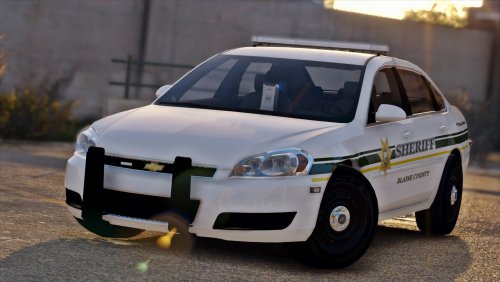 I know the impala can be tricky. Try and change the <handling> in vehicles meta for that specific slot you have it installed to. I think I have police3 handling for the Impala. But try another one if it doesn’t work the way you want.
- 20 comments
- 8 reviews
-
-
- 1
-
-
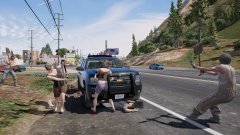 I gotta love gta!
 -
Looks like fun! How did the commotion start? :D
-
Oh I thought you had Rph and lspdfr :) The wash command washes the car, it has good effect on the lights for me, that’s why I suggested it.
-
Try typing “wash” in console and see if it helps. Otherwise it’s probably the tint issue. Google: fix window tint lspdfr


