Kalleboston
Members
-
Joined
-
Last visited
Everything posted by Kalleboston
-
 I got it working! Thanks for the kick in the rear. My problem was that I had edited another veehicles.meta (before this using mod) \mods\update\update.rpf\common\data\levels\gta5\vehicles.meta There I and added FBI3 and some other cars. And that didnt work at all, but after I removed my fbi3 in that file I could spawn it by typing fbi3. Thanks for the help! Now I can really enjoy this mod :)
- 266 comments
- 36 reviews
-
-

- 1
-
-
Thank Thanks for your input! Yes, I'm typing spawn fbi3. I must have made a typo in my add-on vehicles.meta. It's so much easier just to replace cars. But I really find this mod useful for all the extra cars one can add. I'll follow your advice, thx again.
- 266 comments
- 36 reviews
-
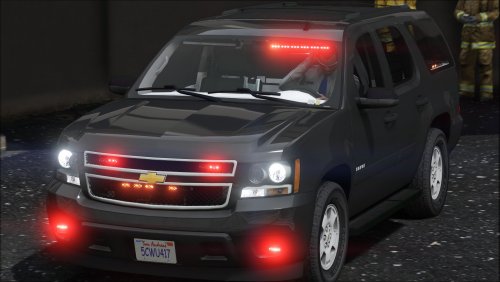
I have tried to follow the instructions as precisely as possible, but still cant spawn my new fbi3 or towtruck2 cars. (I get my new towtruck2 when I order it through the radio though) Are there any well known rookie-mistakes? ;) I'm obviously not doing it right. I appreciate all the help I can get.
- 266 comments
- 36 reviews
-
-
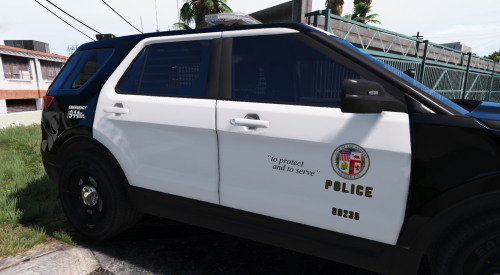 Exactly what I've been looking for as well. Looks great! Nice with three different liveries. Thanks.
- 24 comments
- 4 reviews
-
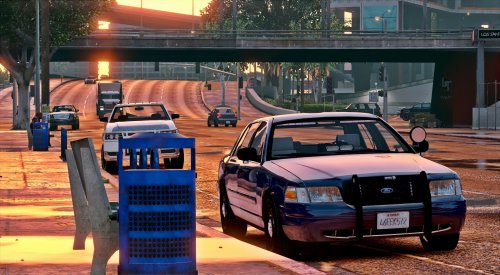 Great looking CVPI! I really like it. Though I cant get the push bar to appear. I'm greatful for any suggestions.
- 71 comments
- 24 reviews
-
-
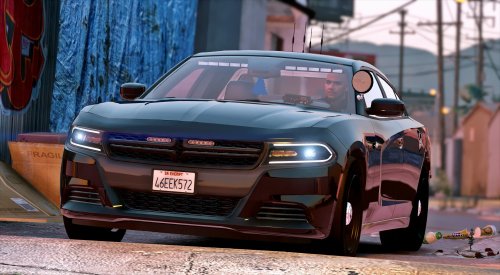
.thumb.jpg.53e6566fc11617e23f7fb13f2792cbbe.jpg) My all time favorite crown Vic so far. I love how the lights changes according to the siren!
My all time favorite crown Vic so far. I love how the lights changes according to the siren!- 132 comments
- 63 reviews
-
-
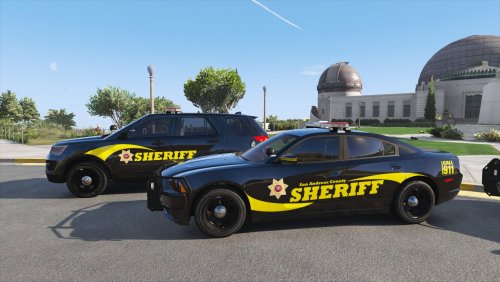 I really enjoy the skins! Looks great. The only problem I have is that my sheriff and sheriff2 looks very dirty. As soon as I 'wash' them they look great again. No grey windows or weird dust on the doors. I dunno how to fix it.
- 2 comments
- 2 reviews
-


.thumb.jpg.53e6566fc11617e23f7fb13f2792cbbe.jpg)