FCV96
Members
-
Joined
-
Last visited
Everything posted by FCV96
-
 That photorealism; I don't even want to know what your PC's specs look like. :D
 -
-
I must thank you for this project; the Fox-Bodied Mustangs made some incredible looking police interceptors! :D
-
Words simply cannot describe how beautiful the most recently posted textures are, Strike. I'm particularly fond of the black/white OPP one for the LTD Crown Victoria, as well as the NJSP for the Dodge Monaco, though each and every single one is mind-boggling to say the very least.
-
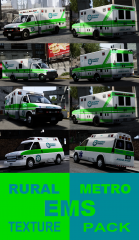 Great job; I'm glad to see that the Speedo ambulance is getting some love.
 -
Keep in mind that the Ford Expedition has been made for quite some time and has gone through styling changes. That particular model appears to be based on the 2003-2006 style; You're probably looking for the 2004-2013 model;
-
-
 Congrats!
 -
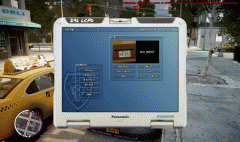
I have the steam version and have the screenshots assigned to the forward-slash button. :D
-
-
Wonderful pack; might I inquire as to why Lt. Caine's Police Esperanto wasn't included in this specific one?
- 31 comments
- 17 reviews
-
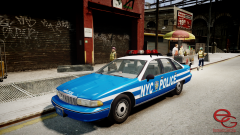 Damn fine job, Compeast. I know this is old hat by now, but any chance at an ELSV7 version; the new "rota" prefix for older lightbars is wonderful.
 -
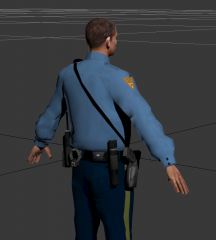 Here's hoping we can get some compatability with packages such as Yard1's "Heads-a-plenty".
 -
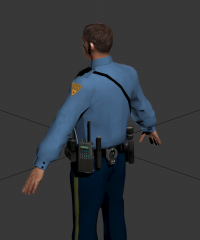 The new belt looks beautiful!
 -
-
Reassign the key in the ELS.ini using the included key codes in the ELS V7 manual. I made mine ctrl/prntscrn. [Print Screen]. Also, if you set specific vehicle .ini files then you'll never have to fuss around with the info panel again.
-
-
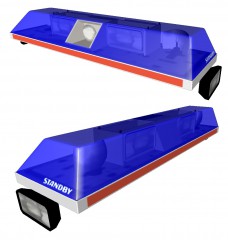
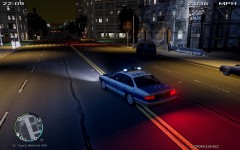 Looks well-done as always, Ceril. Though I must say, the entire pod lighting up seems a bit odd.
 -
-
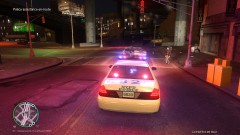
From the album: LCPDFR Escapades
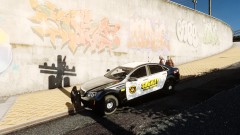
This Dinka Hakumai was involved in a bait-car operation. Noticeably, things did not quite go to plan for the thief. -
Yup; just increase that and you should be fine.
-
Just increase the intensity/range settings and you'll be good. It describes all of this in the included manual by the way.
-
So you've completely ignored the ability to set a custom .ini for each vehicle, therefore not having to mess with the control panel to get the right lighting for your particular car every time? Also, the differences between LEDs, Strobes, and Rotating lights in ELSV7 are astounding to say the very least. The environment lighting is much improved, as is the overall stability of the mod itself. In summary;
-
Reinstalling the game corrected all issues I had with ELS V7 crashing my game instantaneously. If you do not want to do that first, try replacing your vehicles.img archive with the default [that you've hopefully backed up] and see if it loads then. If it does, start putting in ELS-enabled vehicles one at a time to see if a particular model is giving you problems.
-
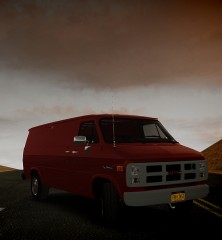 I adore older vans, including this; now if only the Econoline van currently available for download didn't have the spare tire/wheel attached in the drum on the back.