willrs
Members
-
Joined
-
Last visited
Everything posted by willrs
-
 Does anyone have experience setting up multiple models to be have moving spotlights with this script? I have 2 vehicles in a dlc pack successfully working with moving spotlights, but I can't get a 3rd to work. I think the issue exists in my handling.meta, but cannot figure out exactly what is the issue. When I copy the whole "vehicle weapon handling data" from a working handling entry to the new entry, the spotlight comes on from the middle of the dash and the physical spotlight attached to the car does not move; however if I change which handling entry the same model uses in vehicles.meta, it works exactly how it should with the spotlight in the correct position and moving. Here is some of my handling.meta: The PALAMO entry is the one that makes the spotlight originate from inside the dash. The PSTANIER and PTORRENCE entries make the same model work perfectly fine. The vehicle weapon handling data in the PALAMO entry is copied from both the PSTANIER AND PTORRENCE entries.
- 477 comments
- 73 reviews
-
-
 Does the epsilon that you bought have the "y-249" or "warble" siren tones? Those would be great additions to have as optional files or something
- 30 comments
- 5 reviews
-
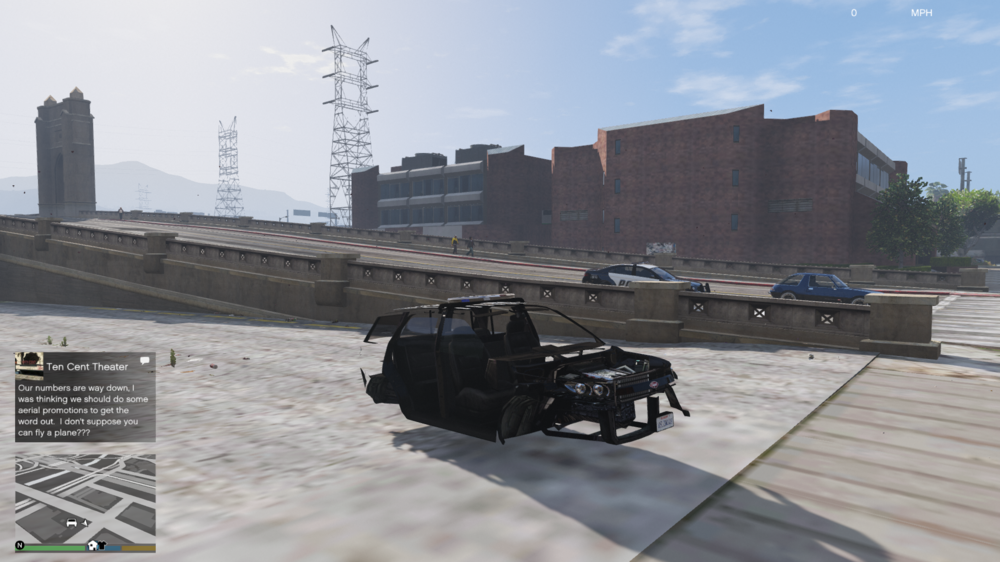
I'm running into an issue when trying to set up lods for certain extra parts. When I leave them uncompounded, the vehicle spawns and functions fine. But as soon as I make either a compound and try to spawn the vehicle in game, I end up with this: I've been searching through topics of similar issues, but none of those solutions have worked. I've tried resetting the chassis and base dummys like it says in other topics, and checking the hierarchy, there are no duplicate name conflicts, but nothing worked. After I get this result I can dismiss the compound, export again, and the model will be fine. So it seems to me that it is definitely something from making the extras a compound. I initially thought this was limited to extras 5 and 6, but after changing one to extra_11 and compounding, I still ended up with the same result.
-
-
I am having an issue where a vehicle siren seems to ignore the "multiples" setting in carcols, but only sometimes. With a rear facing siren corona (delta 3.14159300) and facecamera set to false, the siren acts like the multiples value is set to 2, even though it's set to 1. However, if I set the delta to 0 and set facecamera to true so that it is still visible from the rear, it will act as it is supposed to with a multiples value of 1. I've been racking my brain and trying to experiment with other values to see if this is linked to something else and can't figure it out. I even copied the siren setting from a rear facing corona on the police buffalo and used it in my siren setting but the issue prevailed
-
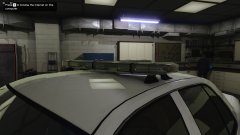 Is this going to be made public once it's finished?
 -
This is old so maybe you got this yourself but the change in speed/pitch for the ambulance siren in audacity seems to be 12%
-
Yeah I know about changing out the graphics.ytd I have a majority of carcols figured out, but do you have an entire siren setting marked up like the segment you sent before?
-
Ok. I've been experimenting and at first I thought it would like scale the texture in the middle while leaving plain light around the edge of the outer cone. But I see now it's just how bright/dark the light is as you get closer to the edge of the outer cone. As far as the numbers themselves, the outer cone is exactly the number of degrees you set it. But the inner cone, in game, is attached to the outer cone. I.E., against a blank wall, increasing the outercone while leaving the innercone, will enlarge the innercone in game.
-
Awesome! Do you think innerconeangle is measured in radians like I said or do you know how it relates to outerconeangle? Because when I change the outercone angle it affects the bright center of the cone.
-
I changed the exponent value to 25 and am seeing a difference now when I am changing the inner cone angle now. Thanks
-
<Item> <id value="16"/> <name>Light Test</name> <timeMultiplier value="1.00000000"/> <lightFalloffMax value="50.00000000"/> <lightFalloffExponent value="50.00000000"/> <lightInnerConeAngle value="2.29061000"/> <lightOuterConeAngle value="35.00000000"/> <lightOffset value="0.00000000"/>
-
Hm. That's what I was thinking, and that's what makes sense but I was giving innerconeangle all kinds of crazy values, between 0 and several hundred, and never saw a difference.
-
I don't think this has been posted before (haven't read through this whole topic, but searched for keywords through the topic), but the lightouterconeangle setting controls how wide a light will throw environmental light (in degrees). I haven't figured out what the innerconeangle setting does. Whatever it does, I think it's measured in radians not degrees. Anyone know?
-
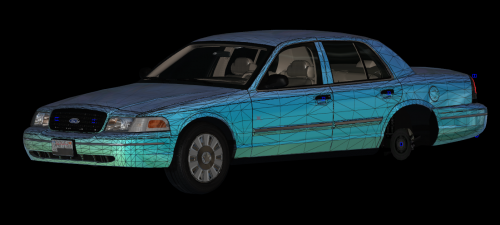 I'm stuck trying to get the taillights/brake lights to work. I've tried changing the external state id in polygon and vertex mode, moved them up in the hierarchy, moved the materials in the material hierarchy. Nothing that's worked on other models with the same issue is doing the trick. Anyone else experienced/fixed this issue?
 -
-
I'm really hoping that callout packs can support the addon/custom departments that will be available with 0.4. With 0.3 I might alter my backup .xml to allot cars to different depts but some callouts might, say, spawn city pd cars in the desert.
-
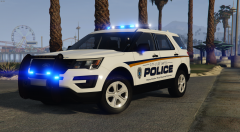 Hope we can use this when 0.4 is released 👀
 -
Not in visualsettings.dat, in carcols.ymt
-
I've not tried this myself but I bet going into your carcols and setting each Corona size to 0 would achieve that
-
With the new open iv update I see they added a "track name hash option." I wonder if with that the sheriff 2 audio tracks could be utilized by els
-
-
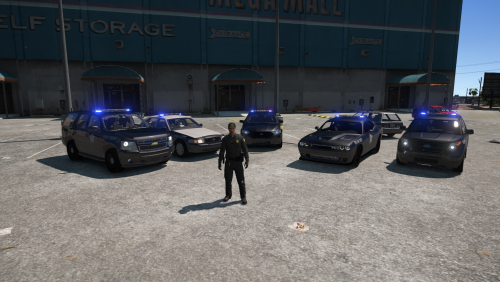
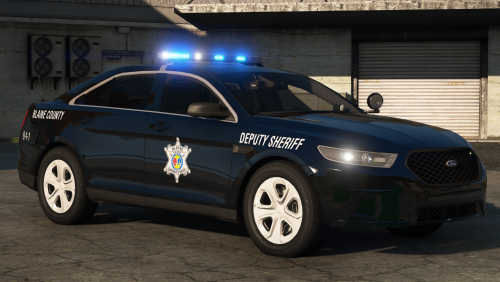
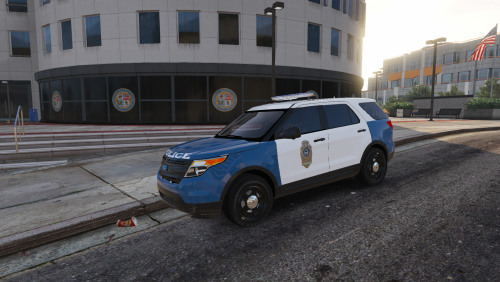 A Raleigh Police CVPI, FPIU, and Charger. This pack uses a combination of ELS and non ELS lights. The main blue and amber emergency lights on the Arjent are non ELS with environmental lighting and a custom pattern that is as close to the real Raleigh pattern as possible (non ELS patterns are limited in length.) ELS controls the mirror interceptors, grille lights, rear lights, stage 1/2 lighting on the Arjent, coronas, and takedowns/alley lights. In the future I'll update with alternative light patterns for the Arjent that Raleigh uses. I might tweak the skins since I think some of the lettering could be better. I also might make a current gen FPIU and a Tahoe with a Valor.
- 10 comments
- 3 reviews
-
-

- 4
-
-
I've found changing the speed by 15% in audacity (which also changes the pitch proportionally if you check the box) seems to work well.