



.jpg.e891f29aa7e4ee9b573d99a5dfa67c58.jpg)
Prophet
Members
-
Joined
Everything posted by Prophet
-
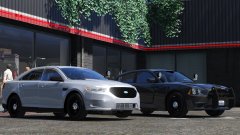 Recognisable... yes, but the front end is clearly in need of some remodelling.
 -
Front-end is scaled inaccurately. I am very serious.
-
The front of that FPI is fubar. Love the spotlights though.
-
 Been using this for weeks. Heavily improves lighting effects in GTA-V! Much better than any other lighting effect modification out there.
- 336 comments
- 70 reviews
-
-

- 2
-
-
Really happy to hear it!
-
Stop driving while distracted. Don't use your phone, don't zone out and pay attention to what's in front of you.
-
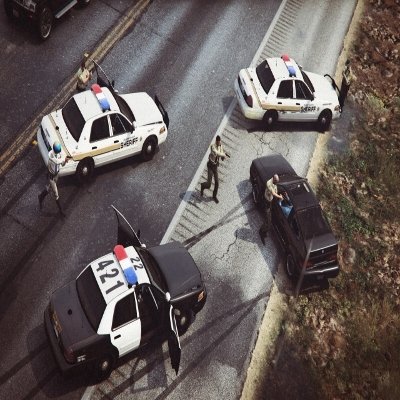 Greetings everyone and welcome to the second installment of the Community Staff Favorites. I hope you all enjoy the images featured this week. We’ve had another great number of submissions and I'd like to thank the community for continuously making great content for the website and it’s gallery! Now without further ado (in no particular order) the Community Staff’s chosen Favorites.
 -
-
-
-
-
-
-
-
-
-
-
-
-
-
-
-
-
-
.thumb.jpg.f7d19f85fad406630fb24c5fa819cf86.jpg)
