



ericcelrosu
Members
-
Joined
-
Last visited
Everything posted by ericcelrosu
-
 I am aware of that, but I'm afraid there's no solution for it at this moment. But it still might work in some cases so it's not completely borken. As an example the spotlight does not crash on helicopter uses, tough on cars it might have some problems depending on its coordinates.
- 477 comments
- 73 reviews
-
-
 You need to put it into the '' scripts '' folder in order to work. It also require ScriptHookV and community scripthook V. Net.
- 72 comments
- 10 reviews
-
Yep,same thing happened to me. It's a LSPDFR bug,but we need more people to report this in order for devs to take us into consideration.
-
The megaphone feature wasn't very stable on LSPDFR. You have 2 choices to make in order to hear it: 1. Reload the LSPDFR plugin until you hear the megaphone on traffic stops and on pursuits. 2. Install the megaphone variety script witch allows you to play any quote on any desired agency.
-
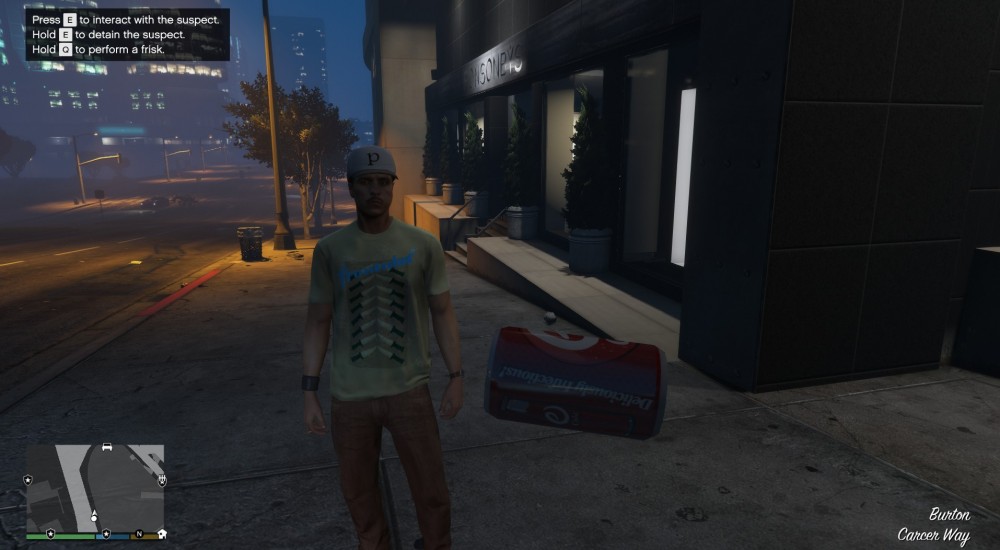
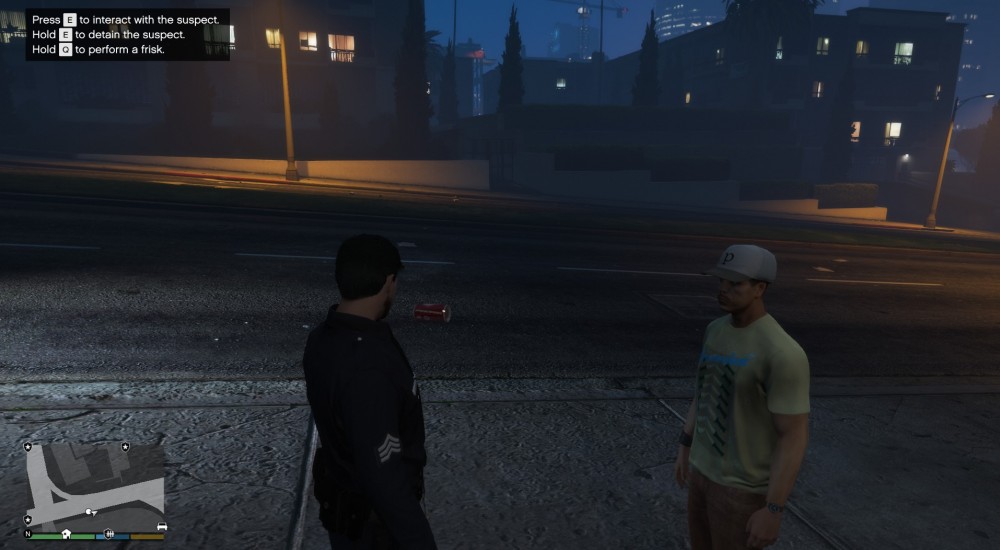
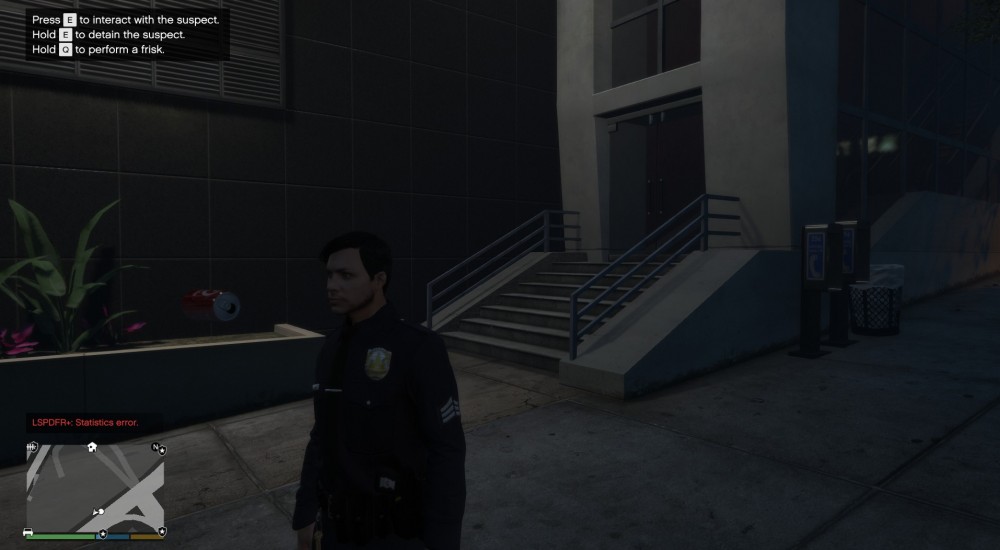
Recently I encountered a bug in LSPDFR 0.4.1 witch consists in a soda can witch appears when I stop a ped to interrogate him. It won't appear in other types of interaction tough,like in a traffic stop or when moving an arrested suspect,only when you interact with him when he is on foot and not arrested. Any idea how to fix it? Or maybe what can cause the problem?
-
Recently I encountered a bug in LSPDFR 0.4.1 witch consists in a soda can witch appears when I stop a ped to interrogate him. It won't appear in other types of interaction tough,like in a traffic stop or when moving an arrested suspect,only when you interact with him when he is on foot and not arrested. Any idea how to fix it? Or maybe what can cause the problem?
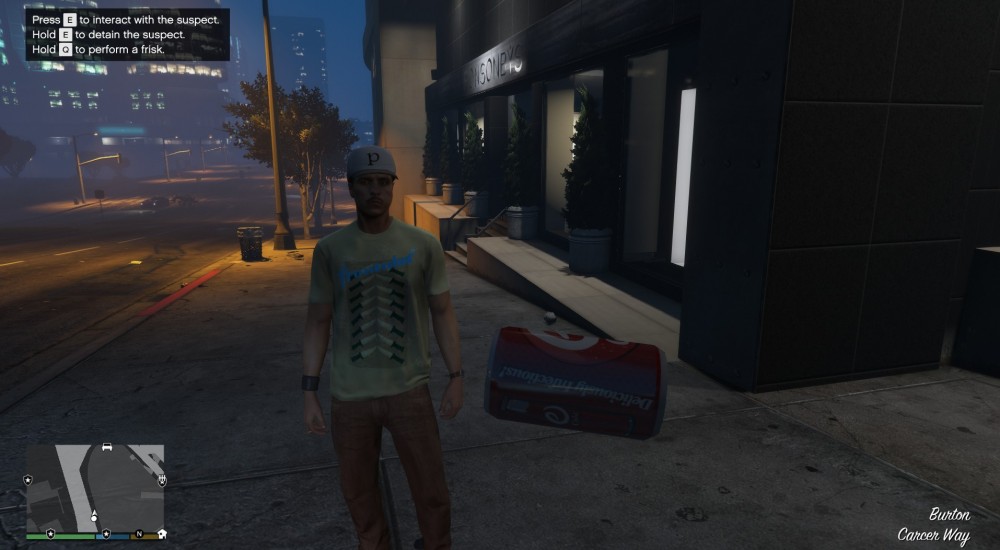
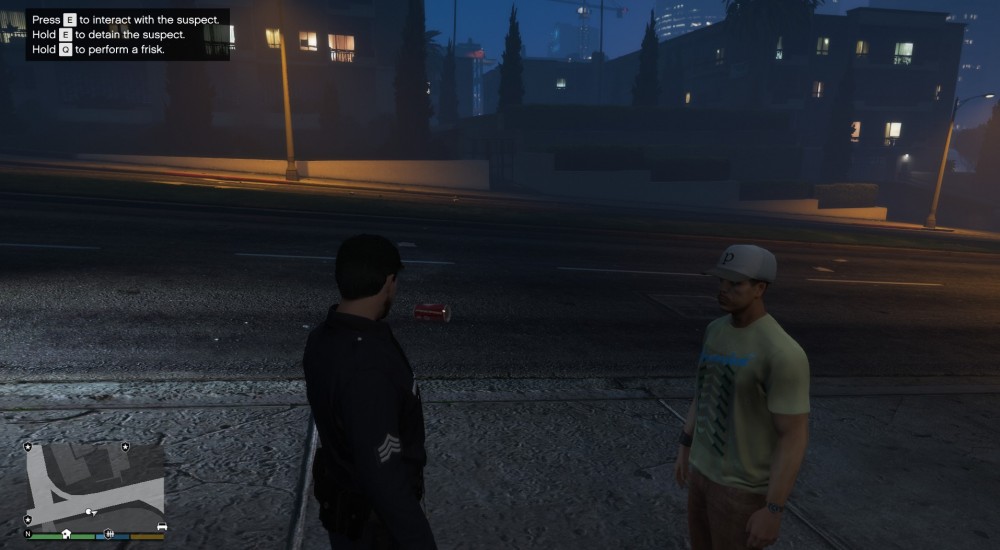
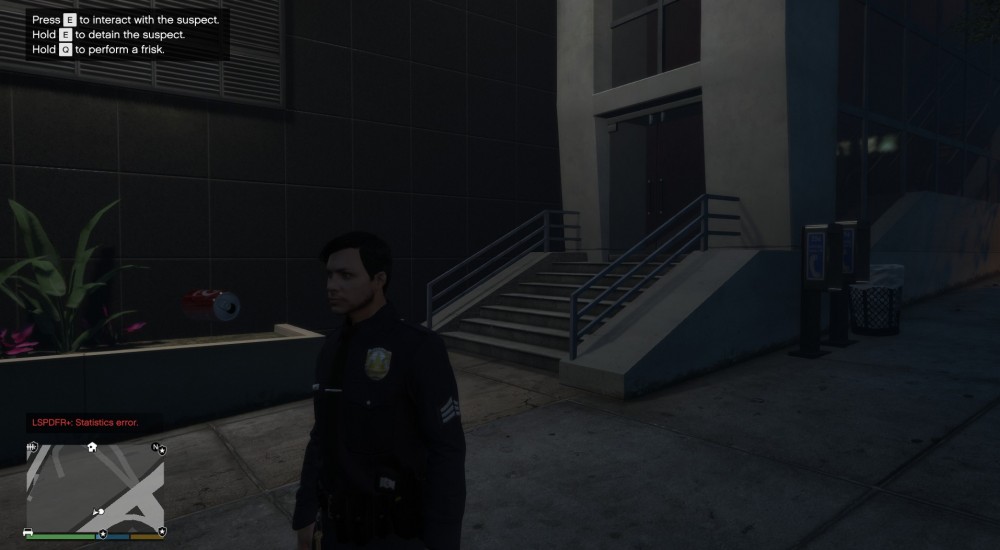
-
 I am not sure if your pack is causing me the following bug,but I encountered it after installing your pack,so don't be mad at me if this isn't related to your vehicles. It also happened after changing some values from this post: Any help will be greatly appreciated. Thanks. jjs Enjoy editing:)
- 445 comments
- 108 reviews
-
-

- 1
-
-
From the album: Officer Eric's happenings
-
Some stuff about what coud happen during a regular duty.
-
received_434058103997377.jpeg
-
 _20190324_184623.JPG
-
 received_344687076163741.jpeg
-
 Screenshot_20181116-103658.png
-
 Screenshot_20181116-103835.png
-
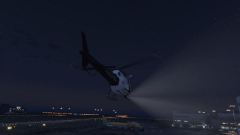 Screenshot_20181116-103847.png
-
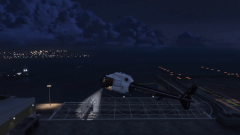 Screenshot_20181116-104119.png
-
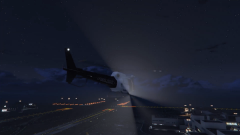 Screenshot_20181116-104144.png
-
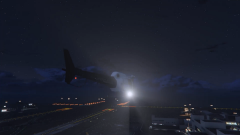 Screenshot_20181116-104150.png
-
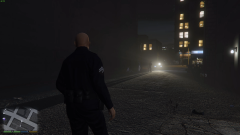 Screenshot_20181103-111157.png
-
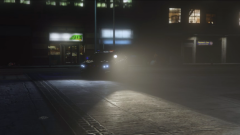 Screenshot_20181103-110902.png
-
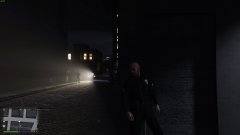 _20180929_181713.JPG
-
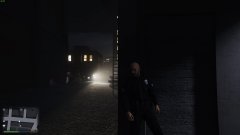 _20180929_182223.JPG
-
-
From the album: Officer Eric's happenings
-
From the album: Officer Eric's happenings
-
 Some models weren't build properly. I don't mind if I can see my skin trough my jacket a bit, but when I ecounter an entire hand missing, well, it's very unpleasant. Luckily only 2 or 3 outfits had this issue, but unfortunately some of them are the main ones used by the npcs(like the park ranger) and you might ecounter a missing-hands-officer wondering in the bushes sometimes :)))
- 2,353 comments
- 238 reviews
-
Since you guys figured out how to implement a drag and a frisk system into the game, it will be cool to use some other features of the game unfortunately avaliable only in specific missions. I've talked about that pursuit mission where you have to follow a celebrity while being chased by the cops. That cop acually open de car and put the suspect into his car, wich animation can be cut and programmed to play in our specific actions. Also the jewelry heist has an interesting feature at some point, basically you can hit the police cars with a big truck and damage them strong enough to make the unable to work properly. This thing can be used both to improve realism while being a criminal by pushing them off and also to incapacitate the wanted car while crashing into it, especially when it rams into a roadblock filled with cop cars. I think we need to find more interesting scripts that can improve realism by simply picking them from the game's core.
-
 Hold on a bit. In the description you said that the spotlight of this car can be operated and it can be turned. Is that even a thing? Does it shine a light or something else?
- 253 comments
- 53 reviews
-
You mean to change the keybindings for LSPDFR itself? I'm not qualified to help you out in this situation, besides the fact that your question is off-topic.
- 477 comments
- 73 reviews
-
From the album: Officer Eric's happenings
-
From the album: Officer Eric's happenings
-
From the album: Officer Eric's happenings
-
From the album: Officer Eric's happenings
-
From the album: Officer Eric's happenings
-
From the album: Officer Eric's happenings
-
Be sure to check my channel for the entire video, and also to take a look on how the vanilla helicopter spotlight work when operated by the player.
-
-
From the album: Officer Eric's happenings
-
From the album: Officer Eric's happenings


