



RoegonTV
Members
-
Joined
-
Last visited
Everything posted by RoegonTV
-
-
From the album: RoegonTV's 3-D Work
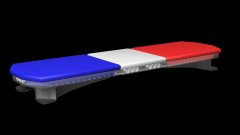
Finally finished the mounts. Triangle count: 6180. -
-
 Old Memories
-
 North Carolina State Highway Patrol
-
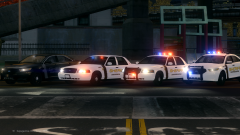 Sheriff's Pack?
-
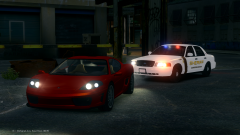 On Patrol
-
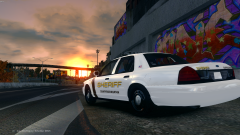 Countryside Mountain Sheriff's Department
-
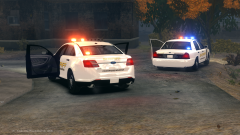 Car Testing
-
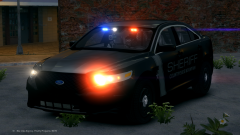 2013 Ford Police Interceptor Sedan
-
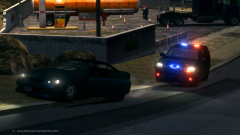 Liberty City PD K-9 Unit
-
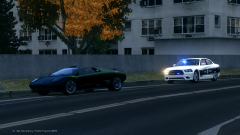 North Carolina State Highway Patrol
-
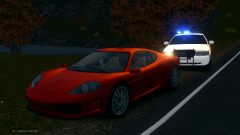 That Offset.
-
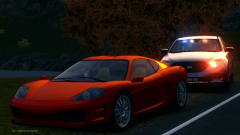 Sunset Reflections + ELSv8 = Screenshot
-
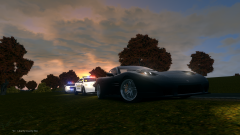 Late Afternoon Traffic Stop
-
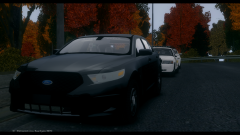 Countryside Mountain Sheriff's Department
-
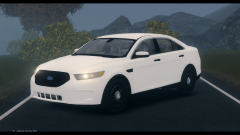 New Steel Rims
-
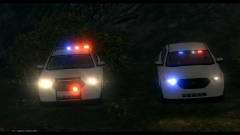 Newest Pack [WIP]
-
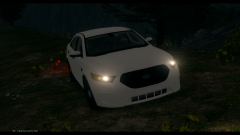 Latest Updates
-
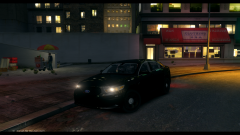 Future Update
-
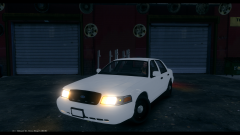 2011 Ford Crown Victoria Police Interceptor [D:SF]
-
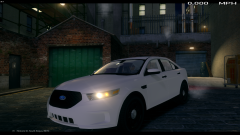 2013 Ford Police Interceptor Sedan [New Updates]
-
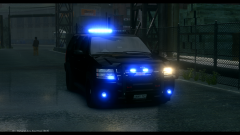 Updated Lighting
-
-
From the album: GTA-IV Escapades
As I decide to venture into V modding I wanted to look back in some IV stuff and found this. I am still extremely pleased with this pack, you can find it here: -
GTA is heavily known to hard-code almost every aspect of their games. Meaning something like LSPDFR and LCPDFR do not change anything in the GTA directory, but simply add to the games file system, but in order to change something hard coded like light patterns, you would have to edit GTAs source files yourself, which is very gray territory. Rockstar has been known to go after people who edit their code and release it. So even if you did, giving to someone would be very bad.
-
BxBugs123's Radiance mod is probably the best, non invasive way to edit the lights.
-
What are the specifics? Also it is important to make sure the model is legitimate for conversion.
-
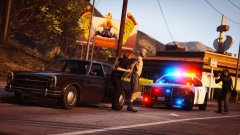 Oh Miko, why must I always wipe my keyboard after viewing a picture of yours?
 -
.thumb.jpg.61de846de400ca98f85d205992527de1.jpg) I haven't made anything for V because school hasn't given me the time to learn, but I am going to release alot of my IV dev stuff something this week.
I haven't made anything for V because school hasn't given me the time to learn, but I am going to release alot of my IV dev stuff something this week.- 265 comments
- 83 reviews
-
-

- 3
-
-
-
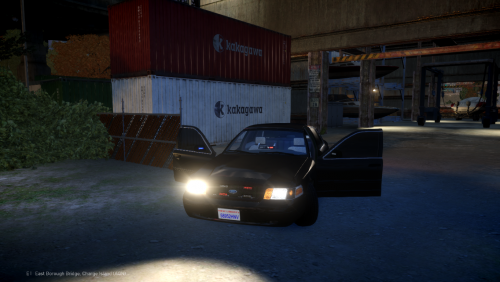 Credits are a very important thing to an author so they don't feel like their work was "stolen" I guess, but it seems you have fixed them, so that is good. However i disagree with those guys up there, I don't think you have to put a rambar on your first car or it isn't good, that is absurd. It looks like you did a god job on the car. I suggest you edit your visual settings though to make extra_lights brighter :)
- 7 comments
- 2 reviews
-
From the album: GTA-V Escapades
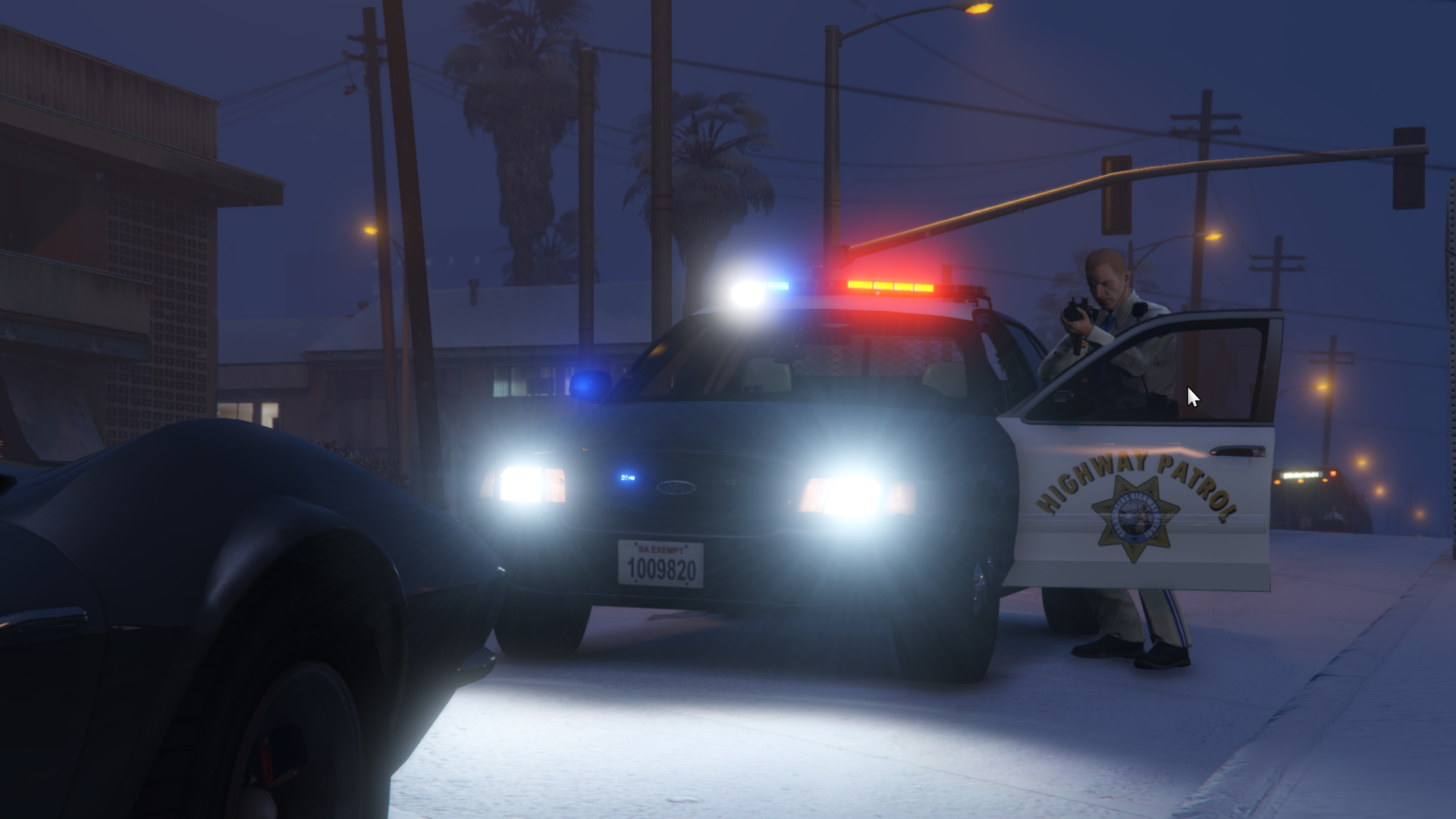
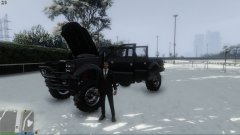
When the snow comes a knocking, the trucks come a flocking. -
 P.M. me if you still need help. I will be redoing things for V when I get the time.
 -
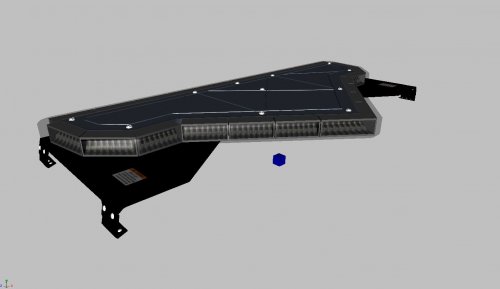
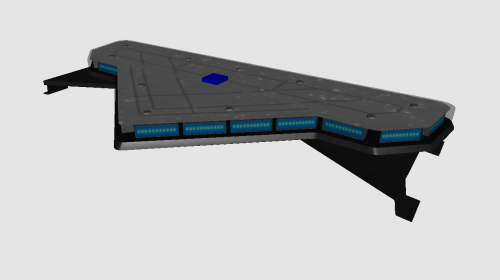 Nice job. Making lightbars is great practice. However, you have to find the balance between too low poly, and too high poly. If you're using 3DS Max, I suggest you try learning to chamfer (unless you already know). But I think taking some of those sharp edges and giving them a little bevel and smoothing them out would improve the model a lot. P.M. me if you have any questions.
 -
LCPDFR has always been free, thanks to all of the development team, and ads on the site. Hopefully it will stay this way.
-
If it is the same as this vehicle: I still have no clue. LOL, hope this picture helps somebody else.
-
Maybe scale down the rear traffic advisor a bit, it appears fairly large. I could be wrong though, just find some good reference pictures. What brand TA is it?
-
So the typical reasoning behind this mess of polygons is that you have too many polygons on one single object. Such as if you attach all of your equipment to your chassis_L0, then it may be too many polygons for zmodeler to export correctly. Try seeing if any of your pieces have a large number of polygons in that single mesh, and try to split them up.
-
I know you'll do it justice!
-
Glad to hear of the updates. Thanks to Original Light for being a mighty chill dude, and Iconography for handling the site for so long. I wish you the best @ineseri in managing the site!
-
Yeah, I agree with Steve. I am still learning, and school is taking over right now (finals week is approaching). Next semester should be better, I will try and release!
-
First off, it seems as if he is not using the foglight for the flashing, but is using the extra 5 and 6 dummies? Secondly, your hierarchy looks fine other than your extra5 doesn't seem to be named correctly. P.M. me if you still have troubles.
-
I'll just explain. First of all, you can not have any more than 1 single mesh with the same name, so you can't have two bonnet_L0s etc. ELS uses extras 1-9 to spawn and despawn to imitate flashing emergency lights. They have to be setup like this: extra_1 (this is just a dummy) - extra_1_L0 - extra_1_L1 You follow that patter for extras 1, 2, 3, 4, 7, and 8. However 5, 6, and 9 are different. extra_5 (this is just a dummy) - extra5_L0 - extra5_L1 For whatever reason the game needs the first underscore to be removed. So make sure all of the lights you want to flash at the same time are attached to one single object and named properly.
-
It sounds like you need to make sure the lights you want to flash are assigned to a lightsemissive material. I also would direct you to the tutorials section in order for you to see how the extras heirarchy should be set up.
-
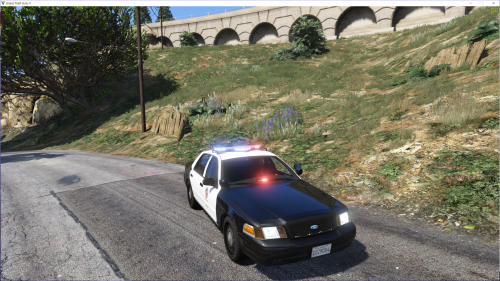
Started converting this about 2 weeks ago. I have been working on it slowly, but I will update with my progress. I appreciate any feedback

.thumb.jpg.61de846de400ca98f85d205992527de1.jpg)
