



RoegonTV
Members
-
Joined
-
Last visited
Everything posted by RoegonTV
-
You might want to make sure you have the plugin set to run through Rage Plugin Hook.
-
I think you may mean ELS, and the answer is with default sirens you can't. You can do a lot to customize the environmental lighting, but as far as I'm aware you can't match what ELS does with wigwags environmental lighting exactly.
-
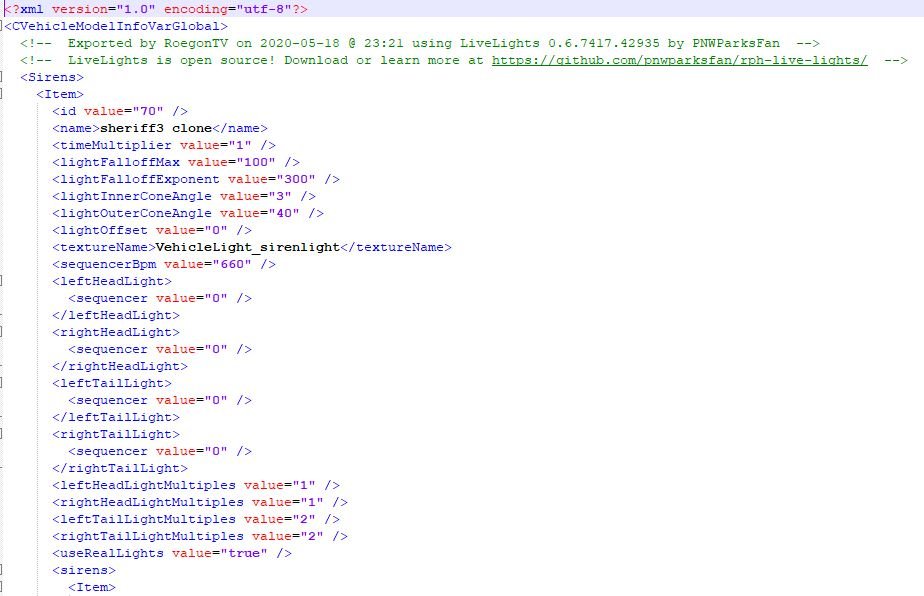
For the intensity I believe you'd have to find the cars headlights in the carcols.ymt and change it there, however that would change the value for the car's headlights as a whole For the flash pattern Look at the attached picture. At the top of the carcols entry for the vehicle in question, you'll see these sequencer values. For mine, in this pic, they're all at 0 meaning the headlights won't flash at all with the sirens. Simply create a 32 bit integer (i.e. "10101010101010101010101010101010") and convert it to decimal form and replace that number. This site will do it and even gives you a neat visualization of the flashing (everywhere there's a one) http://www.binaryconvert.com/result_signed_int.html?hexadecimal=AAAAAAAA
-
From the album: GTA-V Escapades
-
-
BCSO Responding Code 3
-
 Making Visuals Great Again?
-
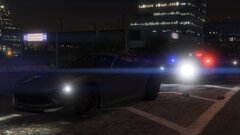 Back at it
-
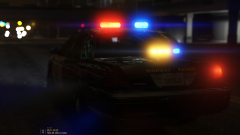 Smexy
Smexy
-
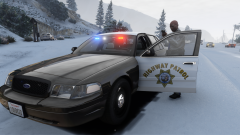 Snowy Chases
-
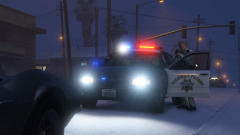 Down on the Ground
-
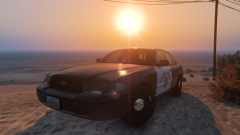 baby got back
-
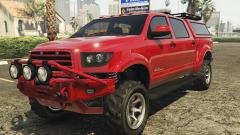 so close
-
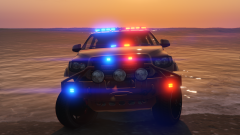 Are you drowning?
-
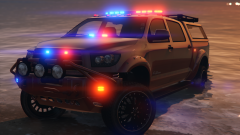 Are you drowning?
-
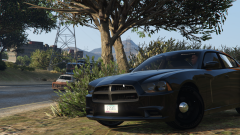 mmm
mmm
-
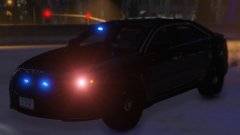 Back at It
-
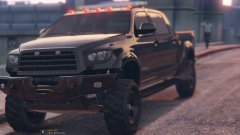 GTX 970
-
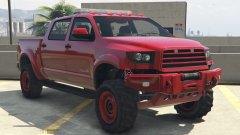 How you think it?
-
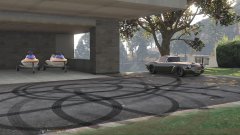 Honey I have no idea how those got there
-
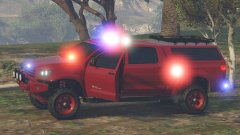 EMS to the Corvette guy's rescue
-
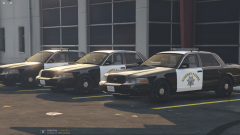 SAHP Cruisers
-
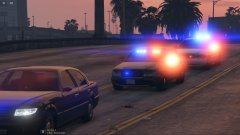 Got em
-
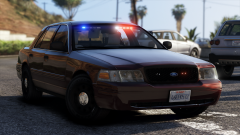 Yass
Yass
-
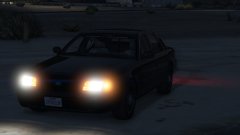 In Wait
-
-
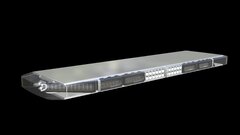
From the album: Roegon's 3-D Creations
This is my new rendition of the Whelen Liberty I have previously released. As of this render, the model is 8,376 trianlges, and still needs mounts, and some small details. -
Here you'll find various renders and screenshots of my work. Not all of it may end up being released, but I imagine most of it will.
-
From the album: GTA-V Escapades
Day 2 of being back, so an ENB was in order! -
From the album: GTA-V Escapades
First time I've booted up modded GTA in a long time. It was fun! -
Hey guys, I'm Roegon. Some of you I'm sure remember me, and if you do, I'm sorry! I was pretty toxic back in the day, and I took a long time away from the community. A lot in my life has changed since I've been gone, and it feels like so much has changed about this community since I've been gone! So that's why I practically feel like I'm new. If you don't know me, I am RoegonTV, I've been known by many names, but I'm not going to derail with that. I've always loved videogames, and whether I wanted to admit it or not, my heart has always been with GTA. I dabble in 3-D Modeling, and you can find all of the things I've released on the site! Just today I got 3DS and Zmod set back up, and I plan to rework some of my old equipment into better, higher quality versions for release. I plan to mainly focus on equipment releases, but I'm sure the temptation of vehicle releases will get to me! I did however, stupidly, lose my "Mods" folders as many modders call it. So I'll be starting from scratch other than the things I've publicly released. I hope to see you all around, and you can find my website (not an ad, just tells a little about me) and a link to my discord on my profile. Feel free to PM me, I'd love to catch up with some old friends!
-
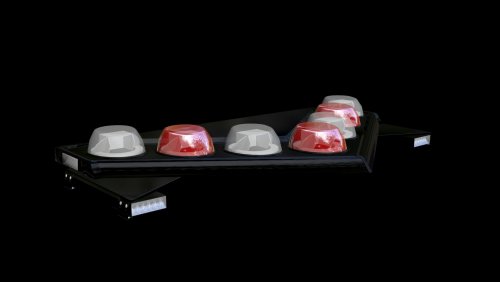 This model has to be put on a vehicle using a program like ZModeler 3. In that program you'll be able to map any part of the lights to any color.
 -
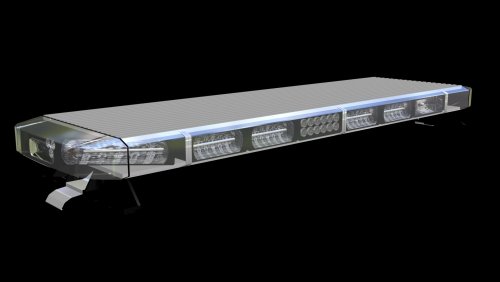 This lightbar is just a model. If you don't know how to assign a transparent glass, or scale a model, you should go look around for some tutorials in basic Zmodeler before you blame the lightbar.
 -
A friend of mine and I were actually talking about this like 2 days ago. I completely agree. I think at least it would be cool to have some form of this implemented!
-
-
-
From the album: GTA-V Escapades
coming soon to a personal computing device near you -
From the album: GTA-V Escapades
ELS version of the SAHP CVPI I released. I haven't finished the valor version, but this one turned out really well -
I LOLd at "literally unplayable" and then responded to that guy. Sorry for the confusion haha
-
LOL, the default Vapid Contender doesn't have that badge, and I'm obviously not going for some super realistic replica. Just having fun with ELS and an old project, take it or leave it @Voit Turyv
-
From the album: GTA-V Escapades
-
I hear vimeo is the hot new thing these days
-
From the album: GTA-V Escapades
-
From the album: GTA-V Escapades
-
From the album: GTA-V Escapades
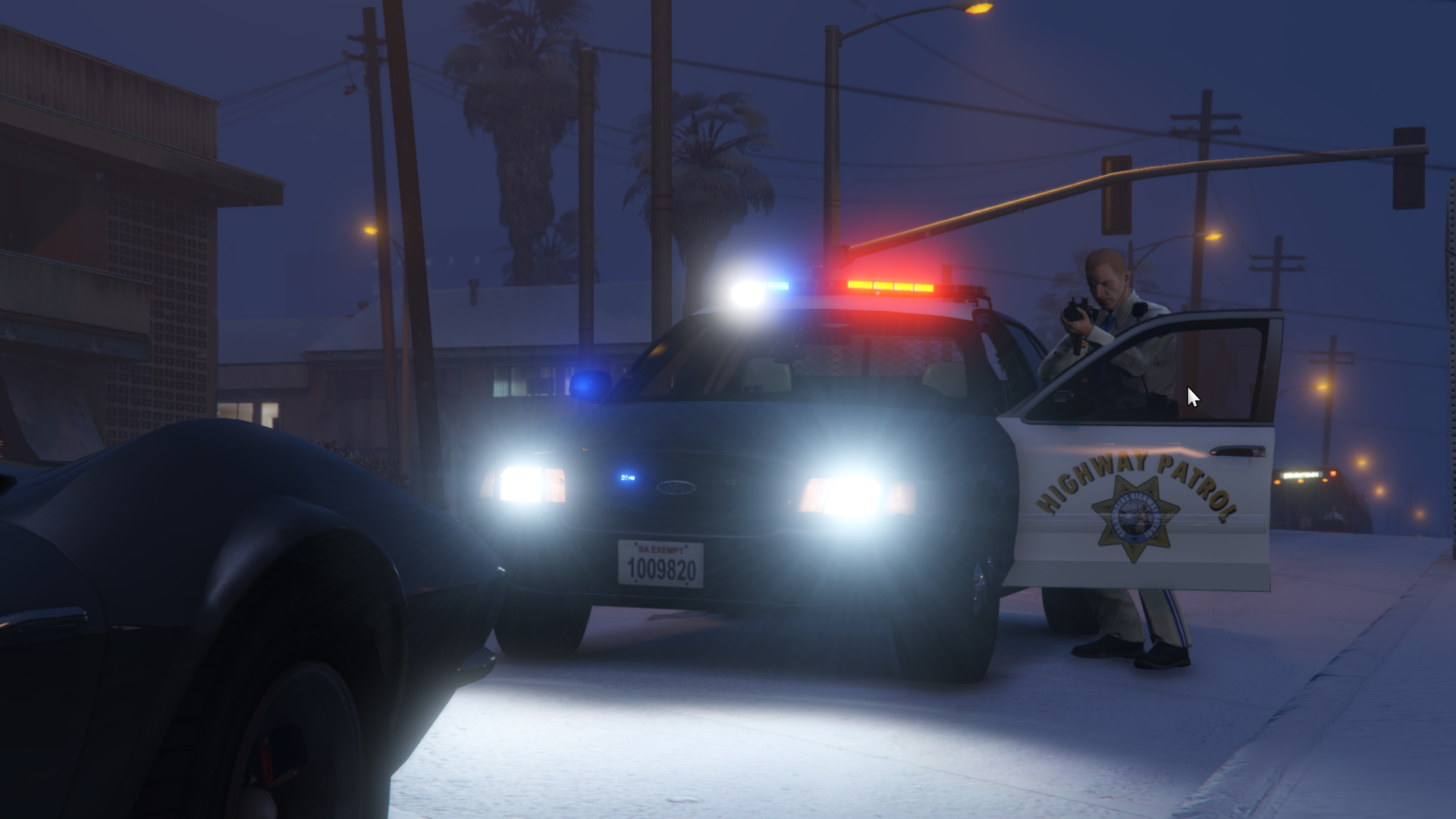
I can play a really pretty game now, and take really pretty screenshots so now I'm really happy :D *plz ignore the mouse, i'm an idiot* -
From the album: GTA-V Escapades
Not my car, but super excited to get back into GTA with 60 FPS on top graphics!


