


Reddington
Members
-
Joined
Everything posted by Reddington
-
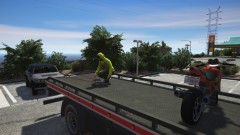
From the album: Off duty shenanigans
-
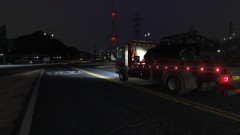
From the album: Off duty shenanigans
-
From the album: Red's LSPDFR chaos
-
From the album: Red's LSPDFR chaos
-
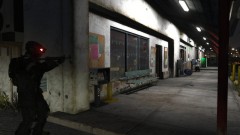
From the album: Red's LSPDFR chaos
-
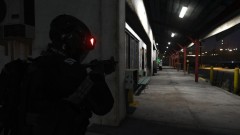
From the album: Red's LSPDFR chaos
-
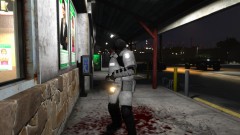
From the album: Red's LSPDFR chaos
-
 Use the "gresley" handlingid. You don't need to edit the handling.meta unless you're super picky and want it to feel exactly true to real life.
- 27 comments
- 15 reviews
-
Your topic has been moved to LSPDFR 0.4 Support. Please post in the correct location in the future.
-
Uh, yeah, sorry about that. It was my day off and I got bored. 😂 This topic has been moved to the appropriate forum. Please post in the correct location in the future.
-
Here's one I really like, but it does not have the same set up as above. Since you use ELS, you can find more here - https://www.lcpdfr.com/downloads/gta5mods/vehiclemodels/?since=all_time&downloads_field_4=ELS&page=1&advanced_search_submitted=1&csrfKey=09f5820a8ff20434f42c69440607242c
-
Unfortunately not, as there are a lot of unmarked Vics out there. 😞
-
According to your log, you are still using FirstCallouts, and the crash appears to be caused by that. Your topic has been moved to LSPDFR 0.4 Support. Please post in the correct location in the future.
-
Unfortunately, it's an issue with the model. You can try opening the ELS VCF and finding this line: <Takedowns AllowUse="true" Mirrored="true" /> If mirrored is set to true, try setting it to false. If it's set to false, try true. However, I'm almost positive it's something the author needs to fix.
-
Do you have ScriptHookV? http://www.dev-c.com/gtav/scripthookv/
-
Your topic has been moved to GTA V Support, this is not LSPDFR related. Please post in the correct location in the future.
-
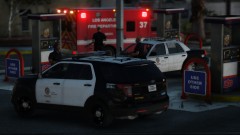 There's still this pack, which is really good if you're wanting LAPD. https://www.lcpdfr.com/files/file/19912-lspd-mega-pack-els-lapd-based/
 -
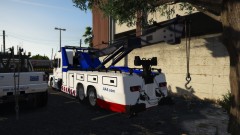
From the album: Off duty shenanigans
-
From the album: Off duty shenanigans
-
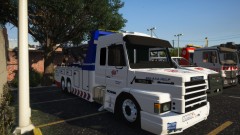
From the album: Off duty shenanigans
-
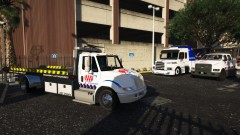
From the album: Off duty shenanigans
-
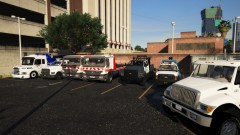
From the album: Off duty shenanigans
-
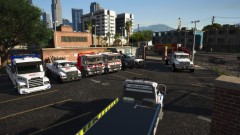
From the album: Off duty shenanigans
-
Your topic has been moved to LSPDFR 0.4 Support. Please post in the correct location in the future.
-
It's called "keybindings" and it will be enabled. Disable it.



