




BlueLine Vibes
Insiders
-
Joined
-
Last visited
Everything posted by BlueLine Vibes
-
You know I can't just not post something here 😉 Albo is one of those 'once in a lifetime modders' in the LSPDFR community. I remember your 'More Jail points' plugin and I remember how excited everyone was. Then to see you grow as a legend over the past 3 years! You have motivated me to do my YouTube channel as well. I probably would have failed miserably if it were not for your work with the LSPDFR team. I want to thank you for everything you have done and will do for this great community. Hope to see more from you soon! Take care. ~Benzo
-
-
-
-
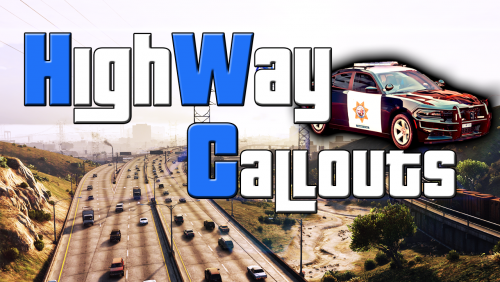 I enjoyed this callout package
 -
I also took a break for about 3 months. Glad to have you back. I am just now getting back into LSPDFR videos againI agree. If you fix it, then come back here and post how you fixed it. Do you not realize that this thread is shown for thousands of others to see on Google for the exact same problem?
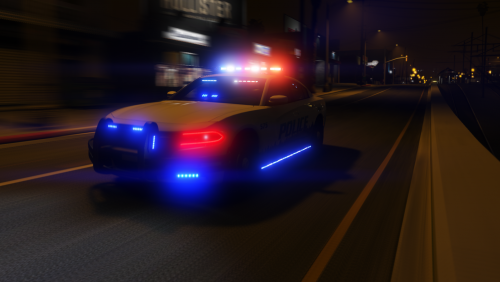
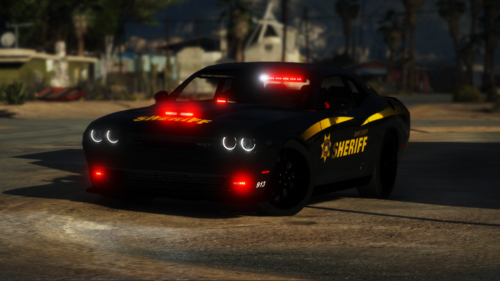 Love the livery and the ELS lighting for sure. However, there is a few things that need to be touched up. The inside needs more work. Looks a bit bland, the computer is not lit up, and the hands are not on the wheel. There is also severe clipping that occurs with this vehicle. Meaning you can literally walk right through one side of the vehicle to the other side. Other than that, both the marked and unmarked look great.
- 40 comments
- 5 reviews
-
-

- 2
-
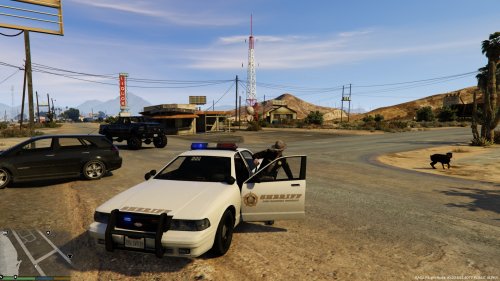 Really enjoyed these uniforms. The color is great and the patches are very crisp looking and HD texture.
- 10 comments
- 6 reviews
EMS VIDEO Definitely my top 3 models on the site. Awesome job on this one! Can I give 6 stars?
- 134 comments
- 33 reviews
-
-
- 1
-
 Easy fix here. The modder accidentally put the f550_sign_2 as this skin template. It should have never been in the actual skin section. The ambulance is actually using the template like a livery. My advice is to delete it from open IV so that the ambulance model doesn't call on it. Hope that makes sense.
- 209 comments
- 40 reviews
-
-
- 1
-
Looking forward to this!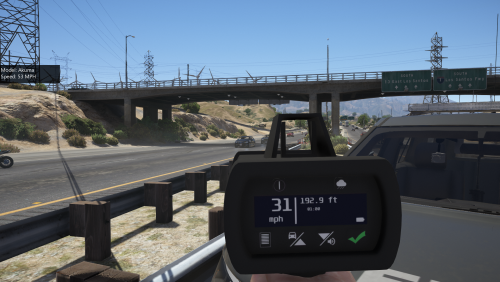 Modeling looks freaking great. A+ Works 100% with Traffic Policer as well. Video to follow
- 79 comments
- 17 reviews
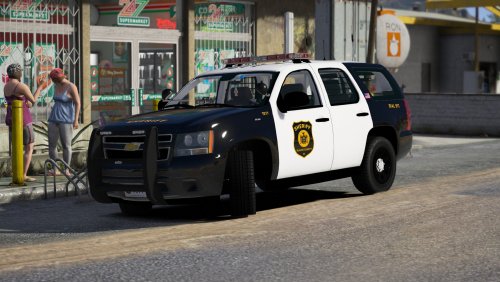 Love this pack by Jedahdiah. The livery is what really makes this special. The ELS is also on point.
- 18 comments
- 16 reviews
-
-
- 2
-
Bad cop episode Live StreamThey closed that other topic. Still waiting for a fix for this. Been over a year now..thumb.png.a266f78098b57e2ea6fa34fd9569bfc3.png) More like Uuuuuuuuugh
More like Uuuuuuuuugh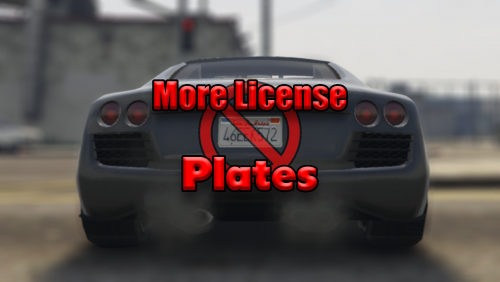 Is this mod different than this one here?
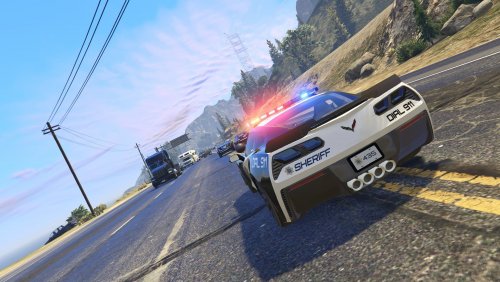 Awesome pack. The inside of the vehicles are also very well done. Thank you Unit23 for stopping by and watching the stream last night. 5/5
- 50 comments
- 15 reviews
-
-
- 1
-

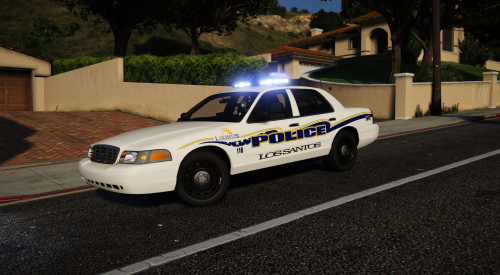
.thumb.png.7fd857a0be870a0a230ee7a859f4ed46.png)

.thumb.png.a266f78098b57e2ea6fa34fd9569bfc3.png)
Account
Navigation
Search
Configure browser push notifications
Chrome (Android)
- Tap the lock icon next to the address bar.
- Tap Permissions → Notifications.
- Adjust your preference.
Chrome (Desktop)
- Click the padlock icon in the address bar.
- Select Site settings.
- Find Notifications and adjust your preference.
Safari (iOS 16.4+)
- Ensure the site is installed via Add to Home Screen.
- Open Settings App → Notifications.
- Find your app name and adjust your preference.
Safari (macOS)
- Go to Safari → Preferences.
- Click the Websites tab.
- Select Notifications in the sidebar.
- Find this website and adjust your preference.
Edge (Android)
- Tap the lock icon next to the address bar.
- Tap Permissions.
- Find Notifications and adjust your preference.
Edge (Desktop)
- Click the padlock icon in the address bar.
- Click Permissions for this site.
- Find Notifications and adjust your preference.
Firefox (Android)
- Go to Settings → Site permissions.
- Tap Notifications.
- Find this site in the list and adjust your preference.
Firefox (Desktop)
- Open Firefox Settings.
- Search for Notifications.
- Find this site in the list and adjust your preference.