


GreenAid
Members
-
Joined
-
Last visited
Everything posted by GreenAid
-
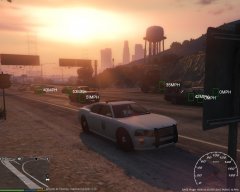 What is this??
 -
This thing is 2 years old dude... http://gtapolicemods.com/downloads.php?do=file&id=1580
- 15 comments
- 6 reviews
-
-
But the coronas don't work on the added cars?
-
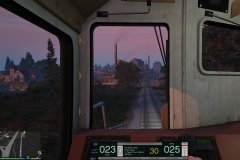 It's Lt. Caine bro
 -
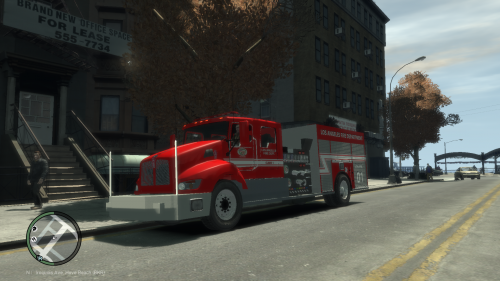 Wow this looks interesting :)
 -
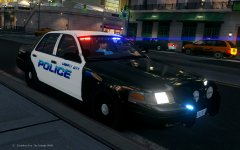 Vision ENB?
 -
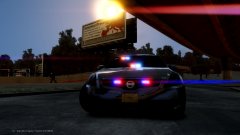 If it was NY it wouldn't have blue lights eh? ;)
 -
^ Agree with Cj. About the handling, I prefer V over IV if I need to drive. Damage deformation is worse, ok, but those mods around just make it too much. The one thing I hated most of IV's handling is the suspension, all cars feel like boats!! So if we had IV's physics with V's suspensions and some better damage, that would be perfect.
-
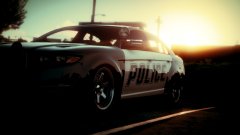 It's funny that they made police cars unmoddable, but they can be edited via trainer... This PI has new hood and spoilers etc.. Also some rambar parts oO
 -
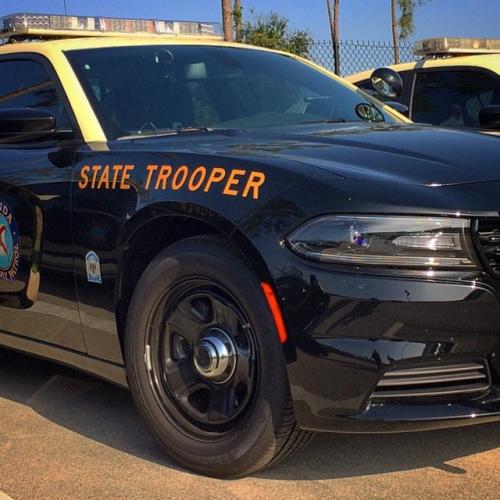 Too hard to swap wheels at least lol
 -
 Yeah, 1-2 shots received max, dead. Very much more than a dent :D
 -
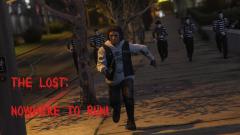 Damn that looks scary as fuck.
 -
I'm looking forward to it too!
-
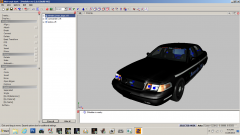 I already knew it was Win7 with basic layout.
 -
The level of detail, meaning L0, which is main, L1 which is the 2nd, up to L2 which is the lowest poly one (usually). I can't take a pic but you'll find them in the part's hierarchy. They are made so your computer loads lower poly models at distance, without taxing your rig too much.
-
You didn't move the LODs of the car.
-
Re-DL & get the missing audio files?
-
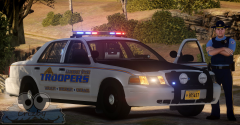 Do like/want.
 -
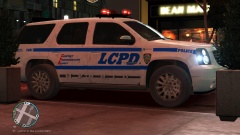 Aaah I had forgot about that ok.
 -
Where's this car from?
-
-
-
-


