


GreenAid
Members
-
Joined
-
Last visited
Everything posted by GreenAid
-
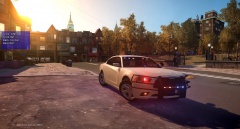 LOL maybe next time check the spelling before posting ;) & what's up with the wheel D:
 -
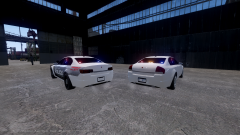 I agree on the round part, if it was more shaped maybe it would look better!
 -
Hmm, nice work but for me it looks kinda derpy... Still nice work & all.
-
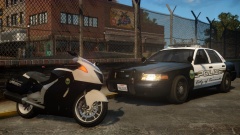 Any chance of that skin saying LC? :D
 -
-
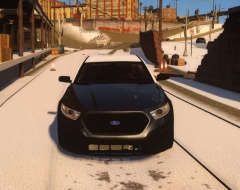 Black lights for badass?
 -
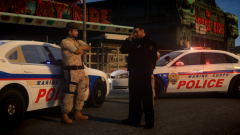 That guy looks cool!
 -
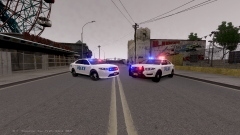 Wouldn't mind seeing more like these :)
 -
This is really interesting GJ!
-
Btw that ENB has no shaders folder in that ENB, since it's also written in the readme that it uses vanilla ones.
-
It's written in the name it uses 0.079. The point is, that the shaders are the main differences between the 2 patches, so your statement of the rest of the ENB not being compatible is half right. Those shaders have been optimized to work with that patch, which were different obviously. So I don't know how "well" they work for you: I stand with the rest of the guys asking for screenshots.
-
Since most use different textures than default, it would require you some texturing skills to achieve it.
-
-
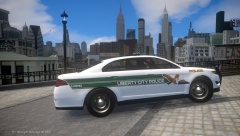 Hmm you are right, if only they weren't excessively so low poly...
 -
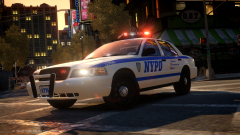 Pic looks good though! Well... not for this template & in 4k
 -
That would look so awesome on a CVPI! May I ask why you "moved" to vanilla models?
-
-
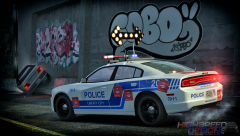 Alright, But they look quite the same to me.
 -
Do you mean the wideness?
-
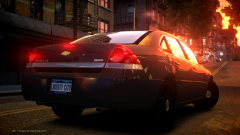 It's a '06, '14 one has body colour trim & new rims.
 -
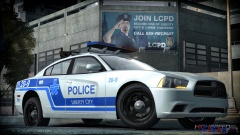 No after effects? :o
 -
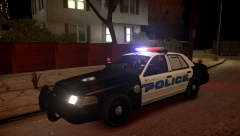 HAHAHAHA good noticing xD
 -
WHAT!? That texture won't be released?? D:
-
![New Ambulance for Liberty County Fire Department (EROLE-WIP]](//s3-gallery.int-cdn.lcpdfrusercontent.com/gallery/album_1963/sml_gallery_37637_1963_310962.png) I think it's just a convert. I personally dislike that model shape, tho the lights & livery are cool :)
I think it's just a convert. I personally dislike that model shape, tho the lights & livery are cool :) -
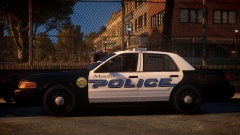 Any chance of a Liberty-themed version too? This is really nice!


![New Ambulance for Liberty County Fire Department (EROLE-WIP]](http://s3-gallery.int-cdn.lcpdfrusercontent.com/gallery/album_1963/sml_gallery_37637_1963_310962.png)
