


GreenAid
Members
-
Joined
-
Last visited
Everything posted by GreenAid
-
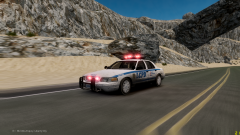 Car 9.5 for all, Only thing is Lightbar :D
 -
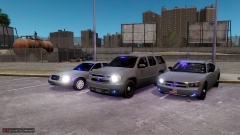 Damn you DSF!! :((((
 -
-
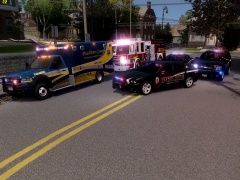 I always love your skins!!
 -
Mate sorry but your PC is nowhere near to high or even medium... 630 is a very low card. I have a gtx 560 & I get around 35... You said you get that low fps with no ENB??
-
Actually, there is a mission on GTA in which you have to pull over some truck with a police car for Mikhail (if you spell it like that), & they pull over properly. I had told this already time ago on some other topic. Regarding the cars stopping behind you there is a less overtaking mod.
-
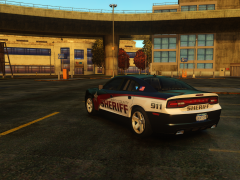 I like this skin!!! :o
 -
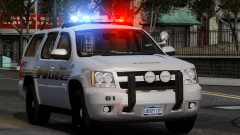 I will add proper interior textures if you want once you're done. Btw I like it except the fog lights look like an odd positioning cos if you ram you would brake them?
 -
-
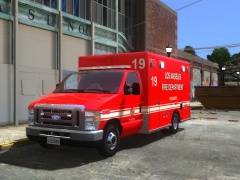 It's from Caine?? :o (Base model)
 -
Are we sure it's not In Algonquin? Where you meet Francis? I never saw that before but it looks like!
-
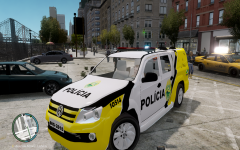 The model looks crap....
 -
Lol it doesn't work if the car is not multi-livery mapped.
-
Only if the car is multi livery.
-
Yes it works as Ekalb said cos the game loads first textures from main file then for the vehshare.
-
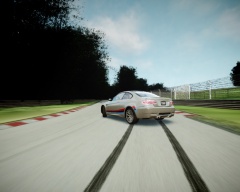 BMW is no way best car for drifting, you need some Jap lessons :D
 -
Bloom1 & 2 should be the same, try 3 & 7. BlueShift just put 0 or 1.
-
-
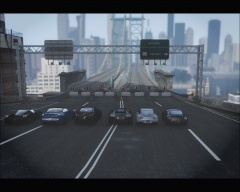 BMW is no supercar :D
 -
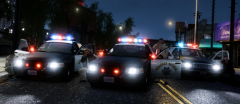 Umm I know there are palms for this game but where do you see them in this screen?
 -
-
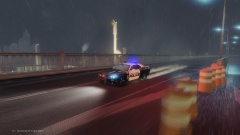 Somebody is enjoying an ENB.
 -
LOL why just for a foolish thing like this?....
-
If it sinks into the ground with no wheels that's because you fuc*ed up the handling.dat.
-
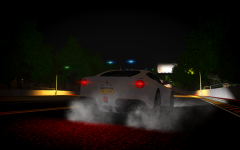
![Ford Explorer Utility [wip]](//s3-gallery.int-cdn.lcpdfrusercontent.com/gallery/album_2124/sml_gallery_45963_2124_634365.png) I hope you fixed the wheel flickering? Anyway, if you want to improve it some more, you should map it to the same texture that Kevin used for the back lights (& I heard some people complained for the wheel size) Other than this it looks great.
I hope you fixed the wheel flickering? Anyway, if you want to improve it some more, you should map it to the same texture that Kevin used for the back lights (& I heard some people complained for the wheel size) Other than this it looks great.


![Ford Explorer Utility [wip]](http://s3-gallery.int-cdn.lcpdfrusercontent.com/gallery/album_2124/sml_gallery_45963_2124_634365.png)