


GreenAid
Members
-
Joined
-
Last visited
Everything posted by GreenAid
-
 As I just said they were scratch made by Fartknockr.
 -
 HE CAN'T WHY DON'T YOU READ THE PREVIOUS COMMENTS????
 -
If you don't want to remove ELS you can just disable it in the .ini
-
Yes you need to remove the ELS if you really want to use normal cars...
-
Just letting you know mate, trewq34 had fixed the back license plate by making it flat. You could consider doing it too ;)
- 39 comments
- 21 reviews
-
 It's just uploaded to the DL section...
 -
Don't even waste time contacting him, he said already he's not sharing them anymore. You would need to ask the original author for them (Fartknockr) but unless yoou can trade useful stuff he won't share it neither.
-
 Holy hell! I love that skin! & if it ahd some hubcaps I'd use it for sure (if you can make 2 versions).
 -
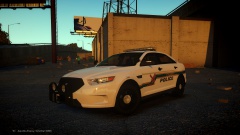 Ha-ha! I knew it :p
 -
Fuuuuuckk the car is pure awesomeness!!
-
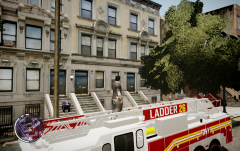 Show me some proof of the opposite on how they are acting. Plus, who are you to tell me what to do?
 -
-
lolwut? He just made this truck cos it's relatively easy to scratch make I guess. Plus, nobody knows about that stupid group & there are not related with this site.
-
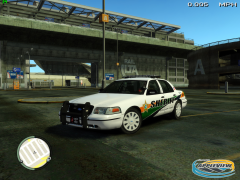 His own clan.
 -
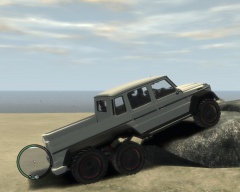 Haha sounds funny :)
 -
So far every mod he made was for release....
-
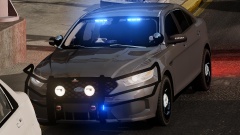 It's better to make R-B cars then you can just edit the texture... So users will have more options :p
 -
 Meh... Not even the 11 Charger did... But why not? Not even on MAD....
 -
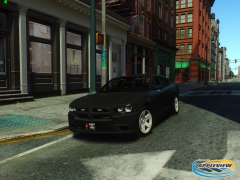 Meh... I think in game the Forza ones lookbetter & are higher Quality. (Cj24 made it you acn check his gallery on GtaModdingChest).
 -
Obviously he's not going to release it right? :|
-
-
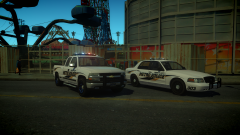 Those wheels on the Silv from the Tahoe don't look very nice imo :s
 -
Damn cool! I second Adrian!!
-
Still not Forza lights? D:
-
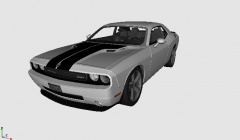 Yeah but he's from That place so... :p

