FRGamer
Members
-
Joined
-
Last visited
Everything posted by FRGamer
-
-
Make sure your Post FX in the in-game settings is set to Ultra.
-
-
I'm pretty sure you only need to rebuild after you replace files in OpenIV fo GTAIV not for GTAV.
-
-
-
 Hey Albo1125, the Follow Me feature for Traffic Stops isn't working for me. I didn't change anything in the INI, I just saw the key was "T" and the modifier key was "Q" and I try to click both in game but doesn't work.
- 3,646 comments
- 306 reviews
-
-
-
-
 Looks amazing man.
 -
Good point.
-
I was watching CNN and I saw a breaking news report about ISIS releasing a video "threatening" NYC by showing suicide bombers "preparing for attacks". The video starts off by showing terrorists making bombs, getting dressed, then a man going into the city with a grenade and pulling it and then the camera gets cut to black. Words flash on the screen: “And what’s coming next will be far worse and more bitter.” The video of the threat by ISIS: http://nypost.com/2015/11/18/isis-threatens-nyc-in-new-propaganda-video/ Should We Be Worried?
-
-
Is it even on the site anymore? I can't find it, I downloaded it and still have it on my PC but I'm wondering why it isn't on the site anymore.
-
For the Trainer, you need to install ScriptHookV & ScriptHookDotNet and place those files & the Trainer files in your GTA V directory.
-
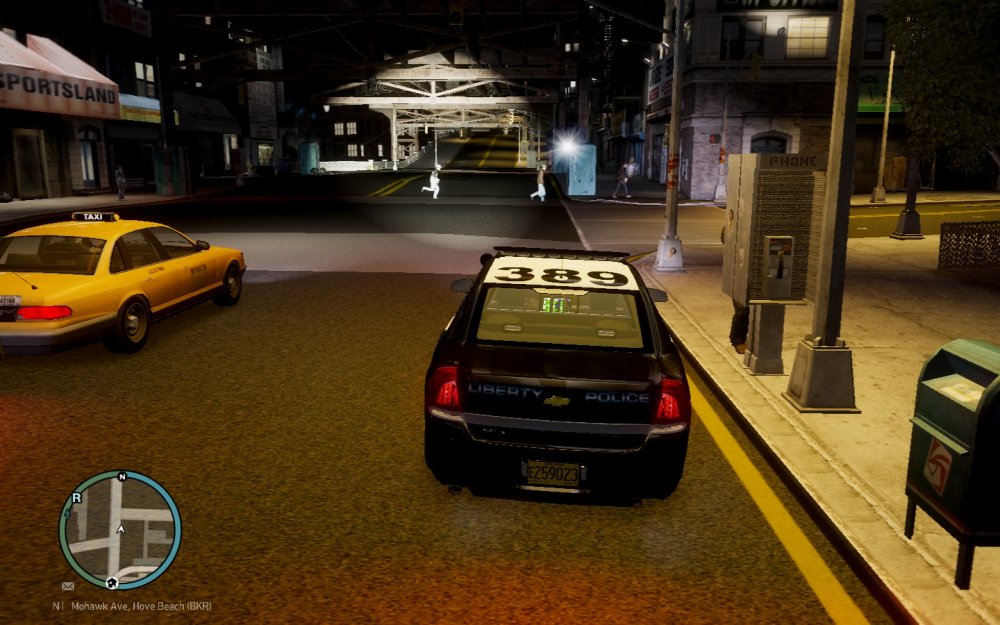
Hello everyone =) I installed the original Spotlight Mod (not on LCPDFR.com anymore) and I went in-game to test it and the Spotlight works fine, going left, right, up & down but my Spotlight isn't where it should be. It is on top of my car. (I added a screenshot showing this). Does anyone know how to re-position the Spotlight to be in it's correct place? Thank you.
-
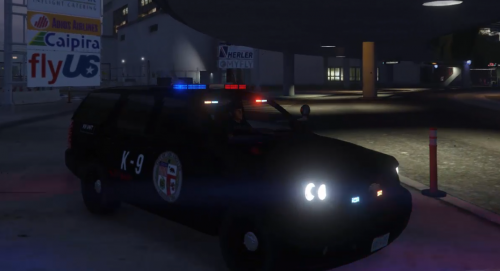 Pretty nice for your first :)
 -
-
-
-
-
-
I'm very confused.
-
Great job on this!



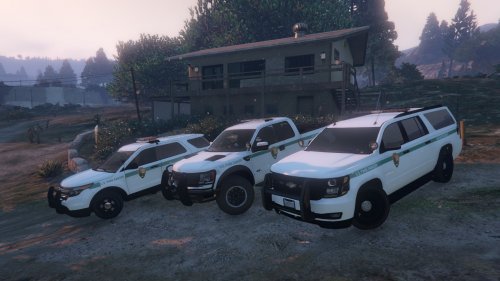

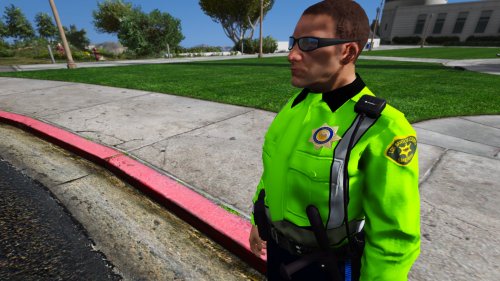
.thumb.png.e88f1892e13ddb98db35e668d465c34b.png)