


FRGamer
Members
-
Joined
-
Last visited
Everything posted by FRGamer
-
-
-
-
-
Why would you want v0.95 anyways?
-
I thought the same thing! HUGE shoutout to Jeff for the solution!
-
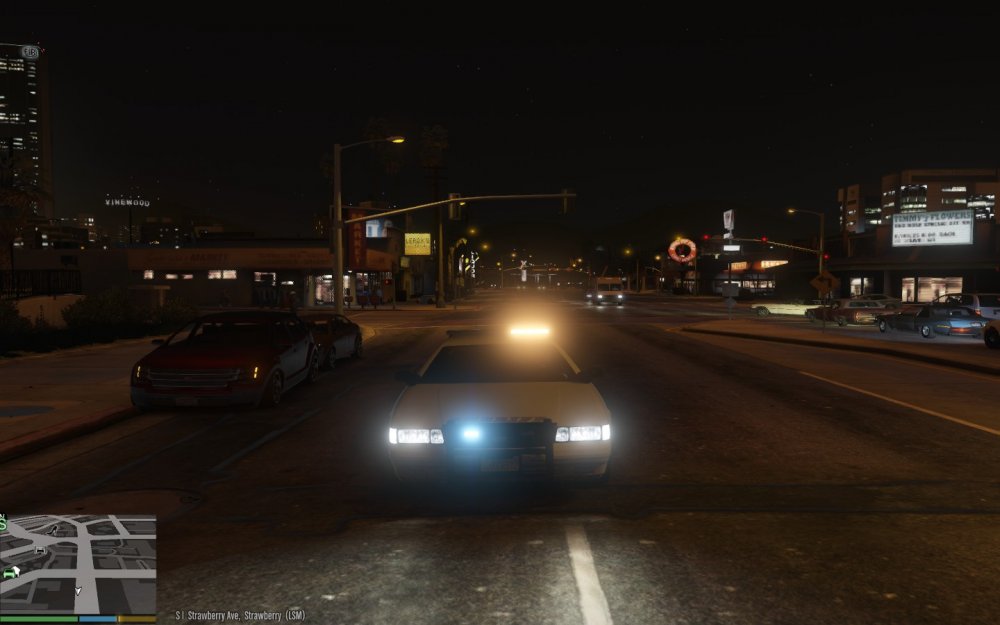
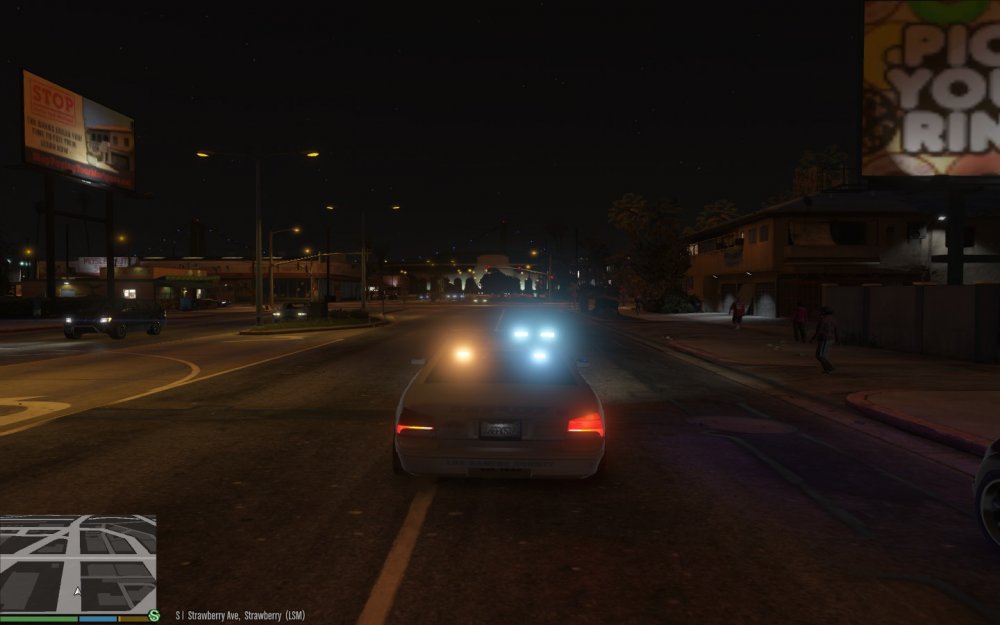
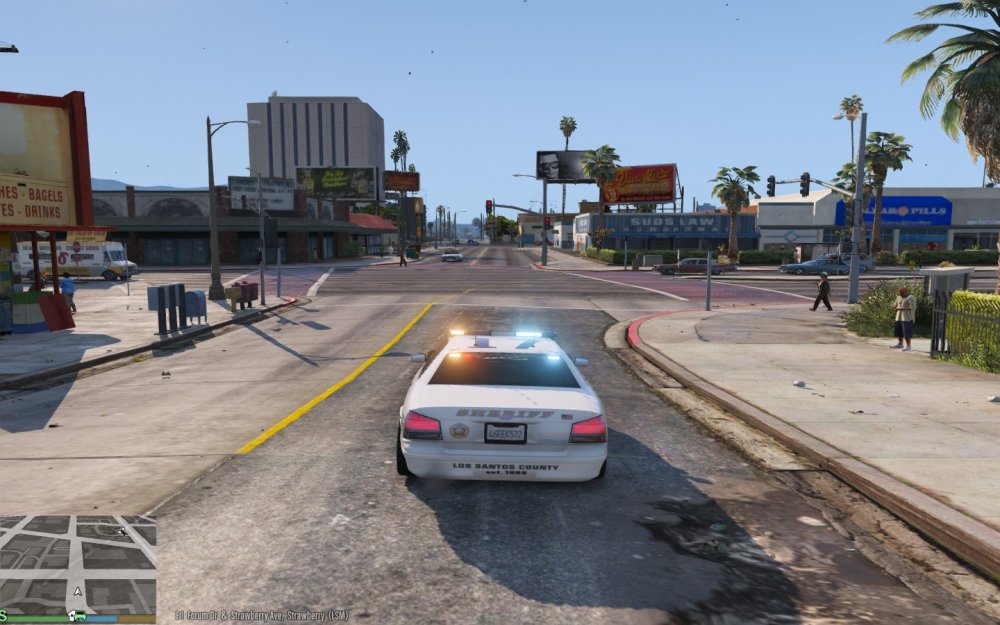
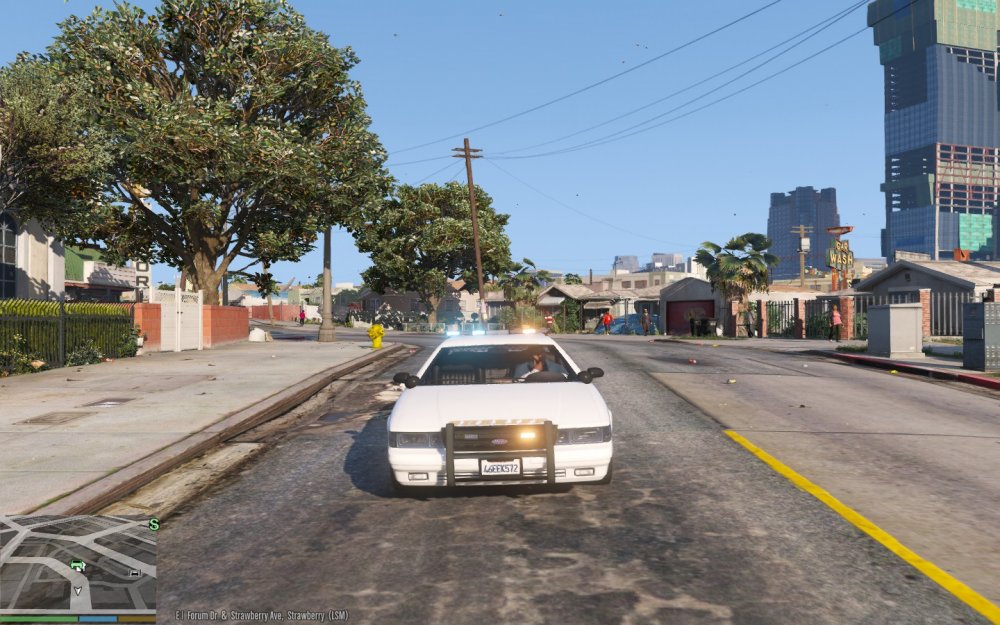
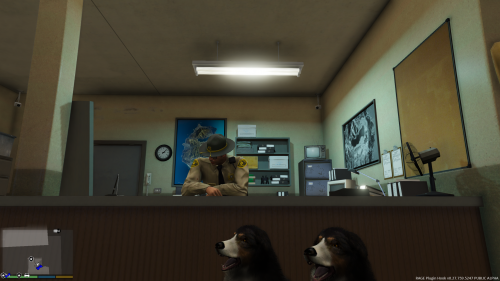
OMG! IT WORKS! I had my Post FX set to Normal and set it to Ultra and BAM that fixed the issue! I still didn't replace the Sheriff Cruiser so I tested it out and it's great! Nice & bright. :D
-
Thanks for the info Stealth!
-
I love the idea & congratulations!
-
<3
-
(This was posted in the wrong section.) First, you need a program called OpenIV to install cars, you can get it at OpenIV.com. Second, you don't need Rage Hook. In OpenIV, your car files are in GTA V > update > x64 > dlcpacks > patchday3ng > dlc.rpf > x64 > levels > gta5 > vehicles.rpf or in x64e.rpf > levels > gta5 > vehicles.rpf Just drag the files from the car you downloaded into either of those (check to see where the car is before you just drag the files).
-
I'll give that a try. =)
-
Did you try using a different web browser by any chance?
-
-
-
ALT-P when in game.
-
-
 I still don't know how to actually use this mod, am I supposed to configure something in the INI?
- 560 comments
- 97 reviews
-
 Hey, do you have a link to that CVPI & Skin? Looks amazing and great sound mod btw! :)
- 49 comments
- 3 reviews
-
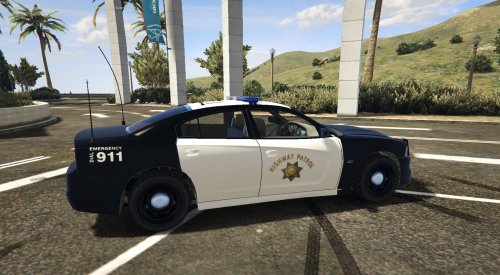
.thumb.jpg.bb1e8ecec8228dbd477e7dcb330fb034.jpg) Okay, thanks for the info. One more question, how do you make the Impala blue? Looks very nice in the screenshots but in game in simple native trainer I can't find any way to get blue.
Okay, thanks for the info. One more question, how do you make the Impala blue? Looks very nice in the screenshots but in game in simple native trainer I can't find any way to get blue.- 97 comments
- 62 reviews
-
-
-
Make sure you download the Windows 10 driver for your graphics card.







.thumb.jpg.bb1e8ecec8228dbd477e7dcb330fb034.jpg)
.thumb.png.c3f6d41eb9509122490ca92f0590b0a1.png)