


FRGamer
Members
-
Joined
-
Last visited
Everything posted by FRGamer
-
-
 that's.... true.
 -
 Wow. So many updates, it's incredible how much work you put into your Plugins, expect a donation soon :) @Albo1125
- 3,646 comments
- 306 reviews
-
-

- 1
-
-
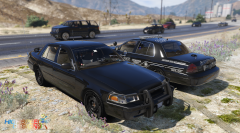 wow my modelz are luking gud
 -
-
-
Pretty sure it isn't possible to do that, not 100% sure though. @Steiger4044
-
 so much stolen stuff in the pic it hurts....
 -
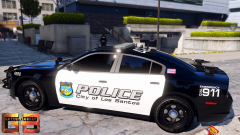 Man thatt is amazingg
 -
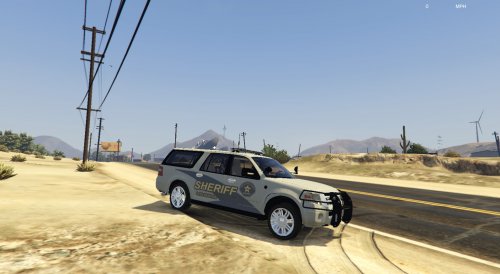 Hey I see you're missing credits for Codex12's whelen siren box and for the siderunners. Just letting you know before any issues come up. @72will
- 48 comments
- 17 reviews
-
No one is allowed to redistribute game files on here, you'll need to verify your game files or reinstall. @zombeez007
-
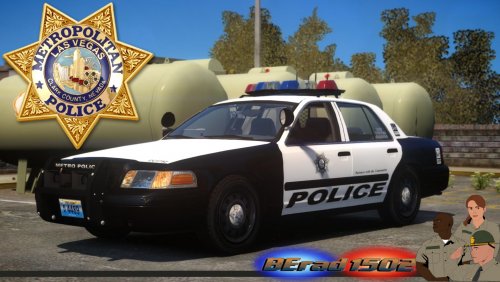 Looks awesome. Great job.
 -
-
1
-
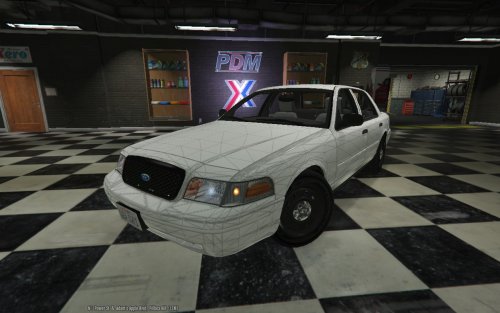 Wow. In love with that interior. Great job.
 -
8
-
-
6
-
^ As stated above, when you go near the driver's side door you can hold E and they will step out.
-
-
-
-
Weapons go in update>x64>dlcpacks>patchday8ng>dlc.rpf>x64>models>cdimages>weapons.rpf. @atCaleb
-
-
To be honest, wouldn't even bother with a 980, just go with a 980 TI :)

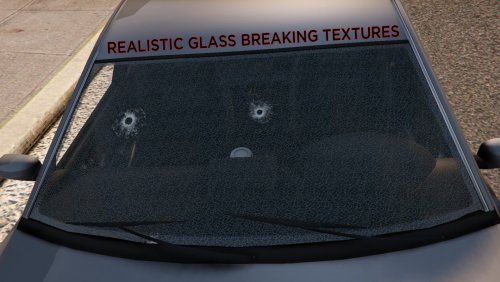
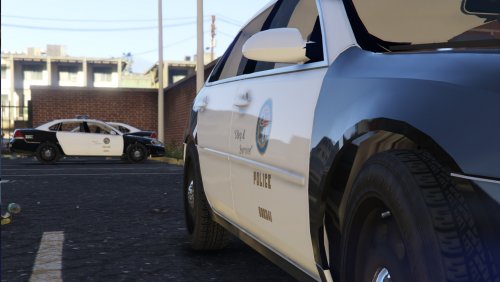
.thumb.png.84adb823f7f653b8d654f1ab13098851.png)
