


FRGamer
Members
-
Joined
-
Last visited
Everything posted by FRGamer
-
 Gonna have mine turned off for most off the time as I harass a lot but will turn it on sometimes when I feel like being nice.
- 168 comments
- 36 reviews
-
-

- 2
-
-
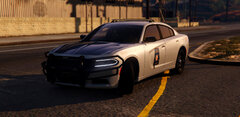 To harass and collect
 -
running radar in a turn lane
-
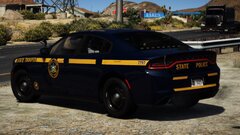 what does that have anything to do with what I said?
 -
Trust me I know. Your statement, “NYSP does not used tinted windows” is false, when I just showed you a NYSP vehicle with tinted windows, learn how to read. I don’t need any tips from you, thanks
-
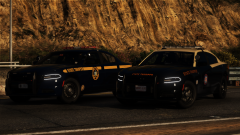 yes they do 😉
 -
-
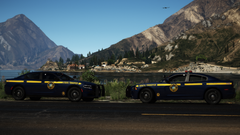 sarge made slendis drive the cvpi now bc he gives no tickets
 -
From the album: FR Gamer's GTA V Images
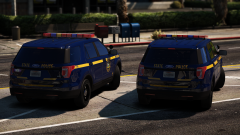
Caught GermanDude and Sebo in my NYSP chargers fooling around doing nothing as usual. They extorted money from the public after this picture. -
-
GermanDude & Sebo wasting tax dollars
-
New York State Extortionists
-
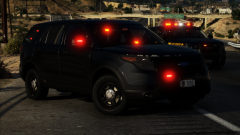 T200
T200
-
Best State Agencies
-
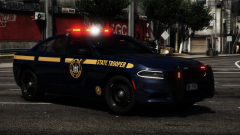 1T10
1T10
-
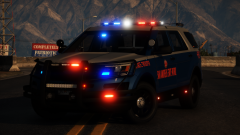 State Pooper
-
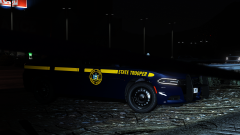 3M57 is reflecting ode
-
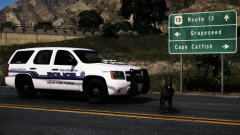 Narcotics and Large Sums of Cash
-
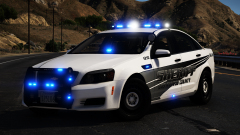 Don't h8 the v8
-
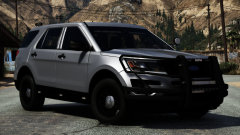 Sittin' pretty
-
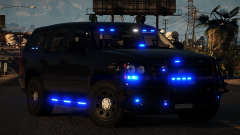 New babe
-
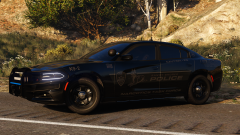 New whip
-
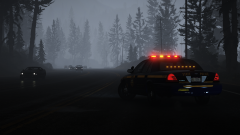 ka band
-
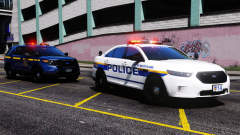 #t0yWPPD INCOMING (oh and a Troop K fpiu...)
-
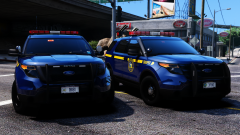 New York is the best state
-
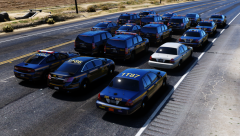 WHOLE LOTTA GANG SHIT
-
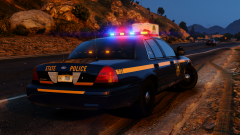 #t0yNYSP
-
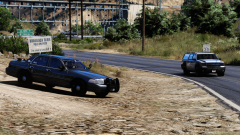 Generating revenue
-
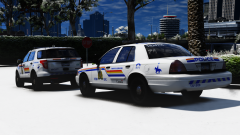 canada
-
 police state york new
-
-
-
From the album: FR Gamer's GTA V Images
1T25/1T10 | Liberty/Freedom modules are colored now -
From the album: FR Gamer's GTA V Images
Part of the NYSP pack. 2018 Charger, 2014 Charger, 2013 Tahoe, and 2013 Caprice done as well -- will be showcasing those soon. (the damage on the hood is actually there IRL) CITE: Concealed Identity Traffic Enforcement -
Now that's better.
-
From the album: FR Gamer's GTA V Images
Shoutout to Slendis for driving down all the way on i95 to New York for a photo shoot! Had to get a shot of the best two looking state agencies in the country!!! FHP - Slendis -
Yup -- also the new Freedom.
-
I plan on making almost all variants of Troop T zone 1 cars including 1T10 (2018 Charger Liberty — Done), 1T87 (Slicktop Charger — currently work in progress), 1T17 (2017 FPIU w/ Freedom), 1T15 (2013 Tahoe w/ Freedom), 1T21 (2018 Charger w/ Liberty II), 1T16 (2011 CVPI w/ Liberty), 1T18 (2014 Charger w/ Liberty), T201 (2016 “CITE” FPIU), 1T81 (2015 K9 FPIU w/ Freedom), 1T14 (2017 Tahoe w/ Freedom). I will release this as a pack when completed. I’ll also be making the old 1T87 along with the new one which was a slicktop CVPI prior to being a slicktop Charger. You can take a look at the IRL units going through these: https://flic.kr/p/2fwVai8
-
follow me on the gram @kyliejenner
-
From the album: FR Gamer's GTA V Images
had to bless the best state. both DRLS are on for some reason in the pic, they are their own extras though -- blame rockstar editor Huge shoutout to Getinmybelly for the amazing job on the skin -
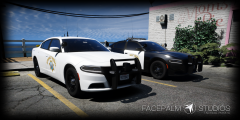 I despise CHP, they look pretty ugly to me, but... Sentinel did by far the best job I've seen on CHP. So you to say that is funny lol.
 -
-
-
From the album: FR Gamer's GTA V Images
-
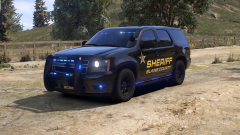 love tahoe hate dom
 -
 Download a trainer mod and go into vehicle options to change the color to what you want.
- 60 comments
- 37 reviews


