


FRGamer
Members
-
Joined
-
Last visited
Everything posted by FRGamer
-
@HomerS Start RPH and immediately hold down Shift (to open the RPH Settings tab) and untick the option "Enable counter measures against online vehicles in singleplayer". After that you shouldn't crash anymore.
-
-
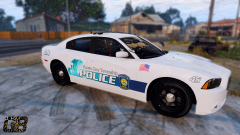 You're very creative with these :)
 -
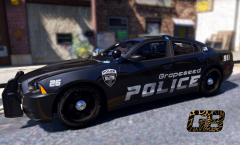 Your skins are absolutely amazing, great job!
 -
Yeah I heard that too but I guess everyone's game runs differently. @CouthInk4
-
I don't have a problem with it, runs fine for me.
-
Would love to see one (doubt it's possible) like we had in GTA IV, where you could actually see the Spotlight on the vehicle.
-
-
It's Emergency Vehicle Lighting (EVL). ELS has not been released.
-
@UnitedOrange You can only play with other people Online. (which is what he's trying to do).
-
@UnitedOrange You can't play Online if you do that...
-
@jjlaupixie Been having this issue since 2013 lol, don't think this will ever be fixed. Sometimes it works, most of the time it doesn't. You just need to be lucky.
-
-
Looooking good.
-
You need to put the ELS config that is provided with the downloads in your ELS folder.
-
Set PostFX in Settings to Ultra.
-
Older versions of LCPDFR (like the one you are using) are not supported anymore. You need to update to LCPDFR 1.1 to receive support.
-
-
-
Solution: Use MalwareBytes.
-
The lightbar issue happens if you don't have Post FX set to Ultra. Don't know anything else that causes it.
-
@IckleKI Download Radiance V and make sure your Post FX in Settings is set to Ultra.
-
Just for future reference, you will always need to update RAGE after a new GTA V update.
-
https://www.gta5-mods.com/misc/visualv - Has an auto install option with OpenIV. Also, don't forget Radiance V for your lights. (Install VisualV first then install Radiance V).
-




.thumb.jpg.f806c60e0c1d78a95eab5871f9ce94dc.jpg)