FRGamer
Members
-
Joined
-
Last visited
Everything posted by FRGamer
-
http://www.lcpdfr.com/search/ #makethesearchbargreatagain
-
-
-
@brendonstar50 Go to > update\x64\dlcpacks\mpvalentines2\dlc.rpf\common\data in Open IV, extract the carvariations.meta to your desktop and open it with notepad, Then add this into the carvariations.meta:
-
Make sure you installed the carvariations.meta in the CORRECT location.
-
Vehicles go in your latest patchday folder.
-
-
@chiv In OpenIV, go to Tools, ASI Manager, and install the ASI Loader and the OpenIV.ASI.
-
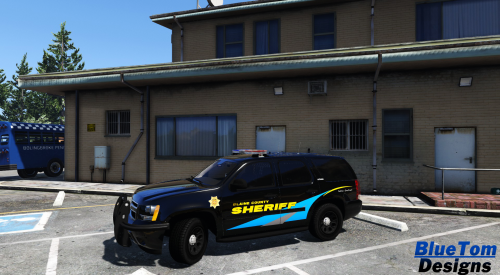 I really like it, great job.
 -
Install Radiance V by Bxbugs123: And make sure you set PostFX and Shaders to High/Ultra in the in-game settings. @RedneckLaw
-
Lmao, true
-
@thegreathah Weird, I haven't crashed once on IV since upgrading to Windows 10
-
I can say that it works great for me. I can play for hours w/out a crash and much much better FPS. Windows 10 is great.
-
 Daaaaamn :o yes
 -
-
-
-
check pm :)
-
Send me a PM.
-
What also really helps is to disable ELS for AI.
-
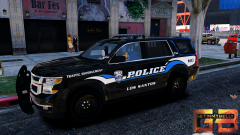 This is just amazing, as always..
 -
No problem man hope it works well for you :)
-
Weird, you have a really nice PC, should be more stable especially on Windows 10.
-
Weekly thing here in America, got used to it by now unfortunately.
-
What OS are you on? On Windows 8 I crashed every 5 min (if I was even lucky to get to 5) on GTA IV, upgraded to Windows 10, never crashed once; I can play for hours. (I have 9 scripts)