


officerAMR
Members
-
Joined
-
Last visited
Everything posted by officerAMR
-
I thought Moscow was two hours ahead of London?
-
-
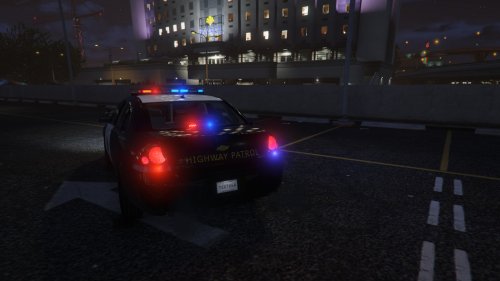
 The Crown vics rear lights are like this http://s169.photobucket.com/user/sanco2k05/media/IMG_1628.jpg.html
- 208 comments
- 59 reviews
-
-

- 1
-
-
I knew it, i said give it a couple of months and there will be an explosing in modded irl vehicles
-
 Thank you Polecat :)
 -
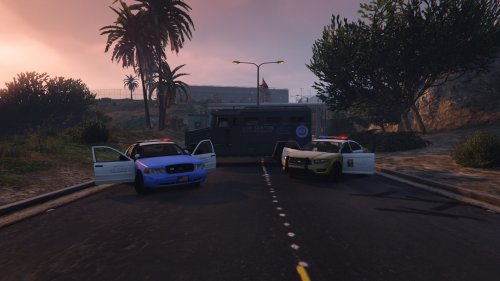 This was a personal skin i made for Patrolling Zancudo. I realised that nobody to date has made a Military police car so i thought i may aswell release mine This is a fictional skin because frankly the Actual USAF base security cop cars are crap. You need this to use the skin^^ Also now requires
- 6 comments
- 1 review
-
 fak, i see
 -
 A bomb was detected on a train in Rockford hills subway station, NOoSE EOD teams were dispatched to the scene
 -
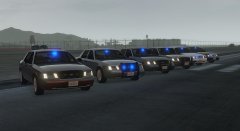 ah okay
 -
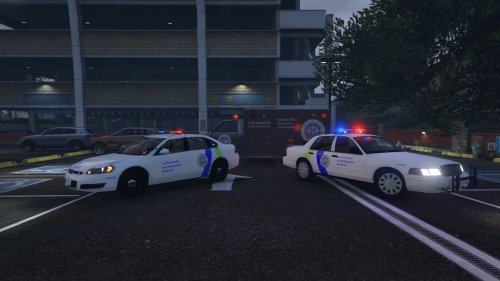
MISSPELLING HAS BEEN FIXED Vehicle skins included 1- CVPI 2- Impala 3- Ambulance 3- Tahoe 4-Bomb Disposal Van 5-Helo All vehicles are skinned like those in GTA 4, i hope you enjoy and i will take requests. Mods required: Any of F5544's cvpi's WILL WORK with the CVPI texture The one i used in the screenshot was Other mods needed
-
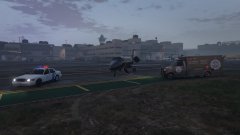 What i have so far
 -
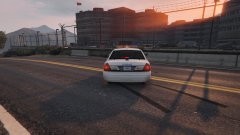 Felt as if the car was too plain without something on the back
 -
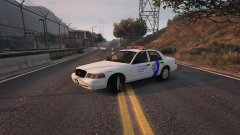 NOoSE is ready to use the GDP of a small country to mess aro....I mean catch terrorists
 -
-
-
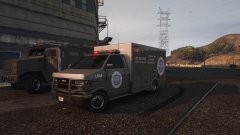 My WIP Noose skin pack i'm trying to make (themed around the GTA 4 style noose skins) Theres nothing i can do about the shininess of the vehicle
 -
How do you get them all to work? both the chrome and honeycomb grill?
-
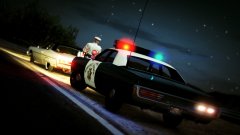 Hawt
Hawt -
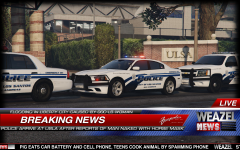 Oh lawd
 -
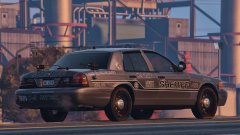 Is it a proper K9 unit with the rear seats removed?
 -
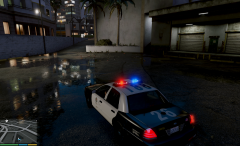 Love all your work F544
 -
Found some issues 1- The back Left indicator doesn't work 2- The break lights won't propally work, there's a point of light but it doesn't fill the bulb Other than that its all good
- 208 comments
- 59 reviews
-
-
- 2
-
-
-
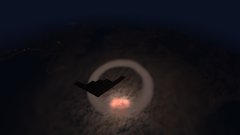 lol going on, play it, what could possible go wrong?
 -
B2 drops its nuclear payload



