officerAMR
Members
-
Joined
-
Last visited
Everything posted by officerAMR
-
Why do you own a police car? And why is that sheriff laying in the corner?
-
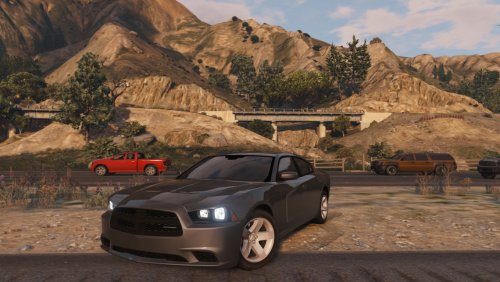 wow whats with all these chargers? Great to see you're releasing your cars :)
 -
maybe it can be changed in the Vehicles.meta, i know you can change the light settings via the meta
-
For the Jailbreak pursuit you should probably use the Prison bus and put maybe 2 or prisons inside, though the Van is fun since its windows are bulletproof
-
-
-
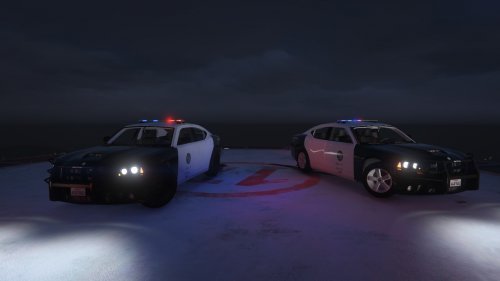 I added them using Menyoo https://www.gta5-mods.com/scripts/menyoo-pc-sp They're under Muscle, i can't remember the name.
- 6 comments
- 3 reviews
-
Some basic LSPD skins i spent 30 mins making, these are for temporary use until better skins are released
- 6 comments
- 3 reviews
-
-

- 1
-
-
-
Lincoln Town Car Police Interceptor would be hilarious, will you be doing a Limo version?
-
 Its great, so much stuff to play with, Datsun is by far the best vehicle in the pack
 -
-
Troop transfer from the Nimitz to Altis
-
 After a long shift the Seahawks returns
 -
 This was enlightening
 -
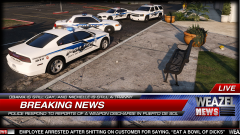 That'll do it
 -
nice, will download
-
yah i meant 0.3
-
Sorry if this has been answered, but is it possible to do a roadblock script?
-
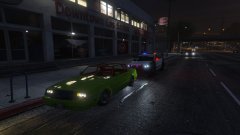 Pls no resist arrest Faction
 -
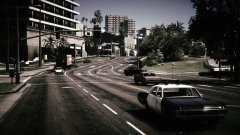 Nice, did you change the XML to make only old vehicles spawn?
 -
-
Okay, seems complicated, but i think its time for the LSPD to get a upgrade from the standard AS350
-
Only YOU can prevent corporate espionage
-
1- Acquire a baseball bat 2- Wait for update 3- on update day, as soon as steam tries to update the game, smash your Router with the baseball bat until no more interwebs :) On a serious note, you can only prevent the update by turning the internet off