





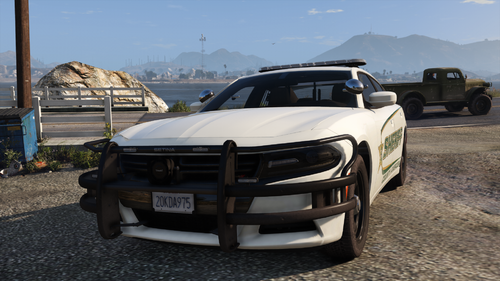
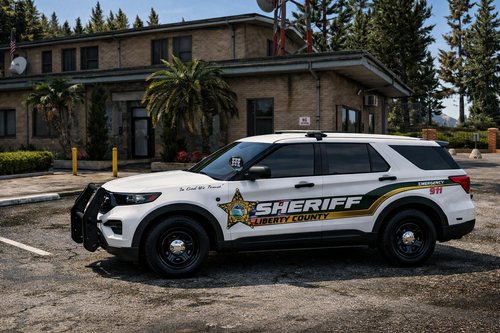
Hello this is my first skin i have ever made, it's pretty simple but i hope at least one person enjoys it :)
The skin is for BXbugs impala's and i'm pretty sure skins work on both the slicktop and regular if you want to do that.
It has US Government plates, i will change that in the future, i dont really know what to do for the plates
Lastly i would like to say thank thank you to POLCAT234 for his great tutorial, provided down below.
https://www.youtube.com/watch?v=QTqNo6DQuHs
Polecat234
Bxbugs for the awesome car
Bxbugs for the awesome car


![[ELS][REPLACE] Volkswagen Transporter T6 - Jandarmeria Romana](http://s3-screenshots.int-cdn.lcpdfrusercontent.com/resize/500/-/monthly_2026_07/20260705194538_1copy.thumb.png.f236d31db833d6a8e79fdfbd0758fe37.png)
![[ELS][REPLACE] Volkswagen Transporter T6 - Politia Romana SIAS](http://s3-screenshots.int-cdn.lcpdfrusercontent.com/resize/500/-/monthly_2026_07/9.thumb.png.7331e8f0d8666f073eb5b9a3a0c35837.png)

![[ELS][REPLACE] Volkswagen Transporter T6 - Politia Romana](http://s3-screenshots.int-cdn.lcpdfrusercontent.com/resize/500/-/monthly_2026_07/20260705194620_1copy.thumb.png.583238598905449ef3f760f4b3b69e6a.png)




Recommended Comments
Create an account or sign in to comment