officerAMR
Members
-
Joined
-
Last visited
Everything posted by officerAMR
-
-
 This was something i added to differentiate this from that copy cat state, California
 -
-
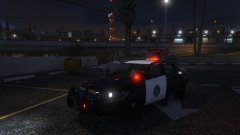 Its nothing special, nor to the quality of others out there, but im proud of it anyway :) It's A SAHP Impala BTW
 -
Just wait and do the interior, dont release it rushed and half complete
-
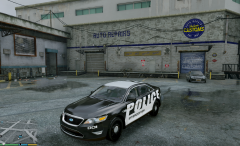 Otherwise i wouldn't of been able to make that bad pun
 -
Good thing i intercepted this image :P
-
Cant wait for a proper working Taurus
-
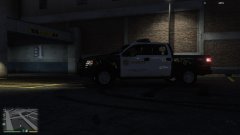 Is that Fedsig Arjent lightbar?
 -
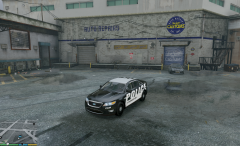 cheeky little taurus you got there
 -
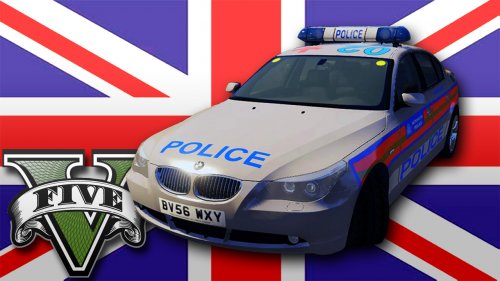 Just an idea, but it should probably replace POLICE3 since it doesn't spawn ingame, it looks as if C019 is responding to ever pursuit otherwise
- 19 comments
- 8 reviews
-
-

- 1
-
-
Phawww!! nice man, using it regardless of whether or not i'm going for a british theme
- 19 comments
- 8 reviews
-
-
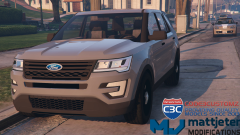 nice, are you still developing the Taurus? i'm taking that as a yes??
 -
-
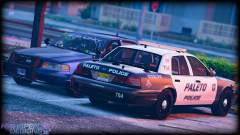 I like you LSPD skins you made, they're still a bit out of place since only the Impala have it. Crown Vics will make that all better
 -
That was quick, some grill lights may look nice
-
 I tried to emulate it on my PC using PSX2...didn't work, all the textures were white :( I loved the game, never could beat the last mission where you chase the helicopter
 -
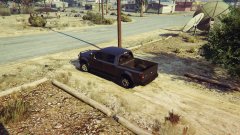 Dodge ram was the criminal's car. Its all coming back now. There was the fake police car too, you could never access it outside cutscenes
 -
Oh yah, lel, been such a long time since i played it. I definitely remember the 350
-
i don't remember the F150 in Driver SF
-
-
 If you have LSPDFR but dont have this installed theres something wrong with you and you should seek help. This mod is excellent, so many cool little features that elevates the experience by so much. People dropping stuff out of the window etc. AND IT ALL WORKS FLAWLESSLY...
- 3,646 comments
- 306 reviews
-
-
- 1
-
-
-
Looks gorgeous, any chance of a NOOSE or SWAT skin?