officerAMR
Members
-
Joined
-
Last visited
Everything posted by officerAMR
-
Will we be seeing Green and red Willard Factions running from the cops in LSPDFR 3.0?
-
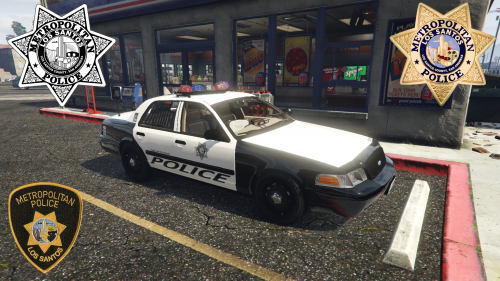 This goes for the uniforms as well, best skin mod to this date love them, would be nice if there are 8 skins for the impala since it takes 8 liveries. And maybe a skin for the UV mapped maverick
- 11 comments
- 7 reviews
-
 They work in Patchday3, you can place Police1 2 and 4 in patchday 3 and they'll work fine
- 139 comments
- 21 reviews
-
-

- 1
-
-
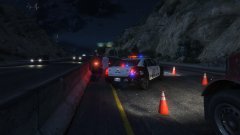 Passenger and driver were DOA
 -
Have you changed the vehicle.meta or carvariations for the cop car? I had something along the lines when i messed around with the vehicles meta with Police 3 and 4
- 139 comments
- 21 reviews
-
-
-
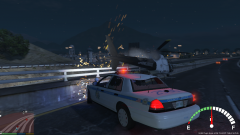 I've had one explode next to me, not good
 -
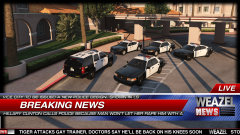 OH NO, i just got the bottom news real. lol
 -
-
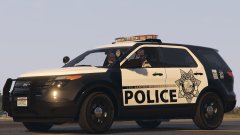 nice i was just wondering if this was going to happen
 -
-
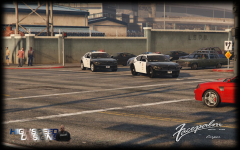 The steel rims are great
 -
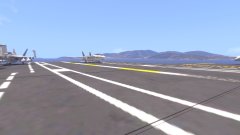 or i'd be in the drink
 -
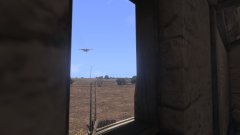 This is just Plane stupid
 -
-
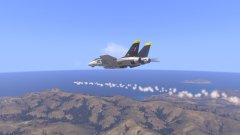 Missile launched at a hostile Belarusian SU-27
 -
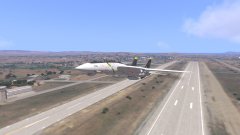 After 8 months of hard work Firewill finally released his beautiful Tomcat
 -
HQ interior will make this even better than it is now
-
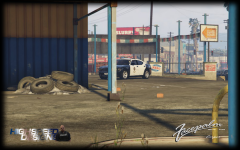 You cant just charge in here and drop images like this
 -
 Can you make it so that the lightbar cannot be removed on this version? Too many cruisers spawn as slicktops, and because this version doesn't have the lights in the windows like the Mx7000 standalone the car looks as if its a civilian crown vic with a bunch of police stickers stuck on it
- 137 comments
- 22 reviews
-
-
- 1
-
-
-
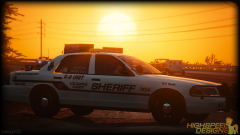 Great work as usual bugs
 -
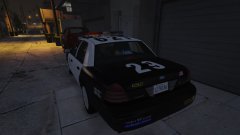 People have a tendency to fall asleep when i drive to the station, its weird :/
 -
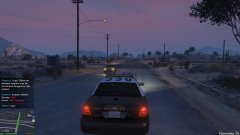 Dat suspect tho