officerAMR
Members
-
Joined
-
Last visited
Everything posted by officerAMR
-
 Test successful?
 -
-
 Too many things to touch and break
 -
-
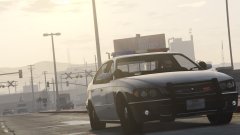 I've been waiting for this :) Any chance of the Police stinger from TBoGT?
 -
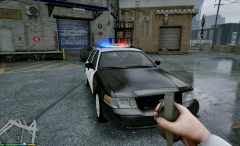 Love the Fed sig, cant wait for this
 -
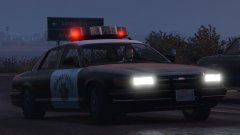 lol i was thinking that, todays been a long day
 -
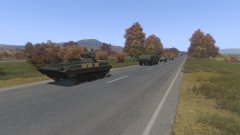 Russian MSV transport a SKUD launcher to its classified launch position
 -
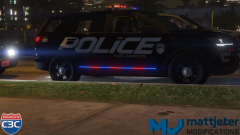 Dem lights tho
 -
Ah i see
-
why isnt the car on the downloads section?
-
-
I doubt it, its going on 6 in the UK so it should be nearly 8pm in Russia
-
-
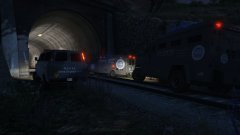 lol that happened the first time i tried to set the scene
 -
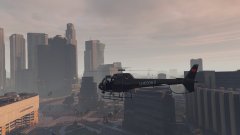 ZW-11 based skin
 -
N.O.o.S.E responding to an report of a bomb inside the train tunnel linking Paleto bay and Blaine county Turns out it was just an alarm clock that fell off a train
-
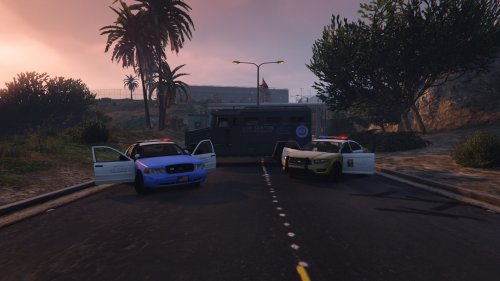
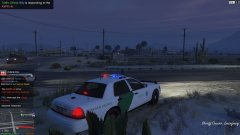 Somewhat patrolling the border so you don't have too
 -
That makes sense
-
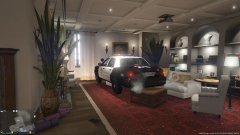 Thats what you would call a close call
 -
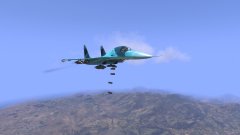 maybe? Plus the author finally updated the fullback after a year
 -
I think POLICE3 might be better since the Explorer is more sporty and nimble than what the Granger handling line provides
-
Is it replacing POLICE 3?
-
 Tail lights have gotten stranger, the indicator issues is still there but now it fills the entire bulb
- 208 comments
- 59 reviews
-