




RyWilson
Members
-
Joined
-
Last visited
Everything posted by RyWilson
-
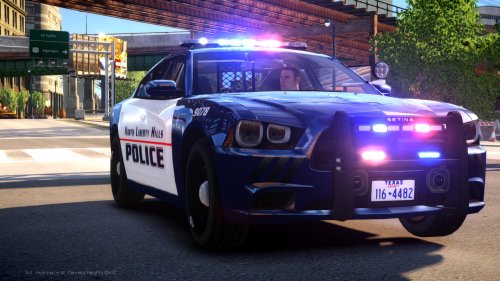 of course another nice job. can't wait to stick these in my game and try them out. thanks for taking the time to make sure the ones who still play LCPDFR have fresh choices!!!!
- 48 comments
- 5 reviews
-
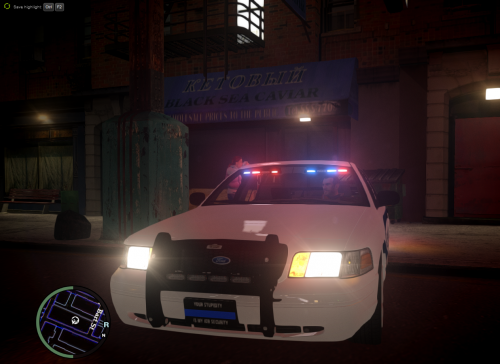 this car looks and drives great. i exported the cvpi sgn2 and used it as the first so its the black undercover. idk what ya did to the black but i love it. its not overly shiny. it looks like a charcoal black. i love this car!! just a great job!
- 5 comments
- 1 review
-
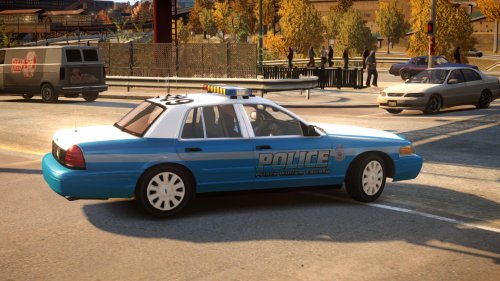 i do not use non els but this looks really nice. i appreciate that you continue to make non els cars for those guys that still use them. uploads for them are few and far between. thanks alot for your work :D
- 8 comments
- 1 review
-
-

- 1
-
-
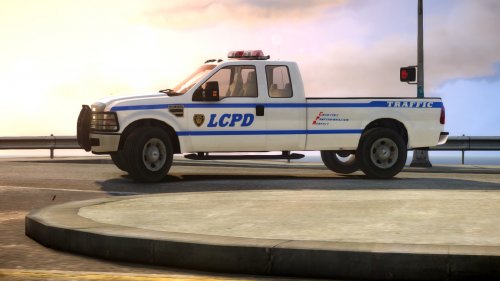 i would definitely like to see your els version :D
 -
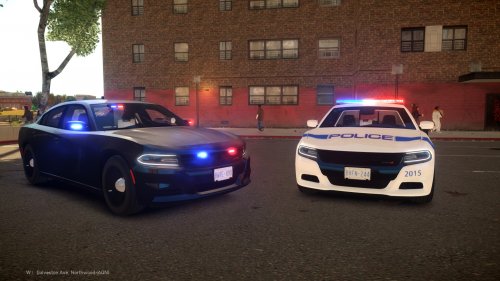 ya know i been depressed cuz i can't play LSPDFR yet and then i get on and see a car like this! that's a helluva car! thanks!!
- 9 comments
- 3 reviews
-
-
- 2
-
-
awesome!!! i'm glad to hear. if ya need anything else just let me know okay!!
-
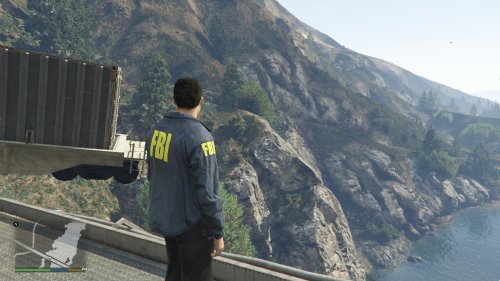 oh ok I was wondering cuz this is in the GTA IV forum. Dam I wanna wear that :(
 -
no i don't but I'll be happy to walk ya through it or I can provide you with some video links that can help with installations
-
the exe should start the update :)
-
you update your GTA IV here https://support.rockstargames.com/hc/en-us/articles/200145406-Grand-Theft-Auto-IV-Patch-7-Title-Update-v-1-0-7-0-English-1-0-6-1-Russian-1-0-5-2-Japanese-
-
this is the last patch that was made for GTA IV https://support.rockstargames.com/hc/en-us/articles/200145406-Grand-Theft-Auto-IV-Patch-7-Title-Update-v-1-0-7-0-English-1-0-6-1-Russian-1-0-5-2-Japanese-
-
oooh nice!! looks really good. i think i'll have that :D hmm..wait..is this for GTA IV?
-
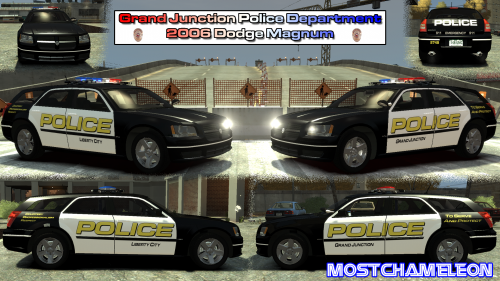 thanks for more skins!! i have not used Colorado cars before so i'll be trying your skins out for sure!!
 -
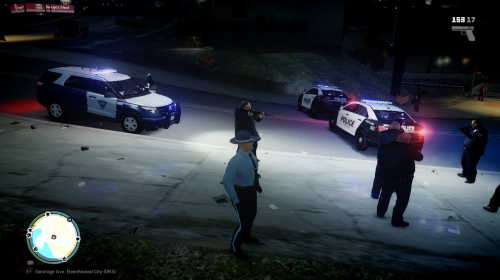 this truck looks great!! ugh so many good cars coming on the site lately!! thank you!!!
- 4 comments
- 4 reviews
-
hello. i have been looking around for a bit for you to see what i could come up with. i only found one expedition that is unlocked. http://www.gta4-mods.com/vehicles/2009-10-ford-expedition-ssv-v25f-els-f22293 the creator said this about the vehicle in the comments "@Naruto607:You do not need to ask permissions to make skins, mate. Go ahead. However, I might make an accurate NYPD version myself (with proper lights and other setup) later. Posted on June 18, 2013 6:24AM by Fulcrum" in case there is any question of the ownership of the vehicle, i found it also on another site with different skins with Fulcrum/Dhruv as the creator. those links are here: http://www. .com/gta-4/cars/41153-ford-expedition-lcpd-ssv-v25f-els.html http://www. .com/gta-4/cars/41155-ford-expedition-japanese-police-ssv-v25f-els.html hope this helps. if not i definitely tried
-
i will try all of these out right now. i'll let ya know how things go in a bit :D thanks so much for all these amazing cars!!
-
thank u very much. This might help others later :)
-
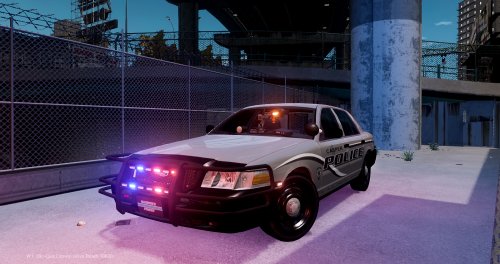 yes sir!! thank ya!!
 -
hmm maybe try using els v.8 and see if the older version works. if you do try that make sure you dont use the advanced hook that comes with it. keep the one you currently have. see what that does, if anything, and get back to me again :D
-
i am very very happy your game works and i know ya wont quit playing for days haha. do you know how your problem was fixed? that way we know for next person that has same problem? if you have any more issues just let us know.
-
this might sound like a stupid question, but did you try using els without using the ambulance.ini file and just leaving it on default_config? i've never actually had too many car ini files actually work right..for some reason :/ anyways it was worth asking lol.
-
 looks great. i love the lightbar setup. definitely goin to check this out after work..in a million hours :( thank you!!
- 9 comments
- 3 reviews
-
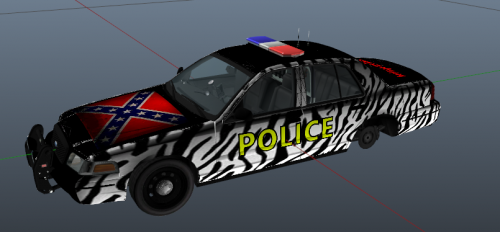 i do not know why i like this. but i do..and i downloaded it..and ima use it..somehow :P
- 5 comments
- 11 reviews
-
-
- 1
-
-
hello. i have so many things running through my head that i don't wanna give bad advice and mess up your game. so i will give you just a couple things to try. if that doesn't help i am hoping someone smarter than me will see your thread. what i would do first is uninstall the police mod. then manually install it. copy everything into your main GTA IV directory. if that doesn't work after you re install then "The only thing I can suggest is removing AdvancedHookInit.asi. It's the only reason your game might crash on startup with LCPDFR installed" ( i found that quote on another topic from a mod dealing with this same issue) if that does work it will keep your taser from working though. another thing you can try first is try using dsound instead of xlive. its corrected issues more than once so it wont hurt to switch those real quick. if it doesnt work then switch them back. no harm :P okay i am goin to work and i'll be gone a while. i will try to get on using my phone if its possible to help. good luck and i really hope something works for you. if not i'll see what i can do later. i get off work at 2 am :(
-
i had the same thing happen once but i had to end up doing a re-install. i cant explain why the trainer messes up the game. what i would do is remove the trainer completely then run CC cleaner to clear out the registry to remove all traces of the old trainer. when ya re install the it, put only the trainer.ini and trainer.asi file into your game. if that doesn't work get back to us and we'll see what else could be going on.

