




CouthInk4
Members
-
Joined
-
Last visited
Everything posted by CouthInk4
-
This topic has been moved to the appropriate forum. Please post in the correct location in the future.
-
Please don't create multiple threads about your issue, Stick to you original topic here. If you feel this topic has been closed in error, please report this post.
-
This topic has been moved to the appropriate forum. Please post in the correct location in the future.
-
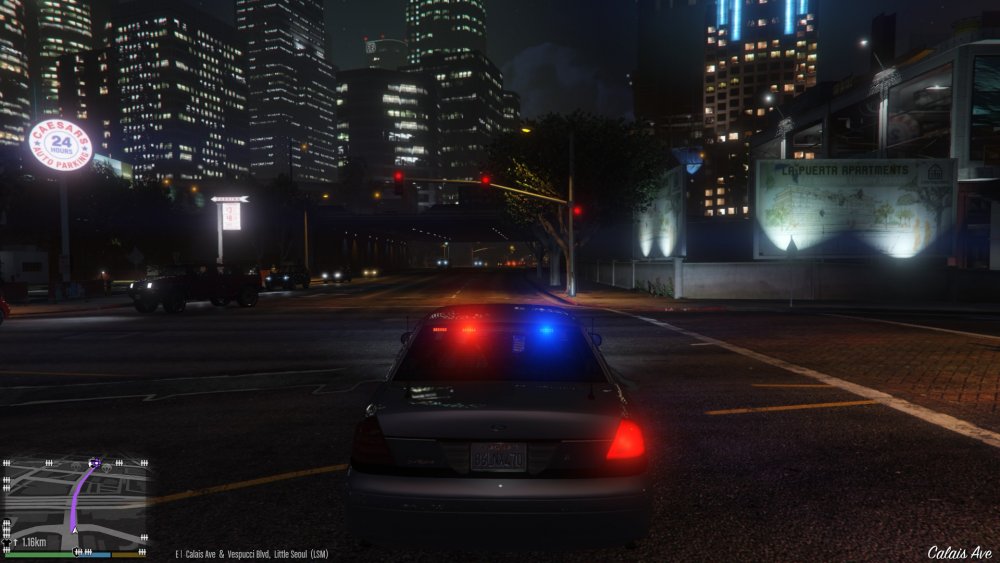
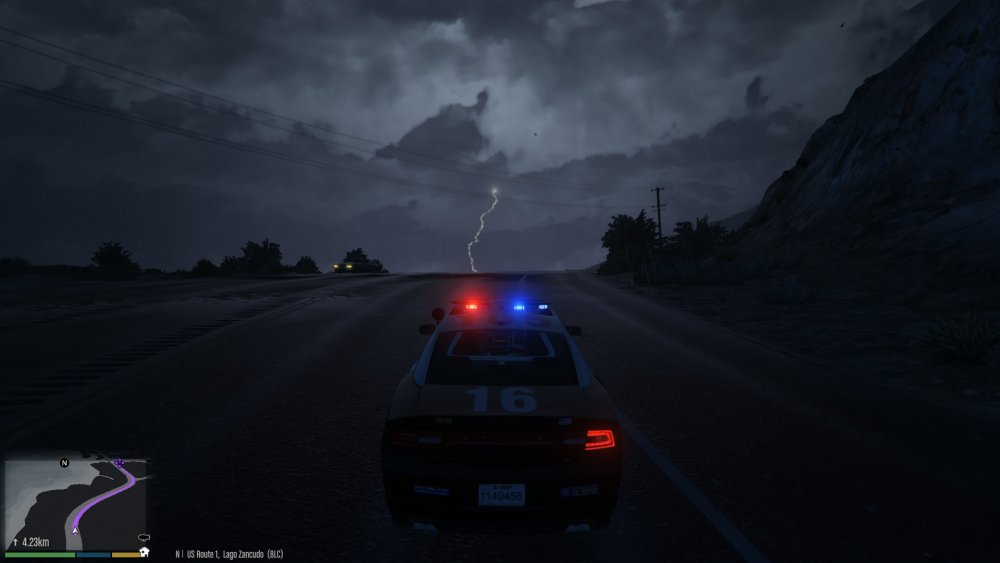
Download this - Although i'm running version 4, so if you want lights like mine, scroll down to changelog, click it, select version 4 then there should be an option to download. Don't add anything else (like radiance mod etc) just use it how it is. It should look like mine since that's how i've done it.
-
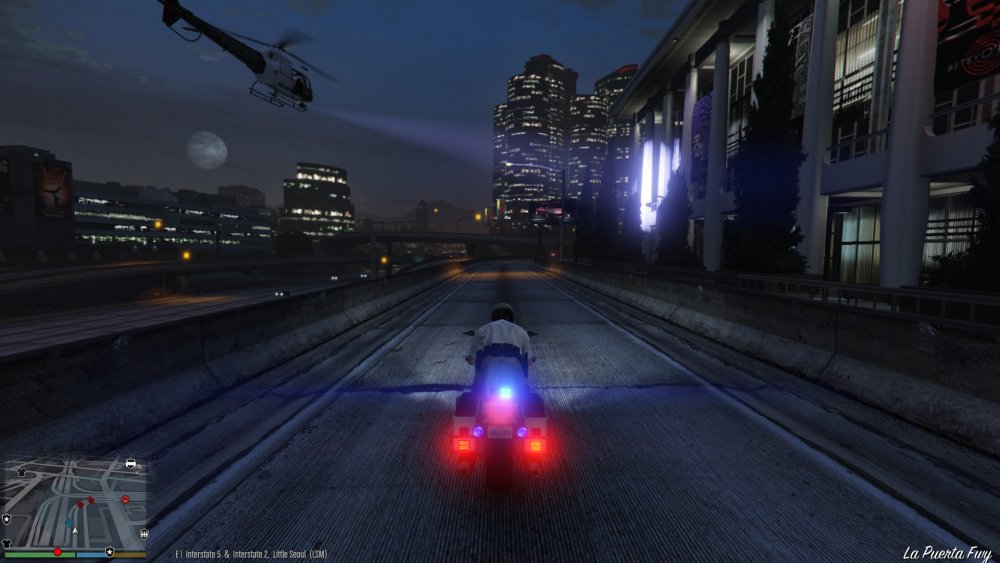
This topic has been moved to the appropriate forum. Please post in the correct location in the future. Are you aiming for something like this?
-
This topic has been moved to the appropriate forum. Please post in the correct location in the future.
-
This topic has been moved to the appropriate forum. Please post in the correct location in the future.
-
Not entirely sure how you plan on playing LSPDFR with other people as it's a Single-Player only mod. That being said, if you wish to play GTA Online with other people then post in this thread - This topic has been moved to the appropriate forum. Please post in the correct location in the future.
-
Your topic has been moved to GTA V Support, this is not LSPDFR related. Please post in the correct location in the future. This is caused by a vehicle mod you have, Remove all your vehicle mods and try them one by one.
-
It's part of the Traffic Policer mod if i'm not mistaken, Or its MoreControlV. i know it's one of those mods.
-
This topic has been moved to the appropriate forum. Please post in the correct location in the future.
-
This topic has been moved to the appropriate forum. Please post in the correct location in the future.
-
The Killmo Nigs name was a mistake, Most of the names in the database was a copy from the player list from the FCRP server. That name was a troll name on the FCRP server.. it has since been removed from LSPDFR.
-
You can't play LSPDFR Online if that's what you were thinking. You can play a non-modded GTA Online, Just use this thread here -
-
Yes, a new version of Scripthook has been released you can download it here - http://www.dev-c.com/gtav/scripthookv/ This topic has been moved to the appropriate forum. Please post in the correct location in the future.
-
This topic has been closed by LCPDFR.com staff as it is a support topic concerning an unsupported version of LCPDFR. We do not support old versions of LCPDFR, and recommend you use and download the latest version (http://www.lcpdfr.com/files/file/4607-lcpd-first-response/) If you feel that this topic has been closed in error, please report this post.
-
Your topic has been moved to GTA V Support, this is not LSPDFR related. Please post in the correct location in the future.
-
Linking to torrented files is against our Community Guidelines, Anyone that does it will be sanctioned for it.
-
This topic has been moved to the appropriate forum. Please post in the correct location in the future.
-
This topic has been moved to the appropriate forum. Please post in the correct location in the future.
-
the mod has been released for both GTA IV and GTA V, they're marked accordingly. LCPDFR = the GTA IV modification LSPDFR = the GTA V modification Like the user above has pointed out. They're also located in the appropriate section in the download as LCPDFR is under the GTA IV modification section and LSPDFR is under the GTA V modification section.
-
From the album: CouthInk4's LSPDFR Gallery
SAHP in hot pursuit while the LSPD chopper keeps a close eye on the suspect -
This topic has been moved to the appropriate forum. Please post in the correct location in the future.
-
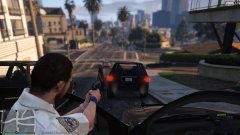
From the album: CouthInk4's LSPDFR Gallery
After 2 minutes out on patrol a SAHP officer helps an LSPD officer out with a traffic stop -
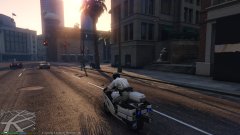
From the album: CouthInk4's LSPDFR Gallery
SAHP recieved some new patrol bikes.




