HomerS
Members
-
Joined
-
Last visited
Everything posted by HomerS
-
I only use mods on SP for that exact reason.
-
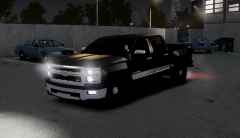 Love it!
 -
That is true, but I've played LCPDFR for a year straight and I have always thought it was fun. If you ask me get it if you wnat EFLC go ahead.
-
This is close:http://www.gta4-mods.com/vehicles/mercedes-benz-sprinter-2500-prisoner-transpor-f16344
-
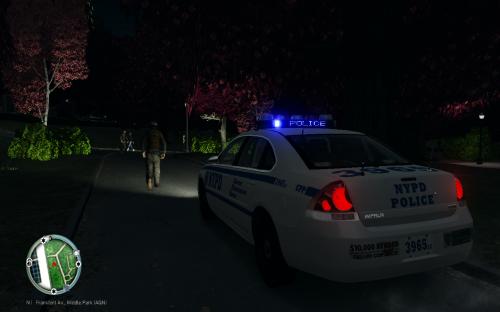 Basic? Your telling me this is basic? This is amazing! 5/5
 -
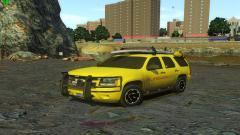 WANT WANT WANT WANT WAAAAAAANNNNNT!
 -
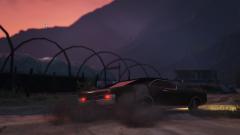 The Duke boys are at it again!
 -
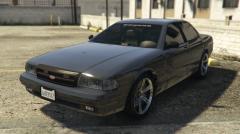 Howed you get those rims.
 -
 For me when I in GTA 4 ALT-TAB the game crashs!
 -
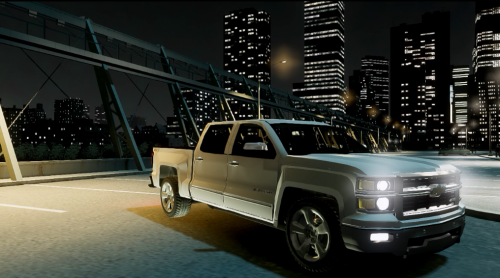 :D Amazing! 6/5!
 -
-
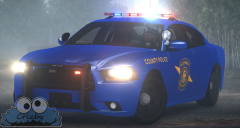 Love them!
 -
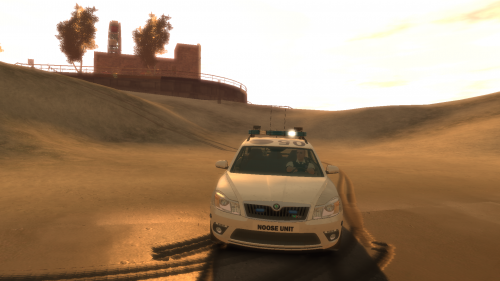 Not bad except for rear plate! 4/5
 -
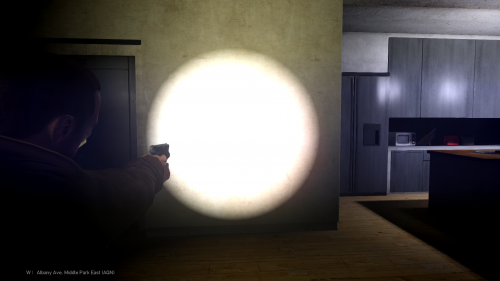 5/5!
5/5! -
-
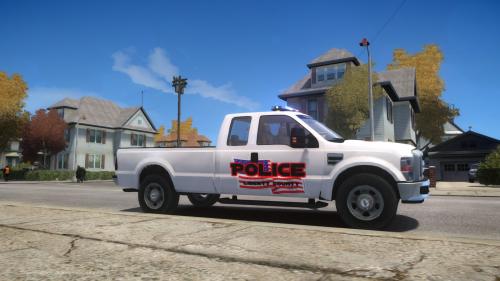 5/5
5/5 -
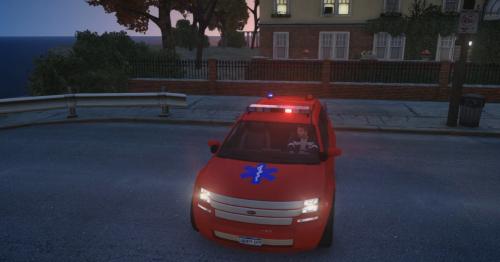 Hmmmm the more I see at it the more it grows on me.
 -
-
Not a big fan of the beacons... Or the skin... But I still like it. 5/5
-
 Same diff...
 -
Holy crap... That's stupid...
-
I don't think back then somebody owned Cadillac Escalade! lol
-
I would like this too. I wanted to do Russian police awhile back but I couldn't find peds!
-
Game won't load! Wonder why lol.
-
So I have a problem. I keep seeing the same ped over and over, about 15 min it swicthes to a different ped. Is this modding related? Is it a glitch with the game itself? Does anybody have a soulution?