HomerS
Members
-
Joined
-
Last visited
Everything posted by HomerS
-
How do I replace textures in Open Iv for GTA V? I can't figure out how and I can replace textures in IV just not for V. There is no "Replace" box for me. I also can't veiw vehicle models. Help please! And Edit Mode is on.
-
 I like it,but could we have a .ini to say: Pstockade Just an idea 4/5 Patrol=True
 -
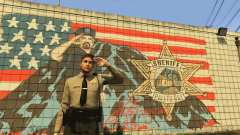 Joke lol
 -
Yes because Paleto Bay sheriffs so often have LCPD uniforms! :P
-
Love it! Except for it doesn't say what county :/ 4/5
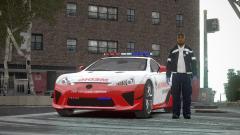 Fast Response? I wouldv'e put Rapid Response, but that's just me.
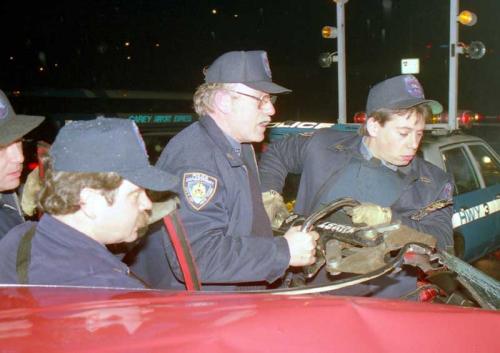 Thanks!
Well it's good that it's released at all I had no idea it was coming.
And I stop doing NYPD 80's a week ago! But good job.
Thanks!
Well it's good that it's released at all I had no idea it was coming.
And I stop doing NYPD 80's a week ago! But good job.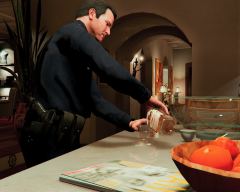 LSPD: "All our officers are alcoholics!"
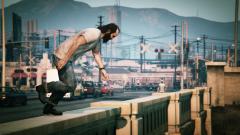 Crazy ole' Trevor!
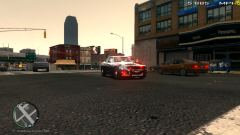 They use all reds not blues. My favorite is the F150.
He gave it to me. He released it to the Admin group on GTA V made mods.
They use all reds not blues. My favorite is the F150.
He gave it to me. He released it to the Admin group on GTA V made mods.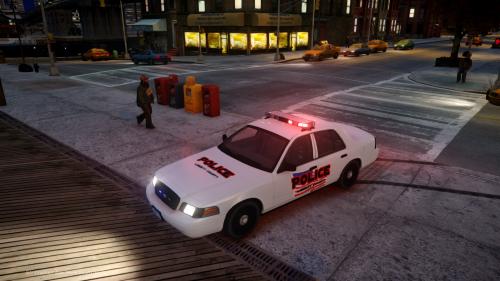 Oh.
I haven't used the pack (NMSP) pack in game yet, how is it?
This isn't "all slots filled". What about pstockade? It is a good pack though.
Oh.
I haven't used the pack (NMSP) pack in game yet, how is it?
This isn't "all slots filled". What about pstockade? It is a good pack though.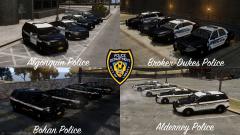 Release with skins! (if possible)This made me cry. Touching,Touching... This made me smile and cry at the same time. Great tribute truely. RIP to all those officers who have died in the line of duty.I can't wait! I know this will be a good mod no matter how long it takes.I'm not a fan of how they go into the feedle postion and then die. They always do that!