


HomerS
Members
-
Joined
-
Last visited
Everything posted by HomerS
-
-
In the Downloads Section I can only download some files. I can download scripts, but I can't download vehicles (textures and models) and I can't download peds. I just get a 503 error.
-
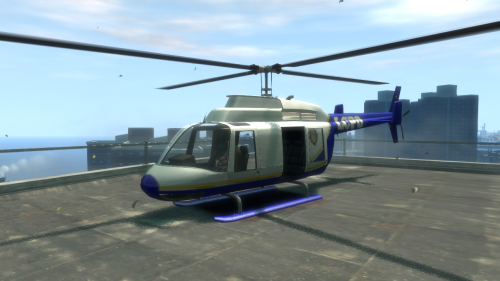 The texture is pretty "fuzzy".
 -
So when I try to go to the next page (or any page other than 1) in the Unlocked models section I get this: Untitled.xcf
-
Thank you for the answer! Now I know what may be causing it!
-
Thanks guys, but 20 cars is not enough for me (what can I say I like variety) and I would like to stick with Load mostly because for some reason sometimes I get the taxi bug with Flow. But if no one has any other suggestions I'll switch.
-
1. I use Traffic Load and when I put in a civ car mod that car won't apear at all (if it does it does rarely). 2. Whatever siren I use a get a little "ker" sound when the siren is playing. This has gotten very annoying. Thanks for the help!
-
Try changing it so you get callouts every 15 sec to test.
-
 Amazinging Domminator!
 -
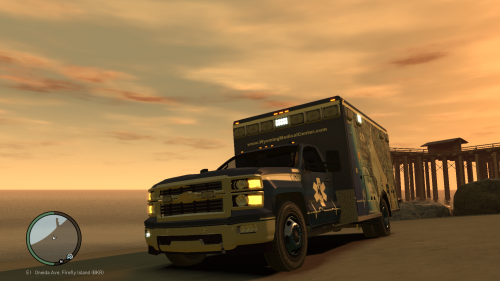 I hat this ambulance, but you did a nice job putting it together and making it! 5/5
 -
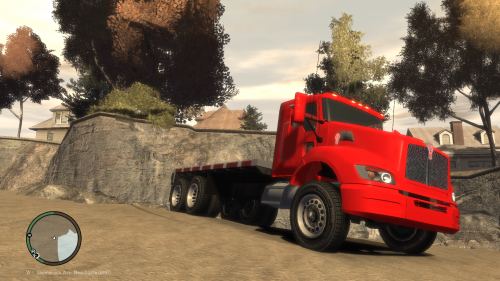 I don't how to use Z Modeler.
 -
4/5 On this one! Only because it uses stock GTA IV wheels.
-
Nobody ever said to be a terrorist you had to be smart!
-
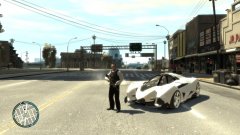 And what is this? lol
 -
-
In my town if I here shots it's proabaly a drunk red neck with a rifle.
-
-
I don't know how to model Lol! When I said we I meant all players Lol.
-
Yes! But we can't model fo 5 yet :(
-
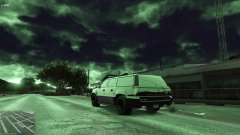 LOL Nice pic.
 -
Same.
-
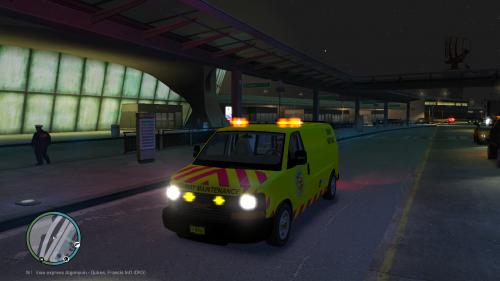 I like the idea, but that's the LSPD logo and there is yellow in the backround of it. Everything else is good 4/5
 -
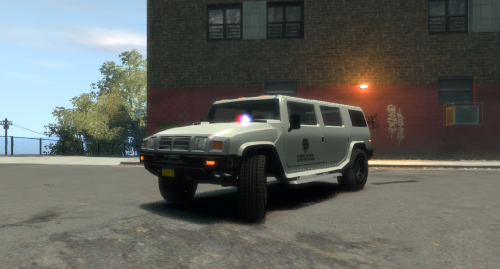 I wish it was ELS, but I love it. 4/5
 -
-
Thanks!




