



strike
Members
-
Joined
-
Last visited
Everything posted by strike
-
There must be some connection...
-
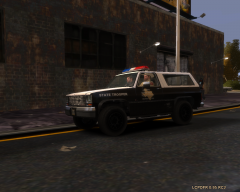 Lol why the hell there’s a cowboy in LC?
 -
Whoa! Look at that pair of wheels! how much they have to weight???
-
Well... a civil car?
-
 Amazing shot! Looks like taken from a movie
 -
 Nice! Does it have a new template?
 -
You don't need models for 2D animations, as far I know. Basically you'd have to use drawings. I'm sure there are free programs for making animations from drawings. In the case you're not good at drawings you can take pictures from GTA and edit them using gimp or ps and make them more cartoonish.
-
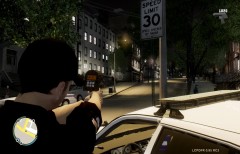 Nice shot:)
 -
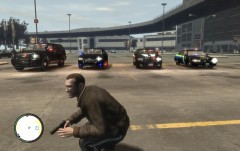 lol you wish;)
 -
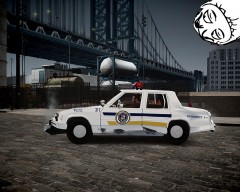 ^ Nope, but once I did a Tahoe... I guess Compeast knows what I mean :P
 -
^ if you had seen the other side of the car lol...
-
From the album: Strike's
-
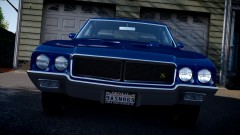 Lol at that license plate holder, reminds me my desktop...
 -
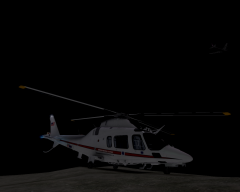 It looks pretty good!
 -
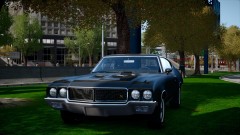 How much does it weight?
 -
Did they contacted you here in LCPDFR? Funny thing is that I had thought some time ago about making some liveries of their old units...
-
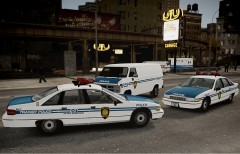 I've been doing some attempts, but the results don't satisfy me. I might wait until a new 94 FCV comes out though.
 -
-
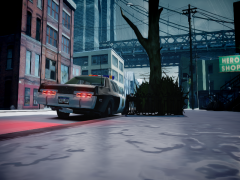 Nice shot:P
 -
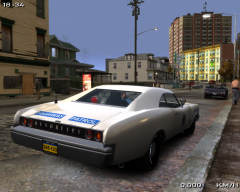 '?do=embed' frameborder='0' data-embedContent>> '?do=embed' frameborder='0' data-embedContent>>
 -
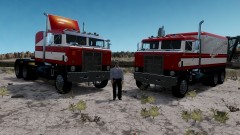 Wrong, made by Solo. On a side note, I made that livery, never tested it though. I was curious to see how the trailer box texture looked ingame :P
 -
That looks badass!!! Nothing like an american motorcycle!
-
I don’t usually like generic or fictional cars but this looks pretty nice.
-
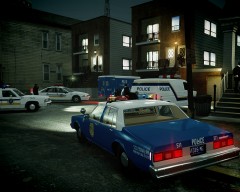 Nope, I still have to make the other side of the car***laziness*** Anyway, I have plenty of free time now so I will finish it soon;)
 -
Thanks guys! Well, there are just few of the textures I’ve done so far and I haven’t finished yet :P Each model there shown, excepting the Impala, has more than a livery. Ie. the econoline has 3 different and the Caprice 2. I still have a lot to do:) FCV96, indeed, there are many episodes missing, especially the older ones:[


