


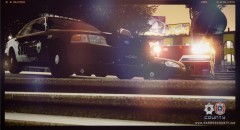
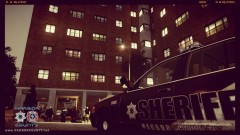
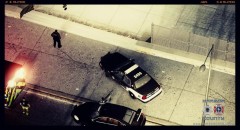
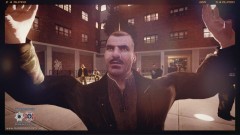
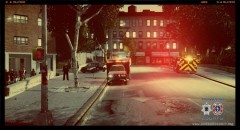
Medic 12 & Medic 8 10-23 - ''Chaos''.
.thumb.png.ecf43c03aae99a7abd3f5a0d930d62f9.png)
- 562 views
- View InnermostZero's images
Date/Time: 01:28 pm June 26th 2013.
----------
Nature: Gang Related Stabbing.
On Scene Personnel: Eagle 1, Medic 12, Medic 8, Unit 2T28 and 2C26.
Location: District 2, Algonquin, Vespucci Gardens, Apartment block 3.
----------
Incident Overview: Two medic units were dispatched from an ALS hospital off Union drive Southbound In district 2 ,Algonquin for 2 stabbing victims relating gang violence. The 2 ALS buss' arrived 14 minutes after the incident occurred and 6 minutes after it was dispatched, beating the average response time hence the circumstances. There was a large crowd that gathered ,of which a suspected 905 of those were gang members and also the suspect could have been hidden within the group, making sure no medics were injured in the rescue deputies had to make a clear path for the medical personnel to enter and treat the patient .This took the deputies 2 minutes to disperse most of the crowd but push back immediate family and friends from the victim.
Recommended Comments
Join the conversation
You can post now and register later. If you have an account, sign in now to post with your account.