



strike
Members
-
Joined
-
Last visited
Everything posted by strike
-
Gotta thank the consoles for making the game decrease the graphic and texture quality, once again.
-
 http://www.youtube.com/watch?v=1yzNKEaHExs&sns=em
 -
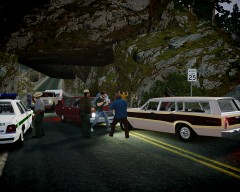
Hehe, if you look closely you will see the Beetle in the first screenshot ;D
-
From the album: Strike's
Ah...the sweet vacations on the road: insoportable heat in and out of the car, kids fighting in the back seats, busy places full of drunk jerks and the consequent high possibilty of ending arrested by some cops or the Park Rangers. So relaxing... -
 Man, I really like this shot.
 -
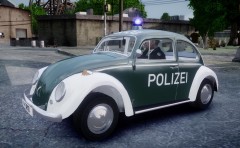 Cool! Reminds me this VW Beetle commercial (at 0:04):
 -
Well, if people knew that every grey crown vic is a cop car then it wouldn't be an unmarked car lol...
-
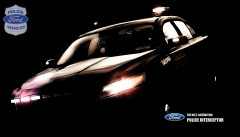 This picture made me see for a second the next generation interceptor as badass. You should work for Ford.
 -
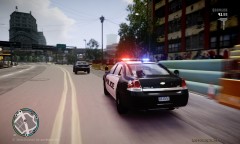 Man, epic graphics.
 -
I think there isn't any good quality 1990s Silverado released, what about a GMC Sierra? http://www.gta4-mods.com/vehicles/1994-gmc-sierra-stock-f21108 I remember that someone posted in gtaforums a bunch of pictures of a ~1997 Silverado double cab though I think it wasn't released. Want me to ask? About the Ford, there isn't any, if I'm not mistaken.
-
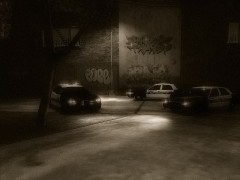 *strike's seal of approval* for this shot:)
 -
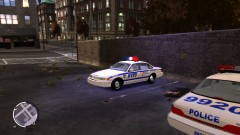 Looking good!
 -
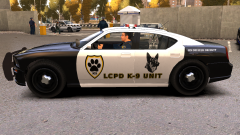 that dog creeps me out, so freaking sinister.
 -
This is how I used to do it, if I remember well. You'd need some patience, though. 1. Using this map find how is called the map area where the building you'd want to edit is located: http://dl.dropboxusercontent.com/u/18649105/wbn-map.jpg 2. Then, done this, go to: Your game directory (ie. EFLC) ---> pc---> data--> maps. There are about 6 or 7 folders that correspond to a certain area of the map or the interiors (ie. East = Brooklyn, Bronx & Queens). Each of them contain .img files. 3. Open them with Spark IV. Both WTD and WDR files have textures inside. 4. When you have found the textures you wanted to edit, export and edit them. If I recall, some of the files inside the .img had worn out textures (for example for the billboards) that can be used to make your custom billboards more realistic (if not, you can download many from internet). In order to do this. just after you've done your custom texture, add a layer under it with a worn out texture and turn off a bit the transparency of the main layer. The same if you're retexturing a brick wall or any other shit like that. Btw, sorry if the tutorial haven't got the best explanations, it's been some time since I edited building textures;)
-
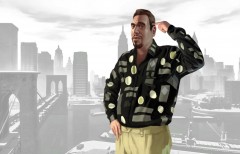 Hey causin. let's go bowling!
 -
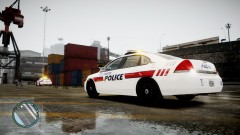 Nice;)
 -
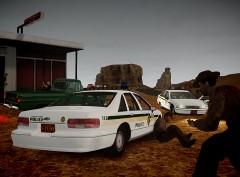
From the album: Strike's
Somewhere in the desert of Arizona, inside the Navajo Nation jurisdiction, a green truck involved in a kidnapping has been spotted. The two Navajo Tribal Police responding units are recieved with M-14 semiautomatic fire, wounding two of the officers. During the initial chaos, a girl who was kidnapped by the shooter is rescued by one of the the officers and taken to a safe place. The suspect, seriously injured, gets in his car and heads to the desert, while the backup units arrive. He knows he won't get too far... -
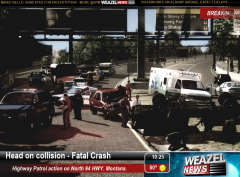 OmG, great shot! Oo
 -
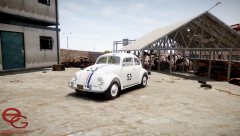 Hey Compeast, don't want to stress you but the mod has been reuploaded to gta.com.ua. I guess either they don't know fucking english or just are a bunch of assholes ¬¬
 -
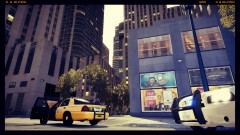 Lookin’ good;)
 -
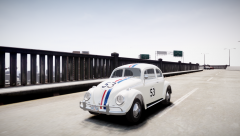 Looks epic, dude. I’m sure it will have a place in my game. Hope we can see some new american oldies by you, as well.
 -
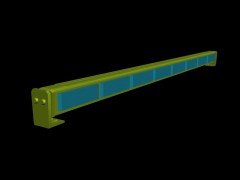 Have you ever thought about scratch making vehicles? :)
 -
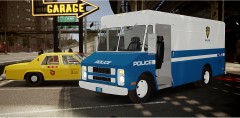
From the album: Strike's
A 1980s NYPD paint job for the Compeast's Step Van. Send me a PM if you want the texture. -
*Sees a black man...* CJ!!!
-
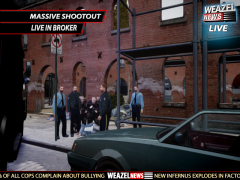 What the hell is happening today, is it the news report pictures day? Nice shot, though.


