
EvilJackCarver
Members
-
Joined
-
Last visited
Everything posted by EvilJackCarver
-
I disagree with this. It's a simple enough thing to hit the "end" key to jump to the bottom. While this might seem to make sense for a support forum, people would just read the last comment that says "that fixed it kthxbai" conveniently at the top, and type "i have the same problem too!!!1" without reading any of the diagnostics. For files, latest first does make sense.
-
Yep, confirming fixed with all 3. Cheers!
-
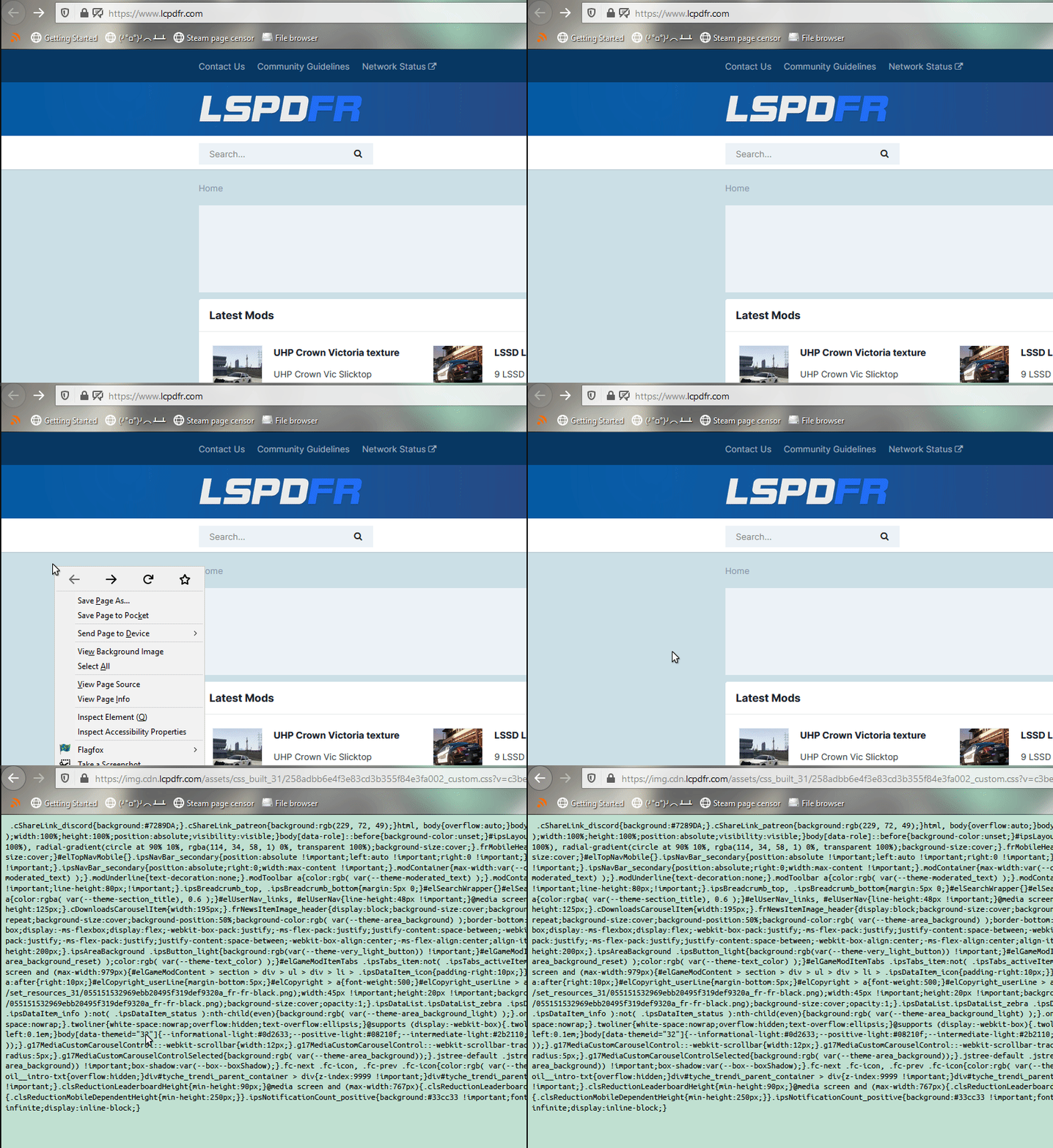
Hey, just noticed the site doesn't seem to have a background image. Right-clicking and selecting „view background image” directs me to a CSS stylesheet, https://img.cdn.lcpdfr.com/assets/css_built_31/258adbb6e4f3e83cd3b355f84e3fa002_custom.css Tested and reproduced on the following browsers: Mozilla Firefox Mozilla/5.0 (Windows NT 10.0; Win64; x64; rv:76.0) Gecko/20100101 Firefox/76.0 Google Chrome Mozilla/5.0 (Windows NT 10.0; Win64; x64) AppleWebKit/537.36 (KHTML, like Gecko) Chrome/87.0.4280.66 Safari/537.36 Steam Client Mozilla/5.0 (Windows; U; Windows NT 10.0; en-US; Valve Steam Client/default/1603487799; ) AppleWebKit/537.36 (KHTML, like Gecko) Chrome/79.0.3945.117 Safari/537.36
-
I'm not seeing where LSPDFR crashes in your logs? I see where one of Wilderness Callouts' functions is crashing, but it's recovering and cancelling the callout, rather than crashing LSPDFR.
-
*cough*
-
CheepCallouts is where I'd start looking. I'm not familiar with it, but it looks like it's failing a version check.
-
You've got your turn indicators' emissive values' "off" state set high. You can turn it down in your visualsettings.dat. Look for car.indicator.day.emissive.off, they should all be right by each other.
-
Thanks! He was my character back in GTA Online ever since the first Independence Day update; when LSPDFR came about, it just seemed natural to bring him along.
-
Seems to be working now, thanks!
-
 Hey, I'm having trouble with getting this plugin working. I keep getting the following error: [2020-10-27 04:28:48.278] LSPD First Response: [FelonyStop] Reading INI [2020-10-27 04:28:48.305] LSPD First Response: Error while initializing plugin: FelonyStop.Main: Input string was not in a correct format. at System.Number.ParseSingle(String value, NumberStyles options, NumberFormatInfo numfmt) [2020-10-27 04:28:48.305] at IniSettings.Initialize() [2020-10-27 04:28:48.305] at FelonyStop.Main.Initialize() [2020-10-27 04:28:48.305] at jzZMTNixffoBUahQzesrJPsknrFG.RhDdCgwJwNcYkXjzUurAnnDOAAWC() in E:\GTA V\LSPD First Response\LSPD First Response\Mod\Callouts\CalloutManager.cs:line 712 I've tried reverting the INI to the version shipped with the plugin, I've tried updating RageNativeUI to version 1.7 (released 12 August), I've tried blanking the INI file, and so far every time I load LSPDFR up, I keep getting that error. I'm running the following script mods: Rage Plugin Hook 1.81.1410.16064 (RPH Team) LSPDFR 0.4.8 (G17 Media) Felony Stop 2.0.0 (OJDoesIt) Rich's Police Enhancements 1.3.0 (Rich) Super Callouts 2.6.0.0 (SuperPyroManiac) Super Events 2.1.0.0 (SuperPyroManiac) Real Plates 1.0.0 (Lieutenant Dan) Scripthook V 1.0.2060.1 (Alexander Blade) Emergency Lighting System 1.05 (Lt.Caine) Scripthook V .NET 3.04 (crosire @ GitHub) Realistic Speed Radar 1.2.6107.41881 (rushlink) Simple Native Trainer 11.8 (sjaak327 @ GTA5-Mods) OpenIV 4.0.1 (GooD-NTS) OpenCameraV What else can I try to pin down the problem?
- 242 comments
- 18 reviews
-
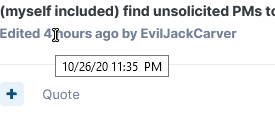
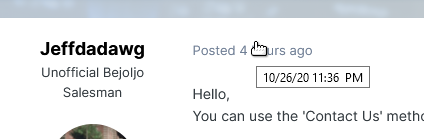
I edited my post a couple of times, the final edit being a minute before you posted yours? Don't mistake my bluntness for rudeness. I'm in this thread to help OP figure out who they need to talk to, not give them the warm fuzzies and useless nonanswers. If you wish to discuss this further, my PM inbox is open.
-
You aren't likely to get a better answer than "comb the contact-us and staff directories" without giving further details of what you need to contact them with. (And at this point, being extremely vague probably won't help with regards to the sensitivity of your information very much.) You'll have to give us a vague idea of what you need to talk about (e.g. a user, a download, a site problem, etc). Otherwise, trying to get you the correct person is a fool's errand.
-
Try going through the contact page - https://www.lcpdfr.com/contact-us/. It'll usually tell you at the end who the right person to contact for the scenario you're encountering is. Failing that, you can thumb through the staff directory - https://www.lcpdfr.com/staff - and seeing if you can find the relevant party. Bear in mind that a lot of people (myself included) find unsolicited PMs to be rude.
-
That's what I thought, but I don't see the option. Tried it in Firefox and Chrome. UA strings: Mozilla/5.0 (Windows NT 10.0; Win64; x64; rv:76.0) Gecko/20100101 Firefox/76.0 Mozilla/5.0 (Windows NT 10.0; Win64; x64) AppleWebKit/537.36 (KHTML, like Gecko) Chrome/86.0.4240.111 Safari/537.36
-
Has the ability to upload a header image for an LSPDFR character page been rolled out to all users? I haven't been able to find the button to do so.
-
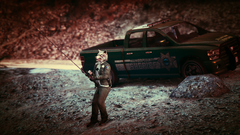
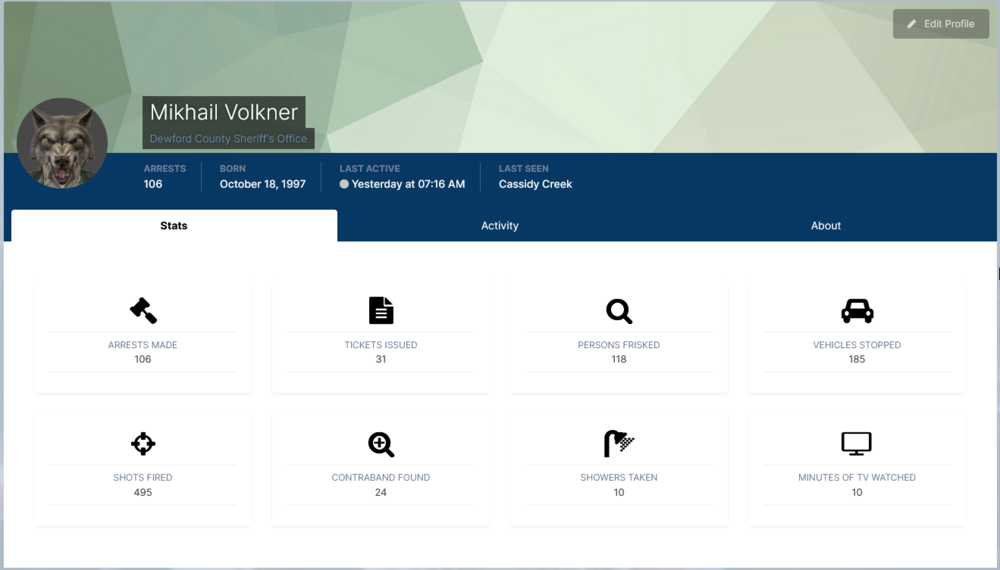
From the album: The tales of Mikhail Volkner
Not even a nibble... -
Mikhail Volkner is the name of my wolf-masked GTA Online character. "Volkner" is a pun on the Russian word for wolf, "volk".
-
I'm rather a fan of the FedSig Integrity, myself. (Also, while thumbing through the FedSig site for a photo of the lightbar, I came upon their Navigator series of lightbars. I'm genuinely impressed that they managed to make something uglier than the bloody Code 3 Solex. Good lord it's hideous.)
-
So far, for most of the major updates to the forums since 2012, I've disliked the way they've looked. So far, I'm impressed. As someone pointed out, the pips under the member titles are gone now, which I feel both ways about - on one hand, it's harder to quickly judge who's who because the staff all had ten million pips, but on the other hand, it makes it feel like less of a (mental) pissing contest over the number of pips. The new typeface the forum uses is really nice on the eyes. One question though, since winter's coming soon: Do you lads plan to bring back the LSPDFR Red theme and the badge-shaped userpics? :^) Edit: Actually, I do have one proper nitpick that isn't me funnin' with you guys. The navigation widget in the header and footer are both a bit difficult to read on both the LSPDFR Retina and LSPDFR Dark themes.




-
[9/22/2020 1:40:55 PM.297] LSPD First Response: WARNING! Plugin "LSPD First Response" was terminated because it caused the game to freeze (Freeze was caused by game fiber: Plugin "LSPD First Response" main fiber). [9/22/2020 1:40:55 PM.324] LSPD First Response: [FATAL] Forced termination This is what you're going to want to look into first. You'll find information on fixing this in the common issues thread.
-
EvilJackCarver replied to Officer GILLETTE ABDI's topic in Law Enforcement, Current Events & SocietyPolice snipers are usually only seen in a SWAT context. It's otherwise rare that a normal police officer will use a sniper rifle.
-
Try running the game in borderless windowed mode and see if the freeze-up continues. The commandline.txt parameter for this is -windowed -borderless. You can also use -safemode to temporarily reduce the graphics settings to bare minimum.
-
Website problems/feedback is a bit further up the main page; it's the second subforum, just below "Website News & Updates". https://www.lcpdfr.com/forums/forum/875-website-problems-feedback-suggestions/ As far as your issue goes, there's a thread on that subforum where someone had a similar issue to yours; Cyan had them fill in their advertising partner's "bad ad" form.
-
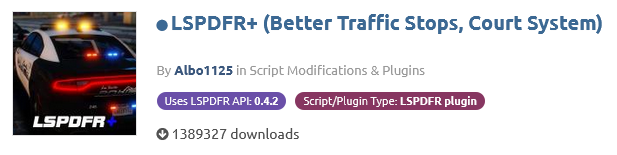
Actually, PNWParksFan, I think this can be partially solved with an existing feature implemented in the website. We have tags in the downloads system for the LSPDFR API version already; we could theoretically use that to compare to the current LSPDFR version (set somewhere in the backend) and if the version doesn't match (or, for a more advanced implementation, is less than) the current LSPDFR version, we display the banner message. In theory, we could do something similar with game versioning (a "Game API version" filter), but that'd probably require quite a bit more upkeep on the LCPDFR.COM team's end.
-
Tacking onto my previous reply: Yeah, I didn't really do a good job of explaining myself, so I made a quick mockup of the "warning box" idea I had, made via element inspector using LML as the guinea pig (sorry, LMS!) With it above the gallery header: With it above the "About This File" section: